EX765/EW766/EX765W/EW766W Condential
5-23
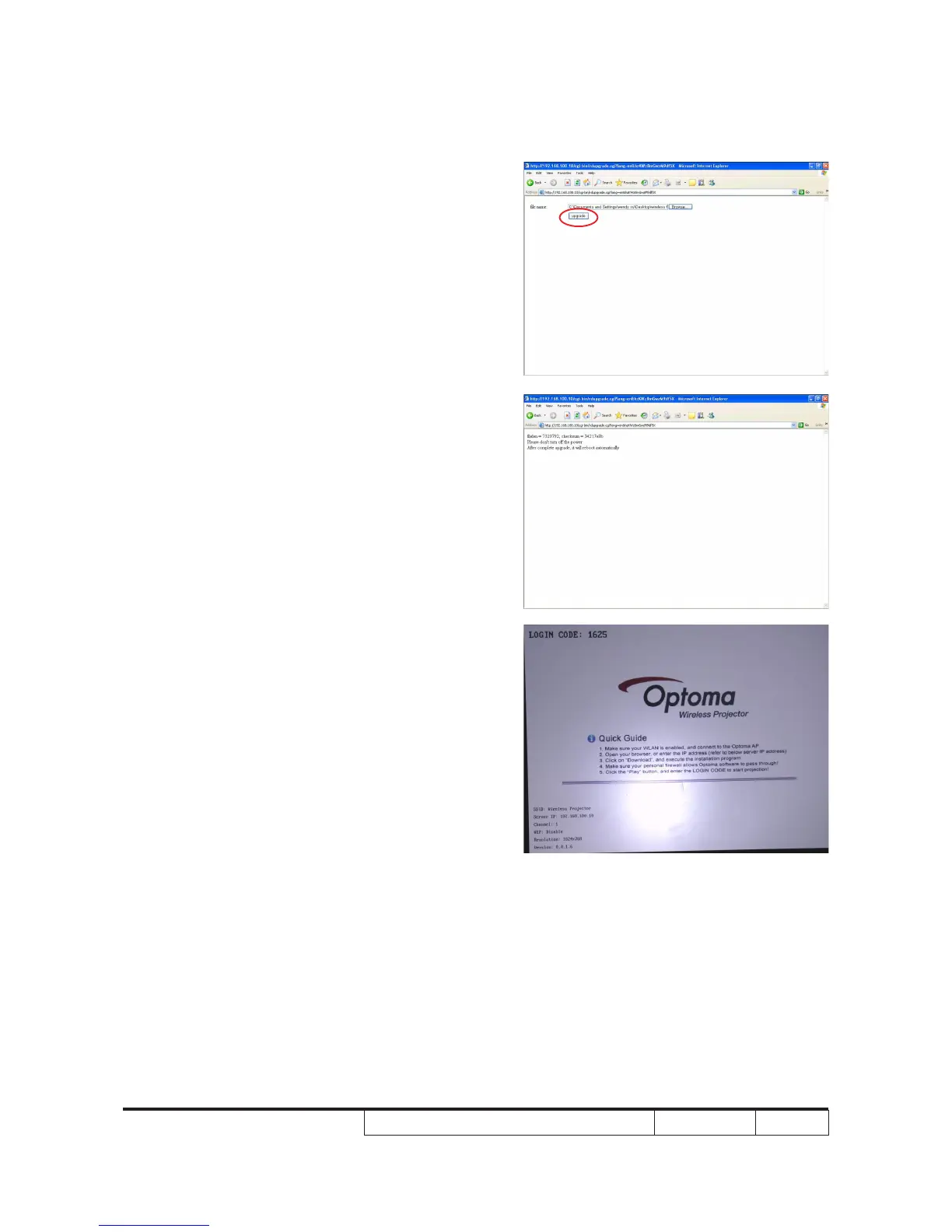
8. Click "Upgrade".
9. Upgrading process.
It may take 7 minutes, please don't turn
off the power.
10. When projector shows the wireless screen
again, it means upgrade successfully.
You can double check the left bottom
Version X.X.X.X whether the version
you want to upgrade.
(8)
(9)
(10)



 To Next Page