6. Focus test
Procedure - Test equipment: video generator.
- Test signal: analog 1280 x 720@60Hz
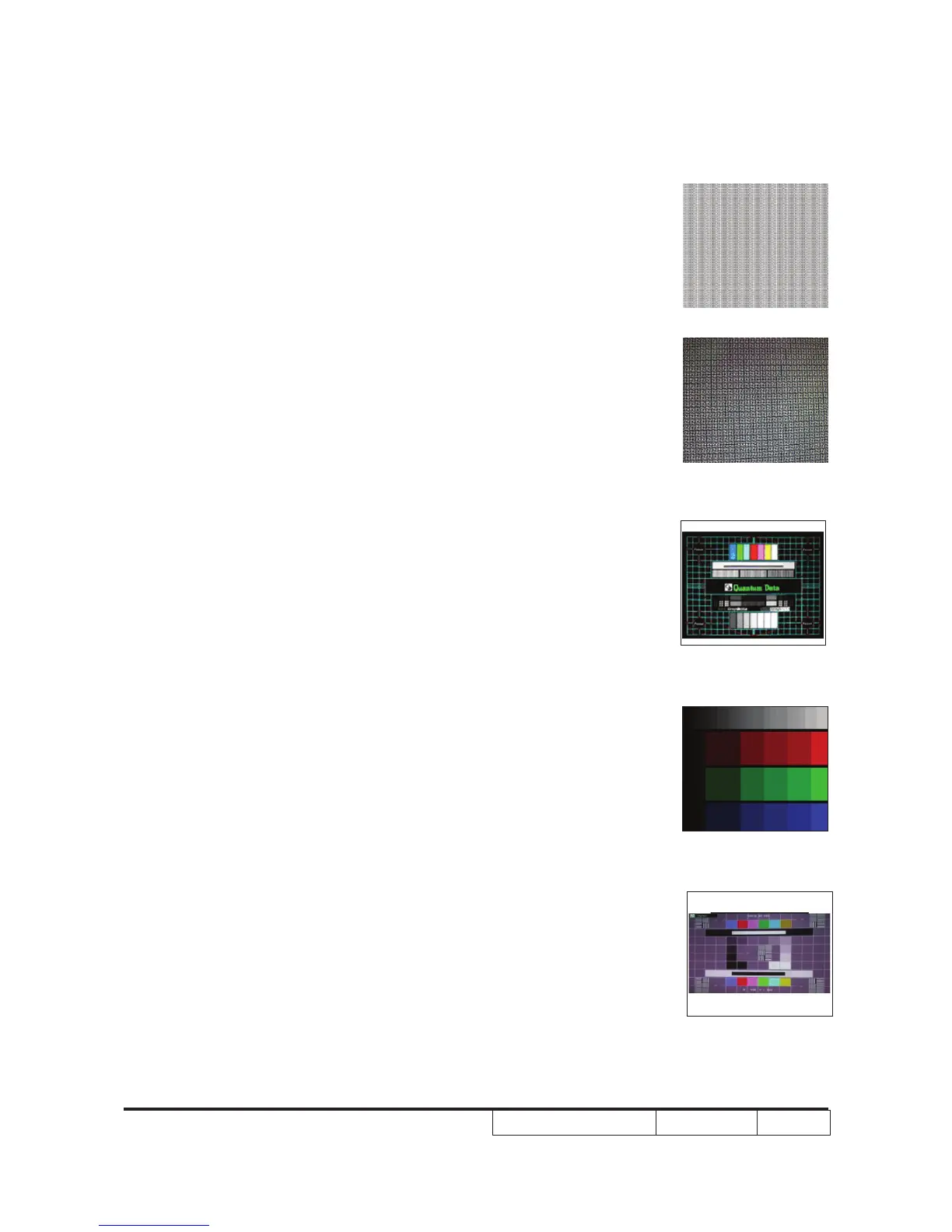
- Test Pattern: full screen or MEME Sony
Inspection item - Focus check
Criteria - From screen 1.5 M via visual to check the
focus, look at the entire screen, focus shall be
clear, crisp, and sharp over the entire surface
of the display pattern. (Blue word on one of the
corner after adjustment is acceptable. However,
the word should at least be recognizable.)
7. Color performance
Procedure - Test equipment: video generator.
- Test signal: DVI (HDMI) 720p,1080i
- Test Pattern: Master, In focus II or SMPTE RP-
133
* Please refer to 4-2 to enter service mode.
Use 720P & 1080i signal, master pattern to do
HDTV test. Color cannot discolor to purple and
blue. If the test result is discoloration or icker-
ing, please return the unit back to repair cent-
ers.
Inspection item - Check if each color level is well-functioned.
- Color saturations
Criteria - Screen appears normal. It should not have any
abnormal condition, such as lines appear on the
screen and so on.
- Color appears normal.
- It is acceptable to have few lines ashing at the
center and on the edge of 1080i image. How-
ever, rest of the image should appears stable.
- RGBW should all appear normal on the screen
and sort from R -G-B-W.
- Color levels should be sufcient and normal.
(the unidentied color levels on both left and
right sides should not over 8 color levels.)
InFocus II
/ 64 gray RGBW
Master
MEME Sony
Full screen
SMPTE RP-133



 To Next Page