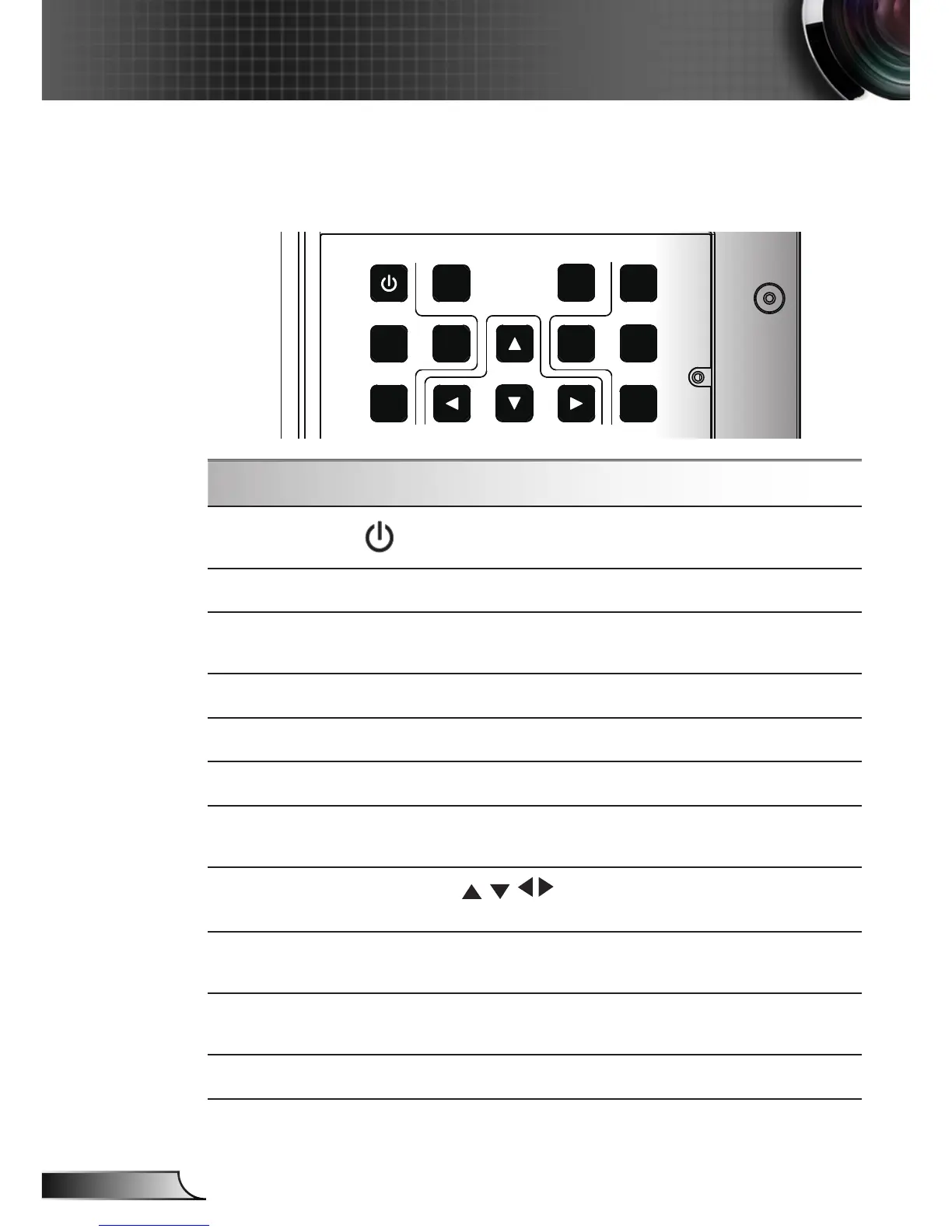
Using the Control Panel
Power
Refer to the “Power On/Off the Projector” section on
pages 14-15.
SOURCE
Press “SOURCE” to select an input signal.
RE-SYNC
Automatically synchronize the projector to the input
source.
LENS
Adjust Lens shift up/down/left/right
Information
Display the projection’s information.
SHUTTER
Open/close the built-in shutter.
MENU
Press “Menu” to launch the on-screen display
(OSD) menu. To exit OSD, Press “Menu” again.
Four Directional
Select Keys
Use to select items or make adjust-
ments to your selection.
ENTER
Conrm your item selection.
ZOOM
Adjust lens zoom function.
FOCUS
Adjust lens focus function.
Control Panel
Control Panel & Remote Control



 To Next Page