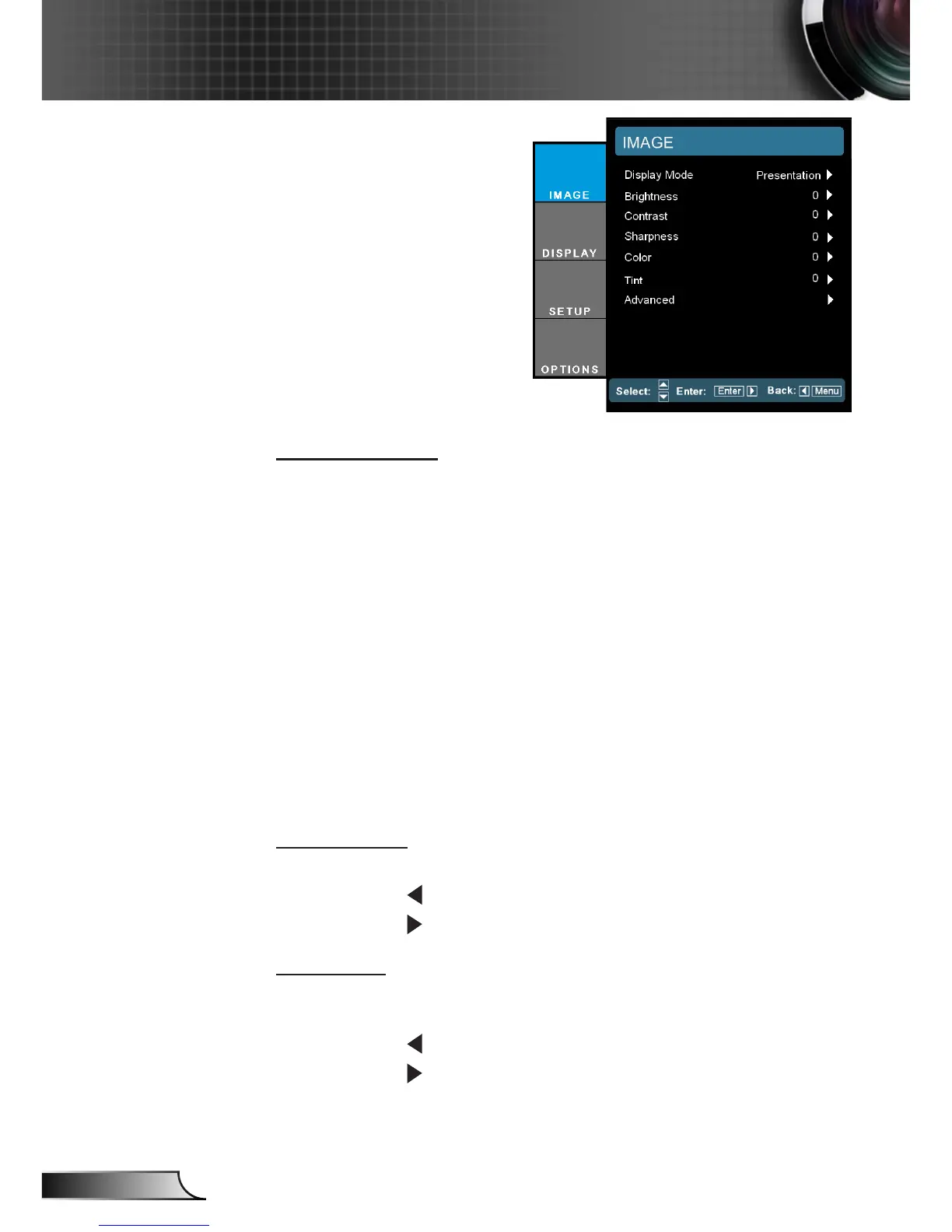
IMAGE
Display Mode
There are many factory presets optimized for various types of
images.
Presentation: Good color and brightness from PC input.
Bright: Maximum brightness from PC input.
Movie: For home theater.
sRGB: Standardised accurate color.
Blackboard: This mode should be selected to achieve optimum
color settings when projecting onto a blackboard (green).
DICOM SIM.: This display mode simulates the greyscale/gamma
performance of equipment used for “Digital Imaging and Com-
munications in Medicine” (DICOM).
IMPORTANT: This mode should NEVER be used for medical diagnosis, it is for
education/training purposes only.
Brightness
Adjust the brightness of the image.
Press the to darken image.
Press the to lighten the image.
Contrast
The contrast controls the degree of difference between the lightest
and darkest parts of the picture.
Press the to decrease the contrast.
Press the to increase the contrast.



 To Next Page