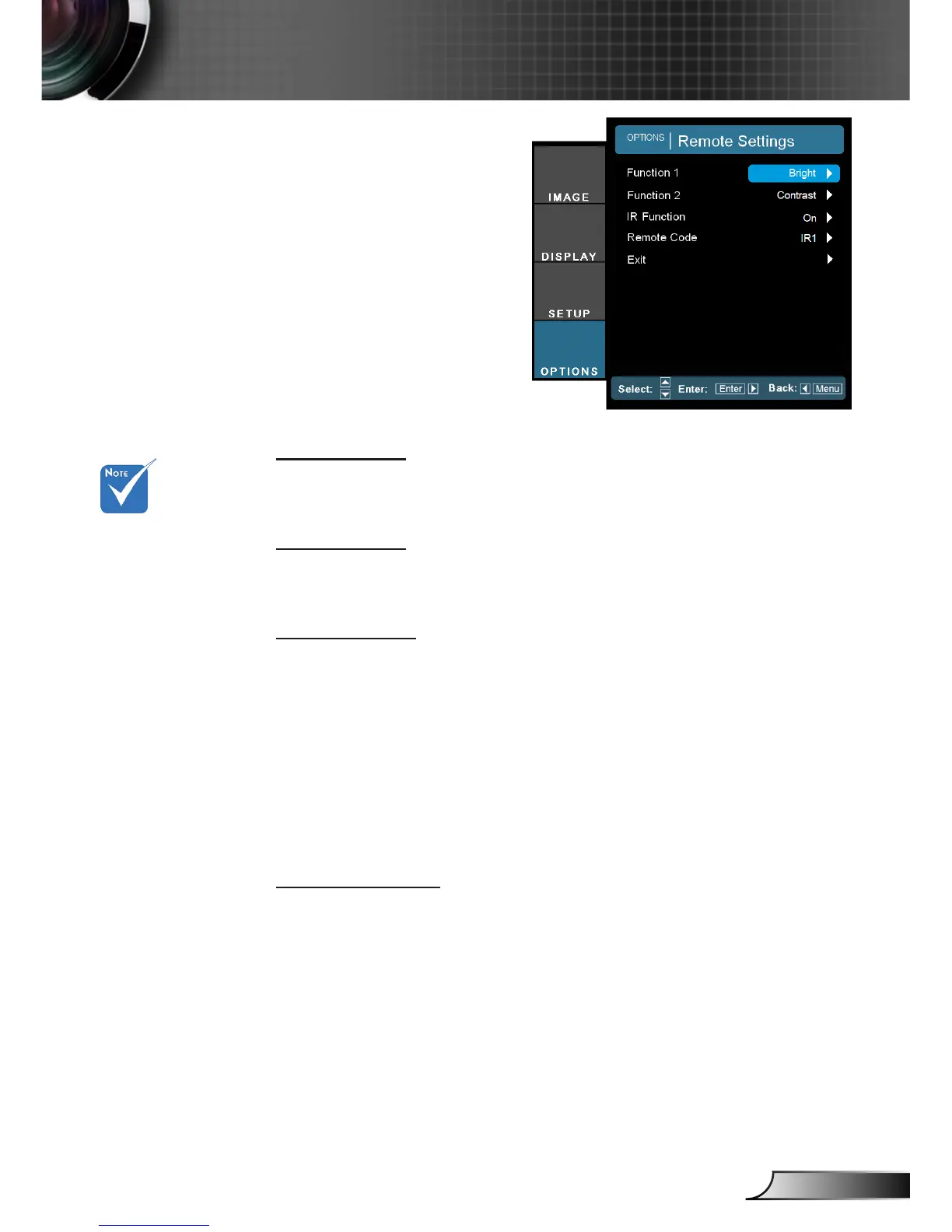
Function 1
Choose your desired function from “Brightness” , “PIP”, “Color
Matching”, “Zoom”, “Projection”, “V ARC+” or “H ARC+”.
Function 2
Choose your desired function from “Contrast” , “PIP Source”, “PIP
Swap”, “Color”, “V ARC-”, “H ARC-” or “Lamp Settings”.
IR Function
On: Choose “On”, the projector can be operated by the remote
control.
Front: Choose “Front”, the projector can be operated by the
remote control from front IR receiver.
Top: Choose “Top”, the projector can be operated by the remote
control from top IR receiver.
Off: Choose “Off”, you will only be able to use the control panel
keys.
Remote Code
Set remote code of the projector. (refer to page 24)
Default code (common code): 00
Remote code: 01-99
OPTION | Remote
Settings
Default setting
of “Function 1” is
“Color Matching”.
Default setting
of “Function 2” is
“Contrast”.



 To Next Page