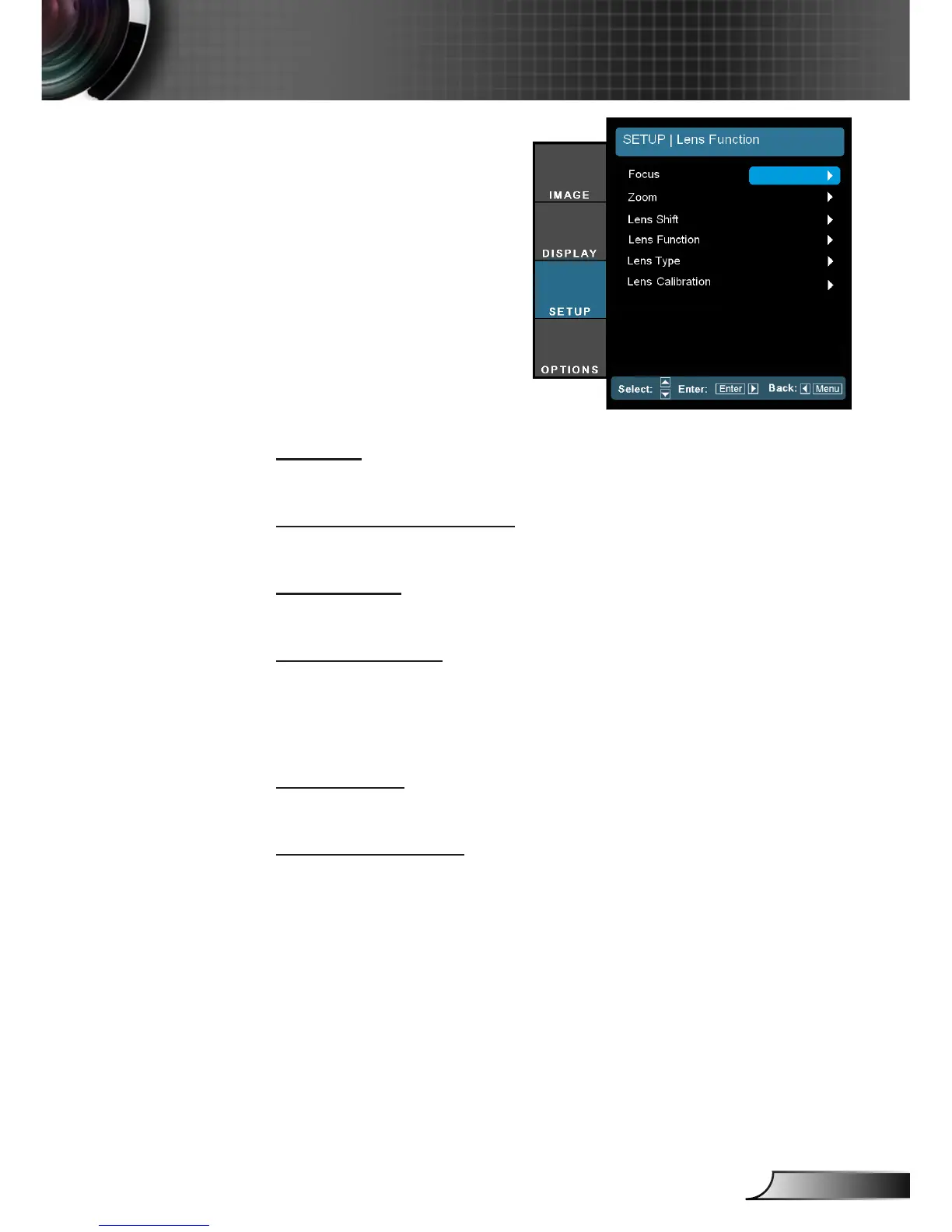
SETUP |
Lens Function
Focus
Adjust focus function on the projected image.
Zoom (Optical Zoom)
Adjust zoom function on the projected image.
Lens Shift
Adjust the lens shift up/down/left/right.
Lens Function
Shift the projected image.
Lock: This function can not be used by user.
Unlock: This function can be used by user.
Lens Type
Choose the lens type from WT1, WT2, ST1, TZ1 or TZ2.
Lens Calibration
Perform calibration and return lens to the center position.



 To Next Page