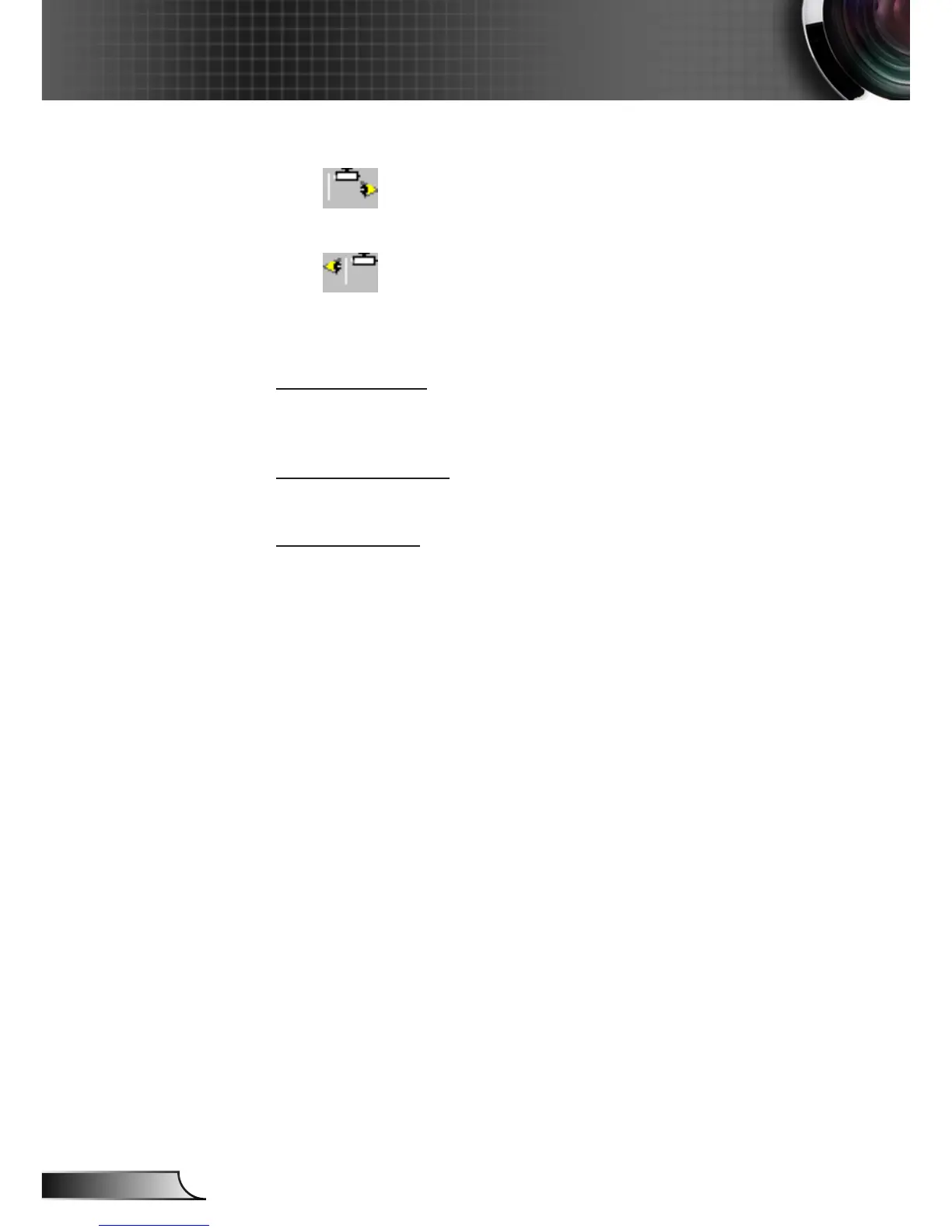
When selected, the image will appear reversed.
Front-Ceiling
When selected, the image will turn upside down.
Rear-Ceiling
When selected, the image will appear reversed in upside down
position.
Screen Type
Choose the screen type from16:10 (1920 x 1200) or 16:9 (1920 x
1080).
Menu Location
Choose the menu location on the display screen.
Projector ID
ID denition can be set up by menu (range 0-99), and allow user
control an individual projector by RS232. Refer to pages 65-68 for
the complete list of RS232 commands.



 To Next Page