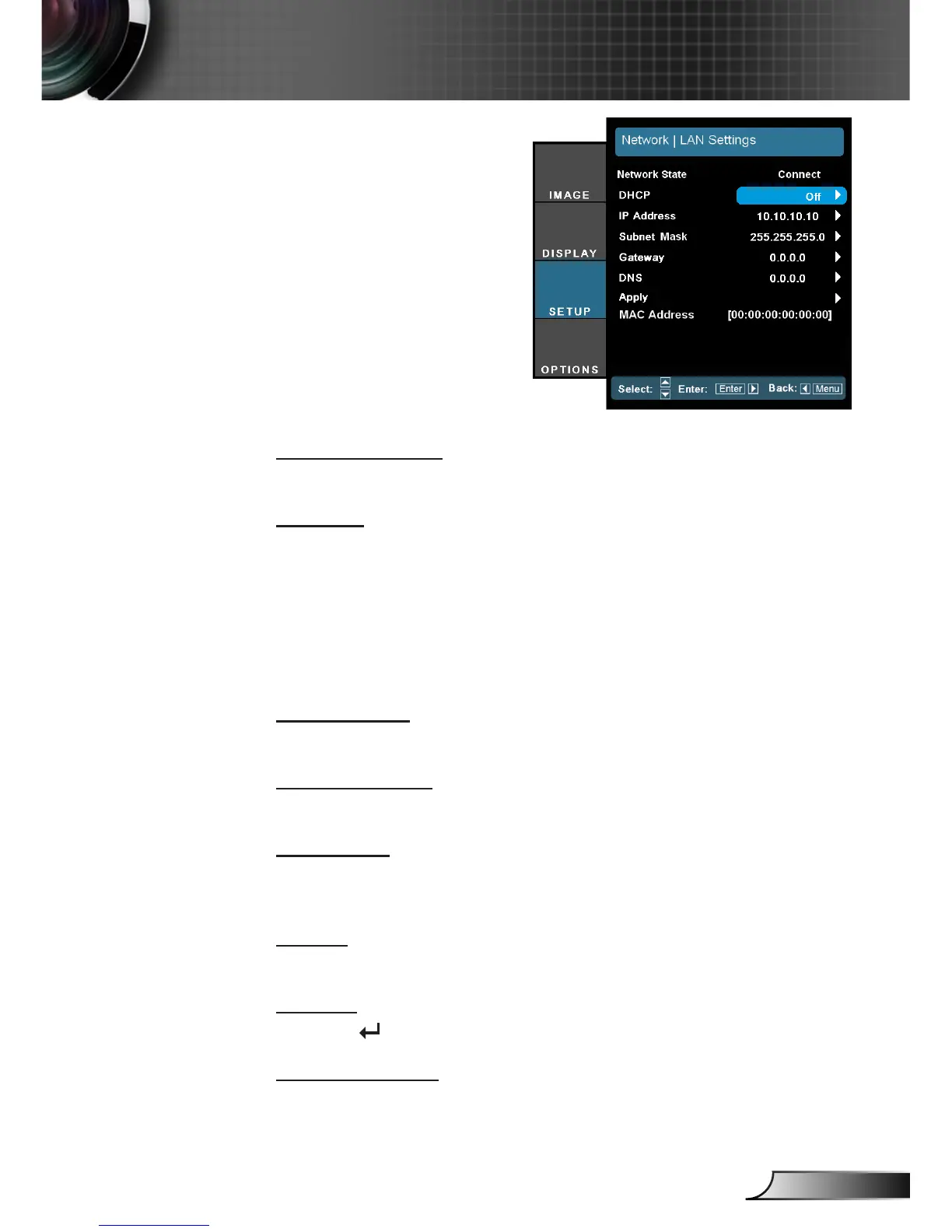
SETUP | Network
| LAN Settings
Network State
Display the network connection status.
DHCP
Use this function to select your desired startup screen. If you
change the setting from one to another, when you exit the OSD
menu, the new setting will take effect on next open.
On: Assign an IP address to the projector from an external
DHCP server automatically.
Off: Assign an IP address manually.
IP Address
Select an IP address.
Subnet Mask
Select subnet mask number.
Gateway
Select the default gateway of the network connected to the projec-
tor.
DNS
Select DNS number.
Apply
Press “ ” and then choose “Yes” to apply the selection.
MAC Address
Display an MAC address.



 To Next Page