User Controls
Brightness Mode
BRIGHT: Choose “BRIGHT” to increase the brightness.
STD: Choose “STD” to dim the projector lamp which will lower
power consumption and extend the lamp life.
Power: Select the lamp power. When you choose this function,
you can select the lamp power type.
Bright STD Power
Lamp Power 350W 280W
280W / 290W / 300W /
310W / 320W / 330W /
340W / 350W
Power
Choose lamp power type from “350W”, “340W”, “330W”, “320W”,
“310W”, “300W”, “290W”, or “280W”.
OPTION |
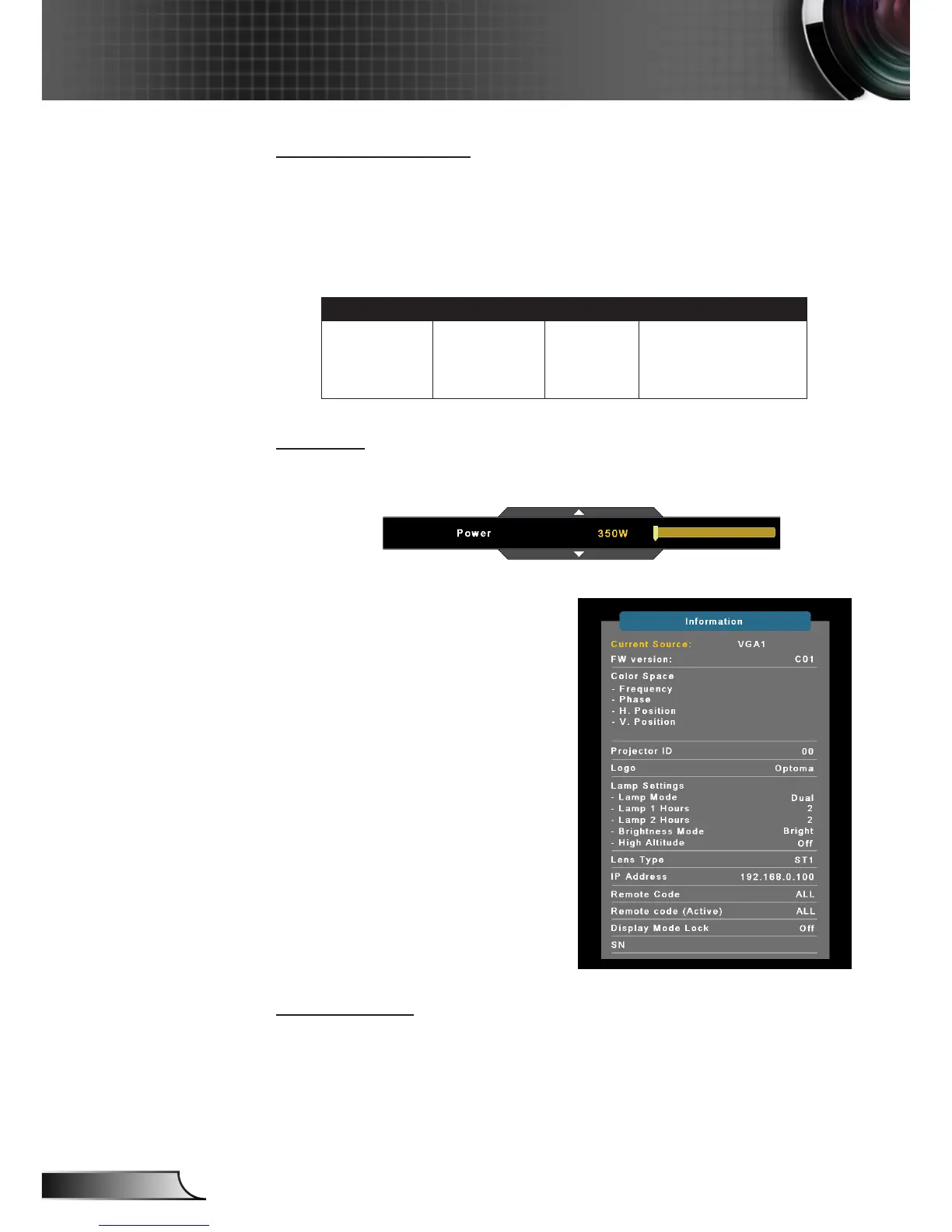
Information
Information
Display the projector information for source, resolution, and soft-
ware version on the screen.



 To Next Page