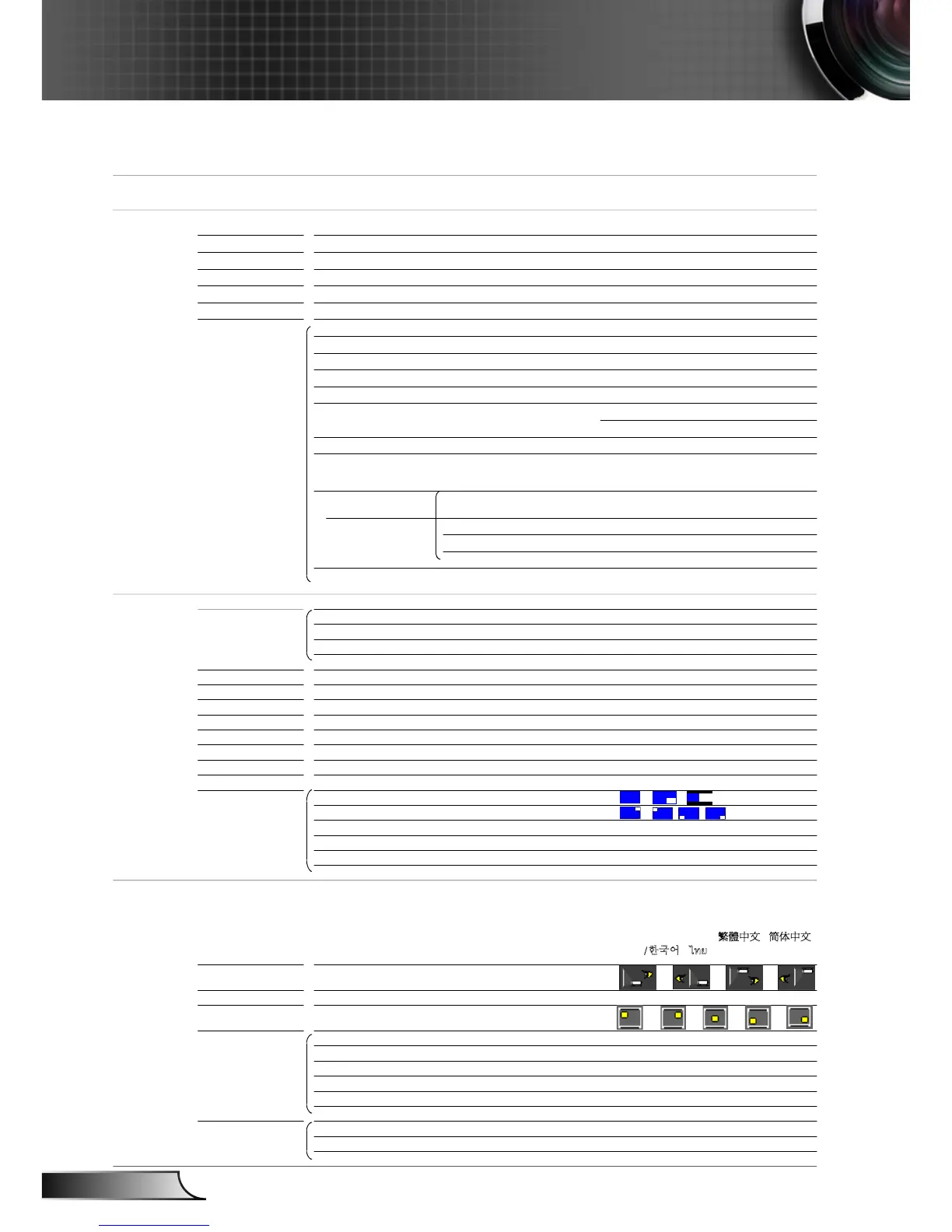
EH7700 OSD Menu Tree.xls
Main Menu Sub Menu Settings
Image
Display Mode
Brightness -50 ~ +50
Contrast -50 ~ +50
Sharpness 0~15
Color -50 ~ +50
Tint -50 ~ +50
Advanced Noise Reduction 0 ~ 10
0 ~ 10
Gamma Film / Graphics / 1.8 / 2.0 / 2.2 / 2.6
True Vivid 0 ~ 5
Color Temp. Warm / Medium / Cold
Color Space AUTO / RGB / YUV
AUTO / RGB(0-255) / RGB(16-235) / YUV
Dynamic Black On / Off
RGB Gain/Bias
Color Matching Hue / Saturation / Gain
White Red / Green / Blue
Reset
Exit
Input Source
Display
Format 4:3 / 16:9 / 16:10 / LBX / Native / AUTO
Digital Zoom Zoom -20 ~ +50
H Zoom 0 ~ 100
V Zoom 0 ~ 100
Exit
Edge Mask 0 ~ 5
H Image Shift -100 ~ +100
V Image Shift -100 ~ +100
H Keystone -20 ~ +20
V Keystone -20 ~ +20
Auto Keystone On / Off
H ARC -10 ~ +10
V ARC -10 ~ +10
PIP Screen
PIP Location
PIP Size 1/16, 1/25, 1/36
PIP Source
Swap
Exit
Setup
Language
Projection
Screen Type 16:10 (1920 x 1200) / 16:9 (1920 x 1080)
Menu Location
Lens Function Focus
Zoom
Lens Shift
Lens Function Lock / Unlock
Lens Type WT1 / WT2 / ST1 / TZ1 / TZ2
Lens Calibration Yes / No
Security Security On / Off
Security Timer Month / Day / Hour
Change Password ʳ
Presentation / Bright / Movie / sRGB /
Blackboard / DICOM SIM.
#1
#1
BrilliantColor™
#2
Red Gain / Green Gain / Blue Gain / Red
Bias / Green Bias / Blue Bias / Reset / Exit
Red / Green / Blue / Cyan /
Magenta / Yellow /
HDMI 1 / HDMI 2 / BNC / VGA1 / VGA2 /
Component / S-Video / Video / Exit
English / Deutsch / Français / Italiano /
Español / Português / Svenska /
Nederlands / Norsk/Dansk / Polski /
Suomi / Ɋɭɫɫɤɢɣ / İȜȜȘȞȚțȐ / Magyar /
ýeština / γέΎϓ / ϲΑήϋ /
᧯խ֮ʳ/ 亞խ֮ʳ
/ ViӋt 0
ᾂ᱑ʳ/ ࡷࡎ࡙/ Türkçe
#3



 To Next Page