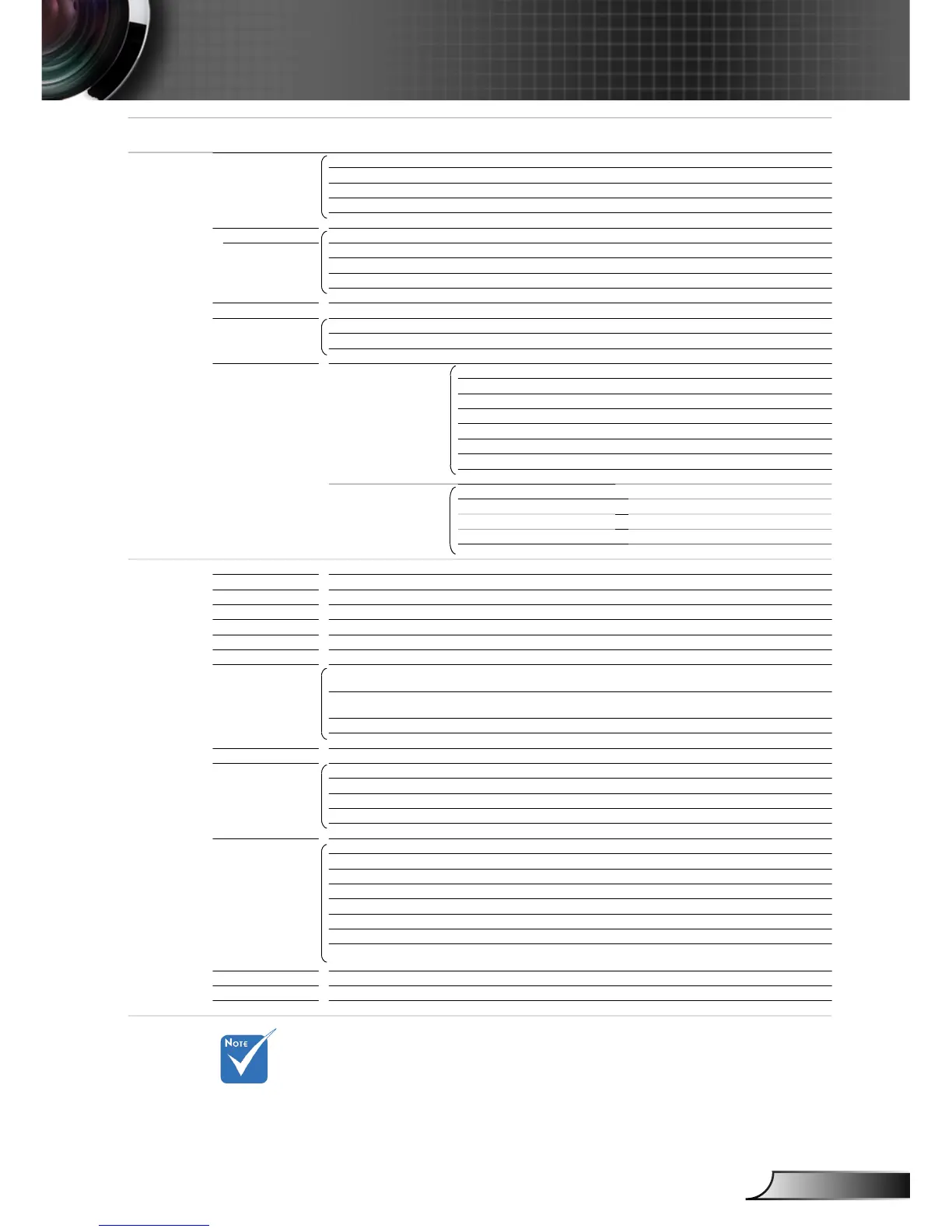
Please note that the on-screen display (OSD) menus vary according to the
signal type selected and the projector model you are using.
(#1) “Color” and “Tint” are only supported in Video mode.
(#2) For HDMI model only.
(#3) Input 1920x1200 or 1600x1200 resolution, 16:9 selection of screen
type and format will be gray out.
EH7700 OSD Menu Tree.xls
Main Menu Sub Menu Settings
Setup
Signal (RGB) Automatic Enable / Disable
Phase 0 ~ 63
Frequency -5 ~ +5
H. Position -5 ~ +5
V. Position -5 ~ +5
Signal (Video) White Level 0 ~ 31
Black Level -5 ~ +5
Saturation -5 ~ +5
Hue -5 ~ +5
IRE 0 / 7.5
Projector ID 00 ~ 99
Advanced Logo
Logo Capture
Closed Captioning Off / CC1 / CC2
Network LAN Settings Network State
DHCP
IP Address
Gateway
DNS
Apply Yes / No
MAC Address
Control Settings On / Off
On / Off
AMX Device Discovery On / Off
Telnet On / Off
PJ Link On / Off
Option
Source Lock On / Off
High Altitude On / Off
Information Hide On / Off
Keypad Lock On / Off
Display Mode Lock On / Off
Test Pattern None / Grid / Grid / Grid / White
Background Color Black / Red / Blue / Green / White
Remote Settings Function 1
Function 2
IR Function On / Front / Top / Off
Remote Code All / 1~99
12V Trigger On / Off
Advanced Direct Power On On / Off
Signal Power On On / Off
Auto Power Off (min.) 0 ~ 180
Sleep Timer (min.) 0 ~ 995
Power Mode (Standby) Eco. / Active
Lamp Settings Lamp Mode Dual / Relay / Lamp 1 / Lamp 2
Lamp 1 Hours
Lamp 2 Hours
Lamp 1 Reset Yes / No
Lamp 2 Reset Yes / No
Lamp Reminder On / Off
Brightness Mode Bright / STD / Power
Power
VGA Out Auto / VGA 1 / VGA 2
Information
Reset Yes / No
Optoma / Neutral / User
Subnet mask
Crestron
Extron
Brightness / PIP / Color Matching / Zoom /
Projection / V ARC+ / H ARC+
Contrast / PIP Source / PIP Swap / Color /
V ARC- / H ARC- / Lamp Settings
350W / 340W / 330W / 320W / 310W /
300W / 290W / 280W



 To Next Page