OPTION |
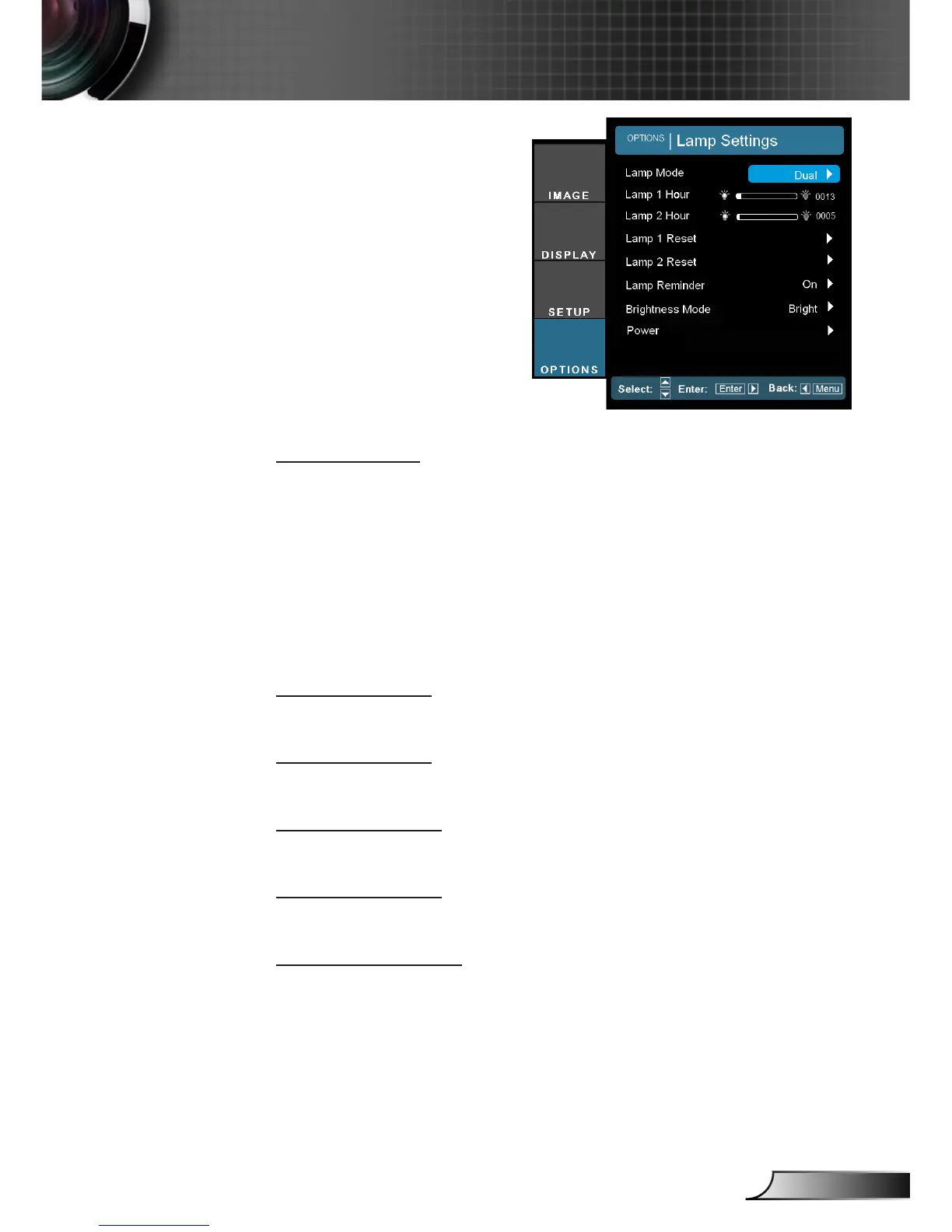
Lamp Settings
Lamp Mode
Select single/dual lamp mode of the projector.
Dual: Default value for this function.
Relay: When the difference in lamp life between the two lamps
reaches 48 hours, the system will automatically switch to the
lamp with the lower usage.
Lamp 1: One lamp illuminates. (Lamp1 is always used.)
Lamp 2: One lamp illuminates. (Lamp2 is always used.)
Lamp 1 Hour
Display the projection time for lamp 1.
Lamp 2 Hour
Display the projection time for lamp 2.
Lamp 1 Reset
Reset the lamp hour counter after replacing the lamp for lamp 1.
Lamp 2 Reset
Reset the lamp hour counter after replacing the lamp for lamp 2.
Lamp Reminder
Choose this function to show or to hide the warning message
when the changing lamp message is displayed.
The message will appear 30 hours before suggested replacement
of lamp.



 To Next Page