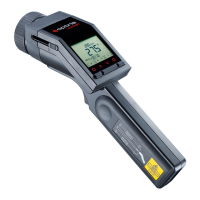
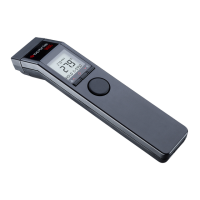
-96 -
7 Software CompactConnect/ CompactPlus Connect
Minimum system requirements:
• Windows 7, 8, 10
• USB interface
• Hard disc with at least 30 MByte of free space
• At least 128 MByte RAM
• CD-ROM drive
• A detailed description is provided on the downloaded software package.
• Software CompactConnect for LT/ LTF/ 05M/ 1M/ 2M/ 3M/ MT/ F2/ F6/ G5/ G7/ P7
• Software CompactPlus Connect for 4M
7.1 Installation
The software can be downloaded under Unzip and open the program and start the CDsetup.exe. Follow
the instructions of the wizard until the installation is finished.
The installation wizard will place a launch icon on the desktop and in the start menu:
[Start]\Programs\CompactConnect or [Start]\Programs\CompactPlus Connect.
If you want to uninstall the software from your system, please use the uninstall icon in the start menu.
w ww. . com
information@itm.com1.800.561.8187


 To Next Page