When servicing or removing server components, attach an antistatic strap to your wrist and
then to a metal area on the chassis. Then perform procedures for servicing the server.
Note:
An antistatic wrist strap is not included in the Accessory Kit for the server.
However, antistatic wrist straps might be included with options and components.
Remove the Server Top Cover
Replacing some components requires that the top cover be removed.
1. Ensure that AC power cords are disconnected from the server power supplies.
Note:
Fan modules are hot-pluggable and do not require AC power cables to be
disconnected from the server power supplies.
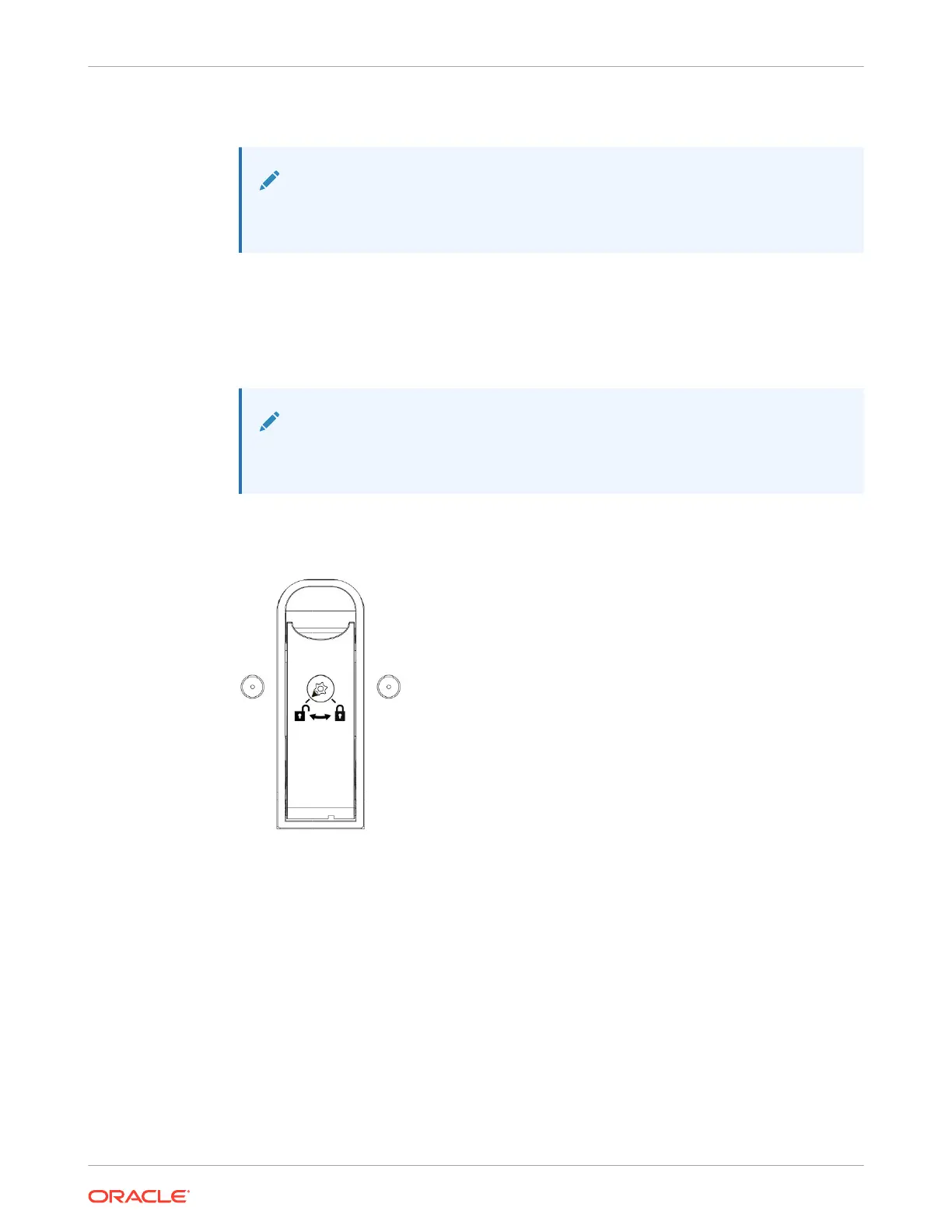
2. If the release button latch is in the locked position, use a Torx T15 screwdriver to turn the
release button latch clockwise to the unlocked position.
3. Unlatch the top cover [1].
Lift up on the release button on top of the server cover. Lifting the release button slides the
server cover toward the rear of the chassis for easy removal.
Chapter 4
Preparing the Server for Component Replacement
4-8















 To Next Page