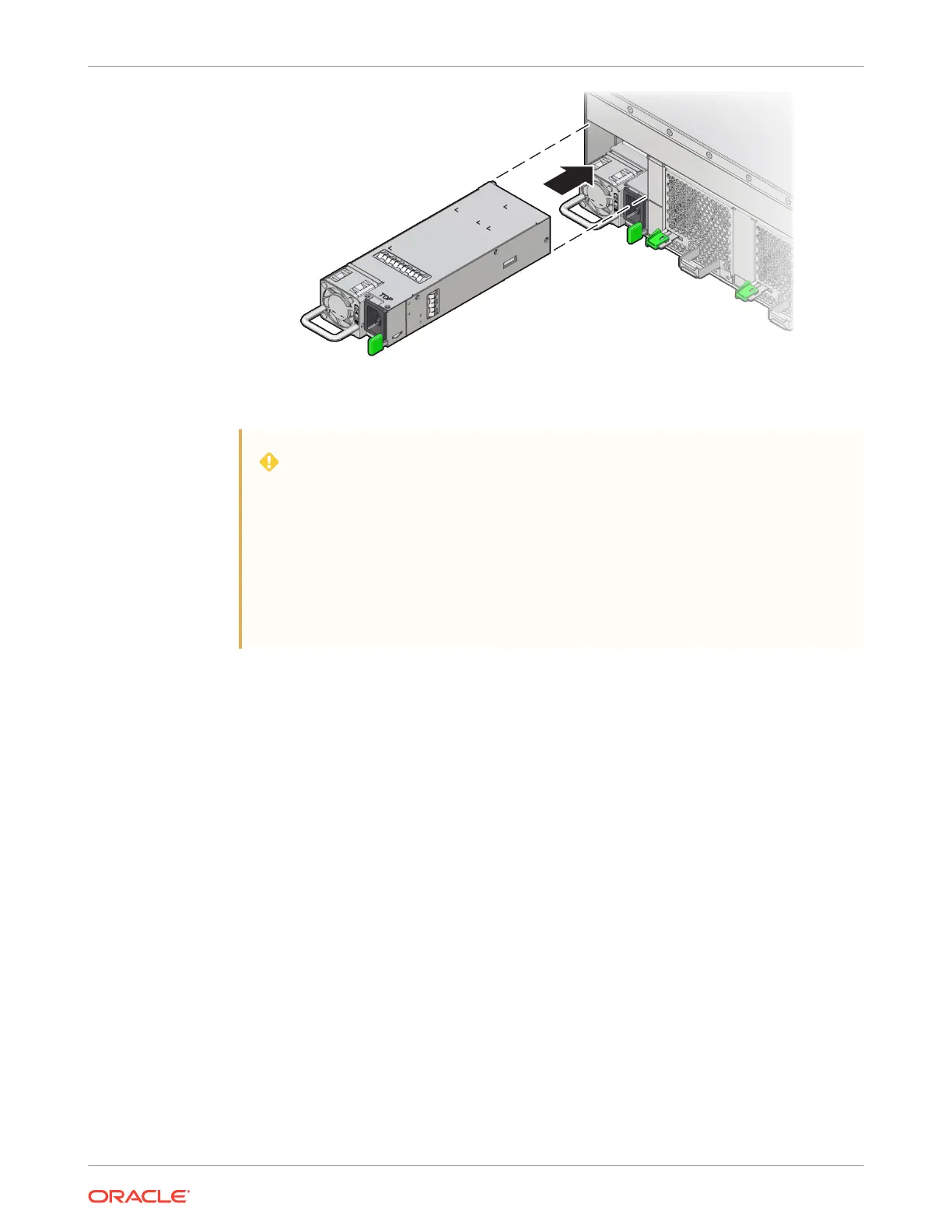
4. Reconnect the power cord to the power supply.
WARNING:
For accurate component identification, see Illustrated Back Panel Components
Breakdown.
When replacing a power supply, pay special attention to the cable routing of
PS
0
and
PS 2
. These are on the left side when facing the rear of the system. Cables
must be routed and secured away from the power supply fans to avoid
interference with the airflow. The slightest obstruction will result in overheating
warnings.
5. Verify that the amber Fault-Service Required LED on the replaced power supply is not lit.
Returning the Server to Operation
This section describes safety considerations and provides procedures and information after
replacing components in the server.
After replacing components inside of the server, perform the procedures in the following
sections. For more information, see the component replacement procedures in this guide.
Reconnect Cables
Reconnect the power cables to the power supplies at the back of the server, and secure them
from accidental disconnection with the securing straps.
Chapter 5
Returning the Server to Operation
5-12















 To Next Page