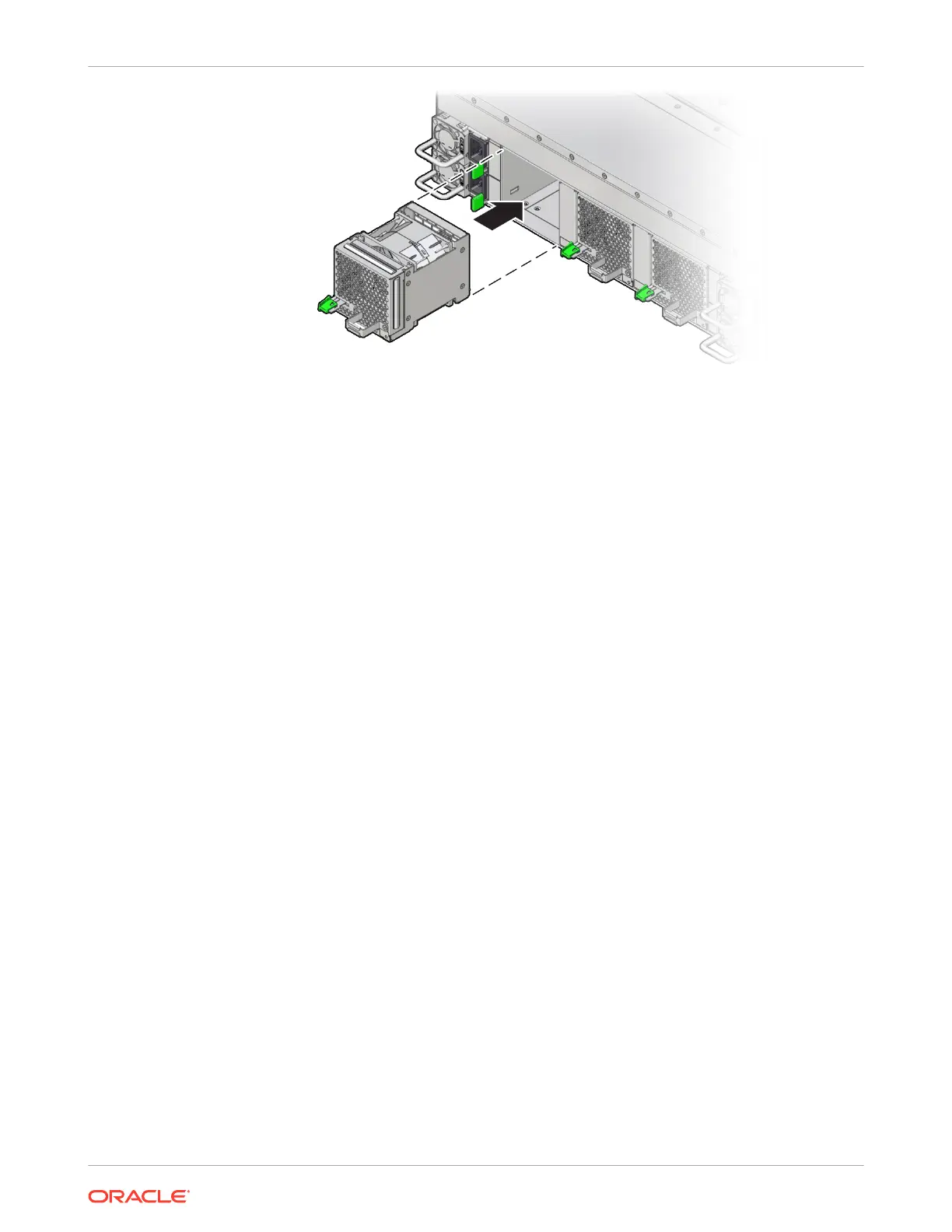
4. Verify that the fan module status indicator (LED) on the replacement fan module is lit
green.
Replacing Power Supplies
Power supplies are located at the back of the server and are replaceable components that do
not require you to power off the server for service.
The server redundant power supplies support concurrent maintenance, which allows you to
remove and replace a power supply without shutting down the server, provided that the other
power supply is online and working.
The server supports the A271/A271A 1400W power supply. The power supply unit (PSU)
provides conversion from the AC lines to the system, accepting ranges from 200-240 volts AC
(VAC). In a system with multiple PSUs, the load is evenly spread out between PSUs. The
PSUs are designed to be hot-pluggable, and in most cases, provide fully redundant "N+N"
power, allowing the system to suffer the loss of a PSU or an AC feed with no loss to system
availability.
In maximally configured systems, it is possible that the worst-case power consumption of the
system could exceed the capacity of a single PSU. The PSUs provide an oversubscription
mode, which allows the system to operate with fault-tolerance even with modest excursions
beyond the rated capacity of a single PSU. This oversubscription support is accomplished
using hardware signaling between the PSU and motherboard circuitry, which can force the
system to throttle processor (CPU) and memory power in the event that a PSU is lost. The
resulting power savings is enough to allow the system to continue to run (in a lower-
performance state) until the power problem is resolved.
If a power supply fails and you do not have a replacement available, leave the failed power
supply installed to ensure proper airflow in the server.
Remove a Power Supply
1. Identify which power supply requires replacement.
Chapter 5
Replacing Power Supplies
5-9















 To Next Page