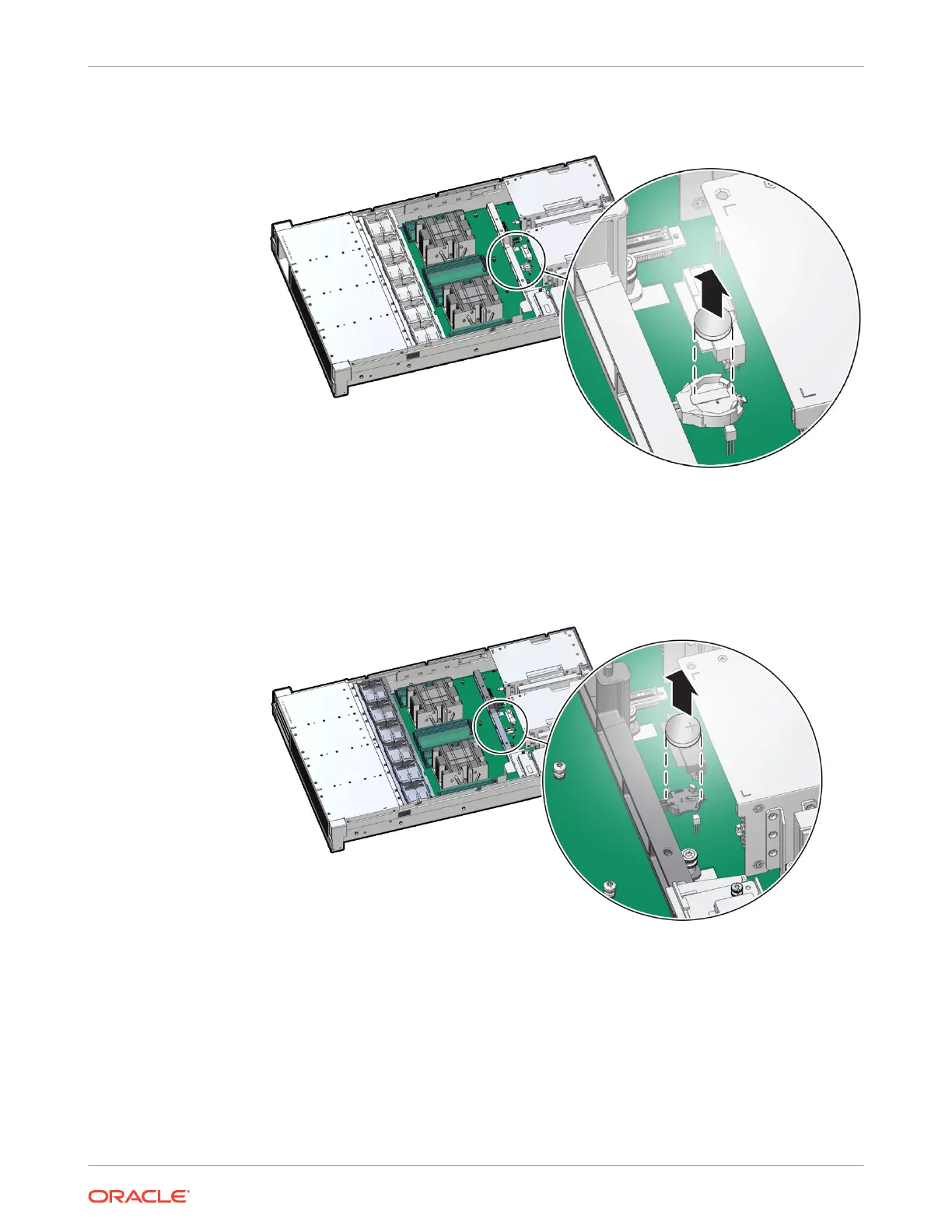
Push the coin battery towards the negative spring and then lift up the coin battery to
dislodge it from its holder.
• [Type 3 and 4] Remove the battery from other Top-Load Battery Connectors as
follows.
a. To dislodge the battery from the retainer, place your finger under the side of the
battery nearest the rear of the server [1].
b. Gently lift the battery up and out of the retainer [2].
Install the Battery
1. Unpack the replacement RTC battery.
2. Press the new battery into the battery retainer.
Install the battery into the Top-Load Battery Connector as follows:
• Each connector consists of a housing with a positive contact and a negative contact.
The floor of the housing is embossed with a "+" to designate the positive contact. The
connector features four lips for positive retention of the battery.
Chapter 4
Replacing the Battery
4-14















 To Next Page