Navigating the MTSVLink Main Screens
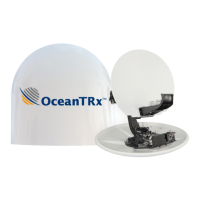
OceanTRx
TM
4-500 Installation and Operations Manual 6-7
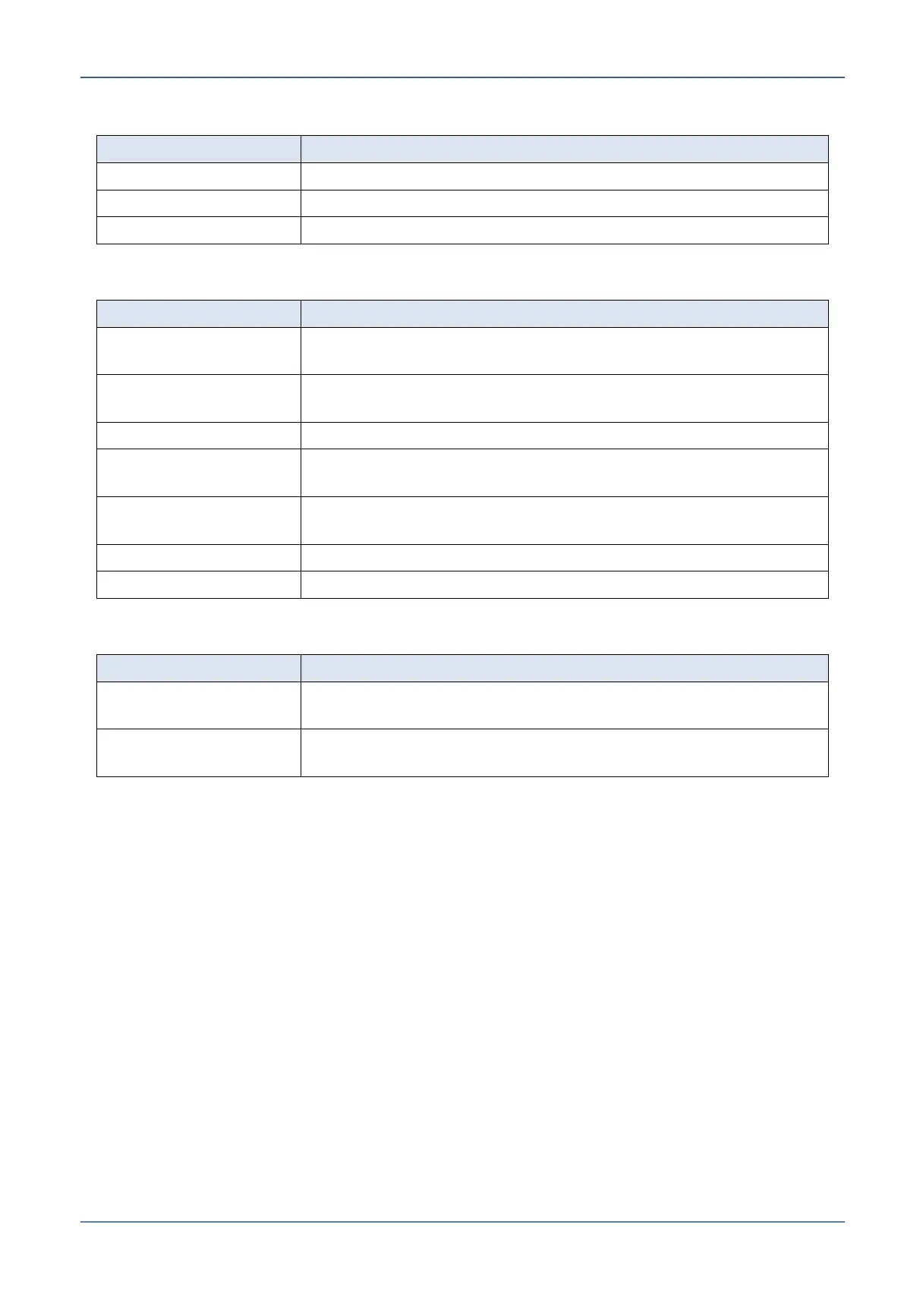
6.2.2.1 Basic Screen Menu Bar
Closes and exits application.
Edit Communication properties.
Release version of application.
6.2.2.2 Basic Screen Display Area Information
Shows ship’s date & time, exact geographic coordinates,
position relative to sea level and compass status.
Shows antenna's azimuth, elevation level and Polarity Skew
levels.
Shows the antenna operation mode and general system
status.
Selected Satellite and
Channel
Shows the currently selected satellite and the
communication channel.
Shows the AGC levels in dBm.
6.2.2.3 Basic Screen Status Areas
Shows the current operated screen and the current satellite
and polarization.
General Status Bar – shows status messages relevant to
current operations, including connection status.


 To Next Page