Opening a Session to the CCU Navigating the MTSVLink
6-2 Ocean TRx™ 4500 Installation and Operations Manual
6.1 Opening a Session to the CCU
1. Connect to the CCU in one of the following ways:
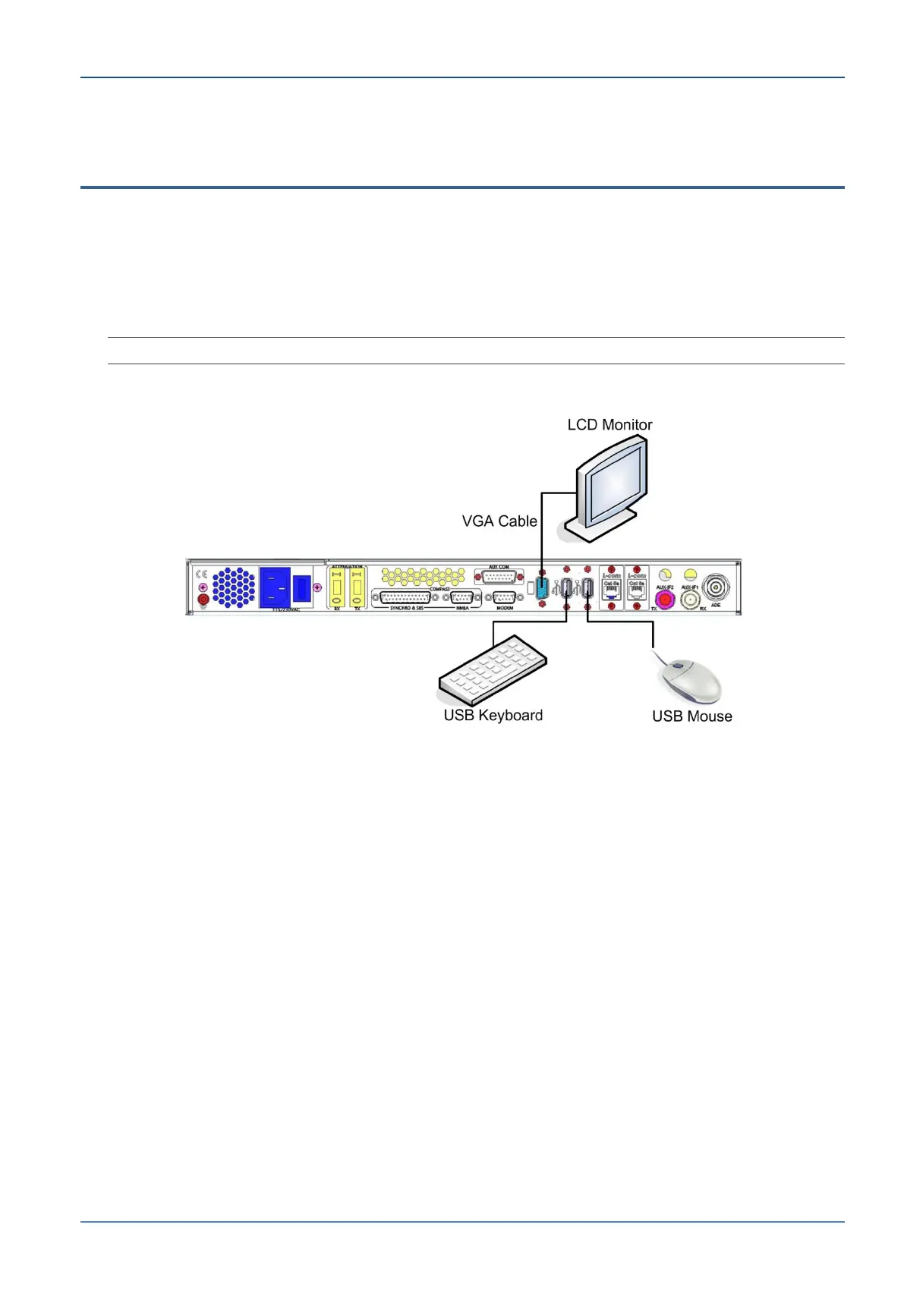
Directly – using the peripherals (keyboard, mouse, display) directly connected to
the CCU
Remotely or locally – via a computer (running the MTSVLink application) that is
connected to the CCU Ethernet port.
NOTE: 1U KB and 1U “foldable” screen for direct connection can be ordered from Orbit.
The following figure shows the rear panel peripheral connections.
Figure 6-1: Connections for a Direct Session


 To Next Page