Setup Procedure Selecting a Satellite
OceanTRx
TM
4-500 Installation and Operations Manual 7-5
6. For NEMEA type compass:
Set Enable to Yes.
Under COM Port Number – set according to the type of physical connection:
o RS422 type - COM2
o RS232 type - COM3
Set Baud Rate – according to compass baud rate.
Set Format – according to compass vendor (default = 8_NON_1).
Click Apply, verify Reading field displays a value. If a value is not displayed, refer
to section 7.2.3.
Click OK.
7.2.3 Setting Ship’s Heading Manually
If a Compass Reading is not displayed, then you must set the ship's heading manually
according to this section.
To set the ship's heading manually
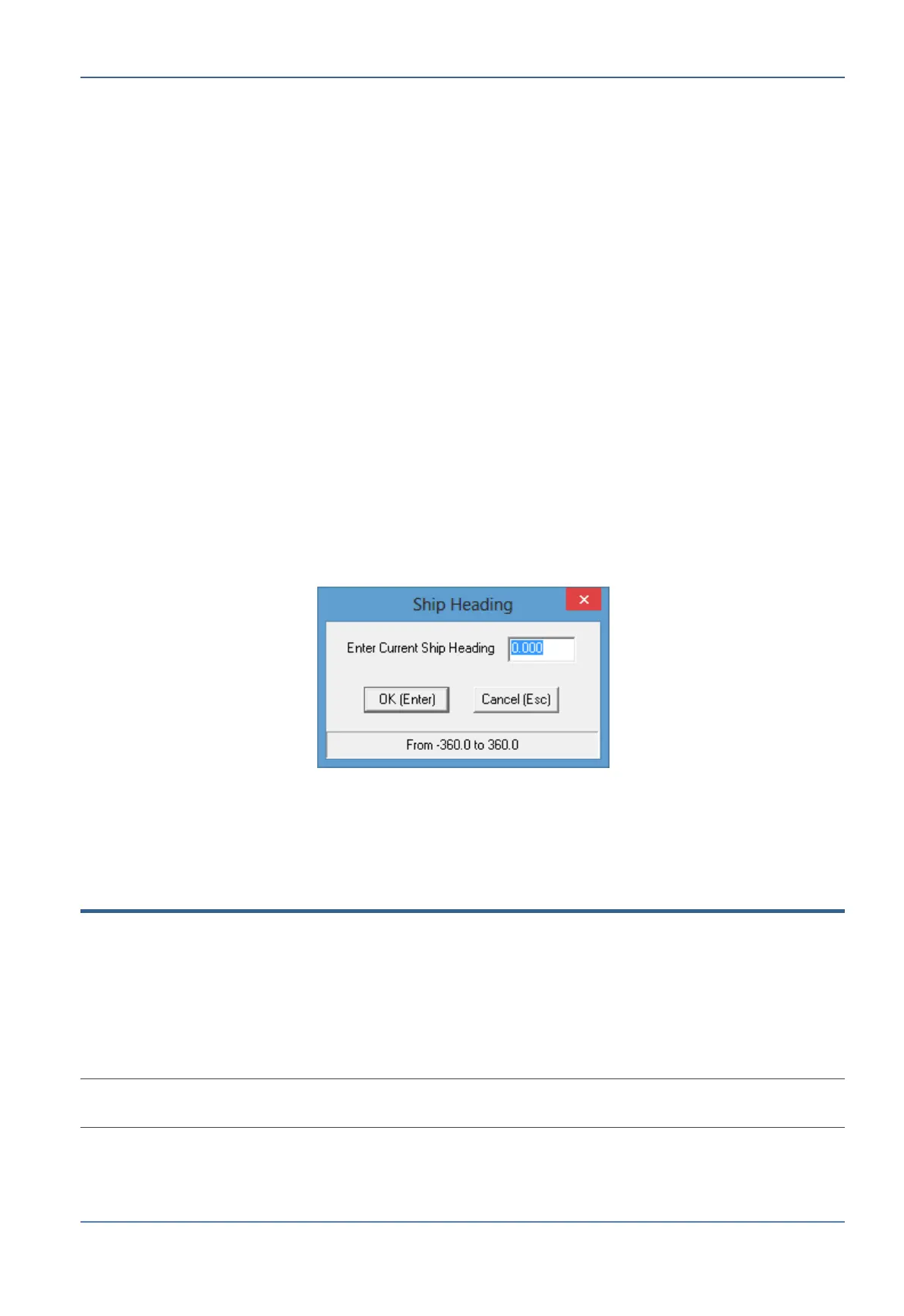
1. From the Commands menu, click Set Compass. The Ship's Heading dialog appears.
Figure 7-4: Host Hardware Interface Compass Input Tab
2. Enter the value of the Current Ship Heading and click OK.
7.3 Selecting a Satellite
This section describes how to select the satellite and define channels. The satellite can be
selected from a list of available satellites (downloaded via file). If the satellite definitions
are not listed, a satellite can be manually defined according to its position or name. (The
selected satellite will be acquired at a later stage.)
If choosing to load from a file, you can also define to reload the file automatically under
certain conditions.
NOTE: Upon system power-up, the system automatically locks onto the last satellite that was selected
and saved prior to system shutdown.


 To Next Page