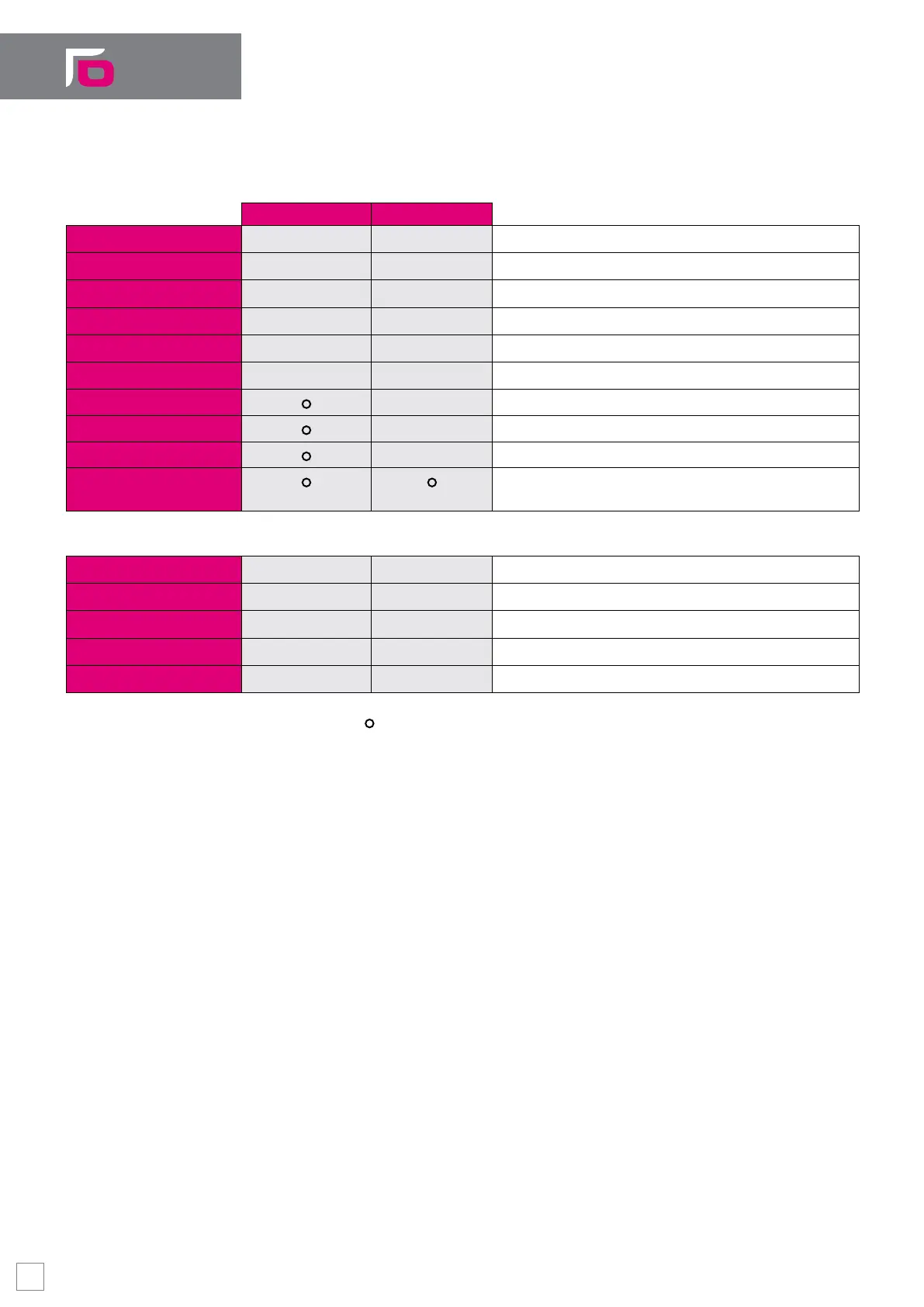
WinNBI consists of different applications, each one with specic functionality:
End User toolkit Windows desktop Windows CE
BootController
● ●
CNC boot manager
ProcessController
● ●
CNC main and auxiliary screens manager and builder
SystemHistory
● ●
System journal
TableEditor
● ●
Table data manager (Offset, Tool, Origins…)
MachinePlot
●
- 2D/3D graphical drawing of the tool trajectory
FileBrowser
● ●
File manager (for CNC and PC)
PathView/ISOView
- Graphical tool for Part Program preview and management
DigiCAD
- 3D graphical tool for digitizing with Spline
OPENCut
- CAM for Plasma & Laser Cutting
OPENMill
Conversational 2D programming and mini-CAM for
milling/drilling machines
OEM toolkit
ODM
●
- System congurator and run-time calibration
Security
●
- SW Installation, backup, restore. License manager
Calibration Tool
● ●
I/O mapping tool for an easy conguration of the I/O
TimeMonitor
●
- PLC and System task timing graphical monitor
O-Scope
●
- Oscilloscope to trace many system parameters
● Available Option - Not available
Process Controller
The application Process Controller, designed to display all the most important information
of the machine tool and to interact with the end-user, allows full customization of the
operator interface in a multi-screen environment using the Layout Builder tool.
Layout Builder offers a wide range of graphical “objects” to create custom screens using
only the mouse with a “Point & Click” and “Drag & Drop” approach, with no need of any
knowledge of programming languages. The single screen can be selected and activated
automatically (as and when events occur) or manually (by toggling real or virtual
buttons). Among the various objects available, there are programmable push buttons,
directly interfaced with CNC functions or managed by the machine logic, the display
and animation of graphic bitmap-objects, progress bars, data entry elds as well as CNC
messages, and variable displays and editing of variable values.
8


 To Next Page