59
The ADVANCED Menus
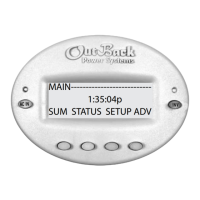
e MATE must be connected to an OutBack system for the Advanced features to function.
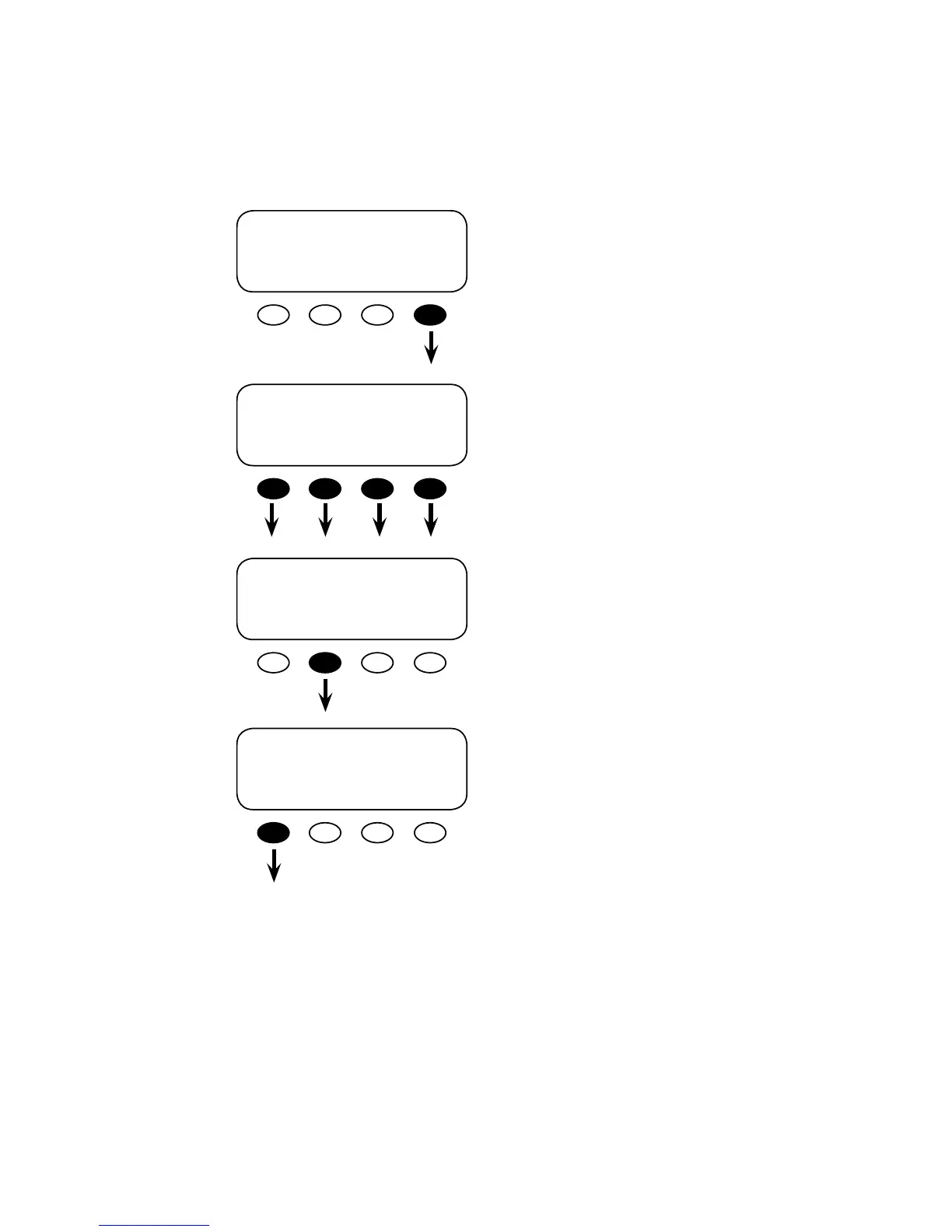
To access the MATE’s Advanced Mode settings, go
to the MAIN menu and push the <ADV> so key.
e next screen is a warning screen intended to
keep those unfamiliar with an OutBack system
from altering the settings. Push any key to
advance to the next screen to input the password
(141).
e screen displays <132>. Push the <INC> so
key until it scrolls to 141.
With the password 141 on the screen, push the
<ENTER> so key.
MAIN-----------------------------------
9:57:32 A
SUM STATUS SETUP ADV
ADV/SETTINGS/WARNING
changes made could
adversely effect
system performance
ADV/PASSWORD---------------------
enter the password
132
ENTER INC DEC EXIT
ADV/PASSWORD-----------------------
enter the password
141
ENTER INC DEC EXIT


 To Next Page