Issue: 1.2-17-2 Ovation Systems Ltd Page 15
www.ovation.co.uk
4 Configuration Wizard
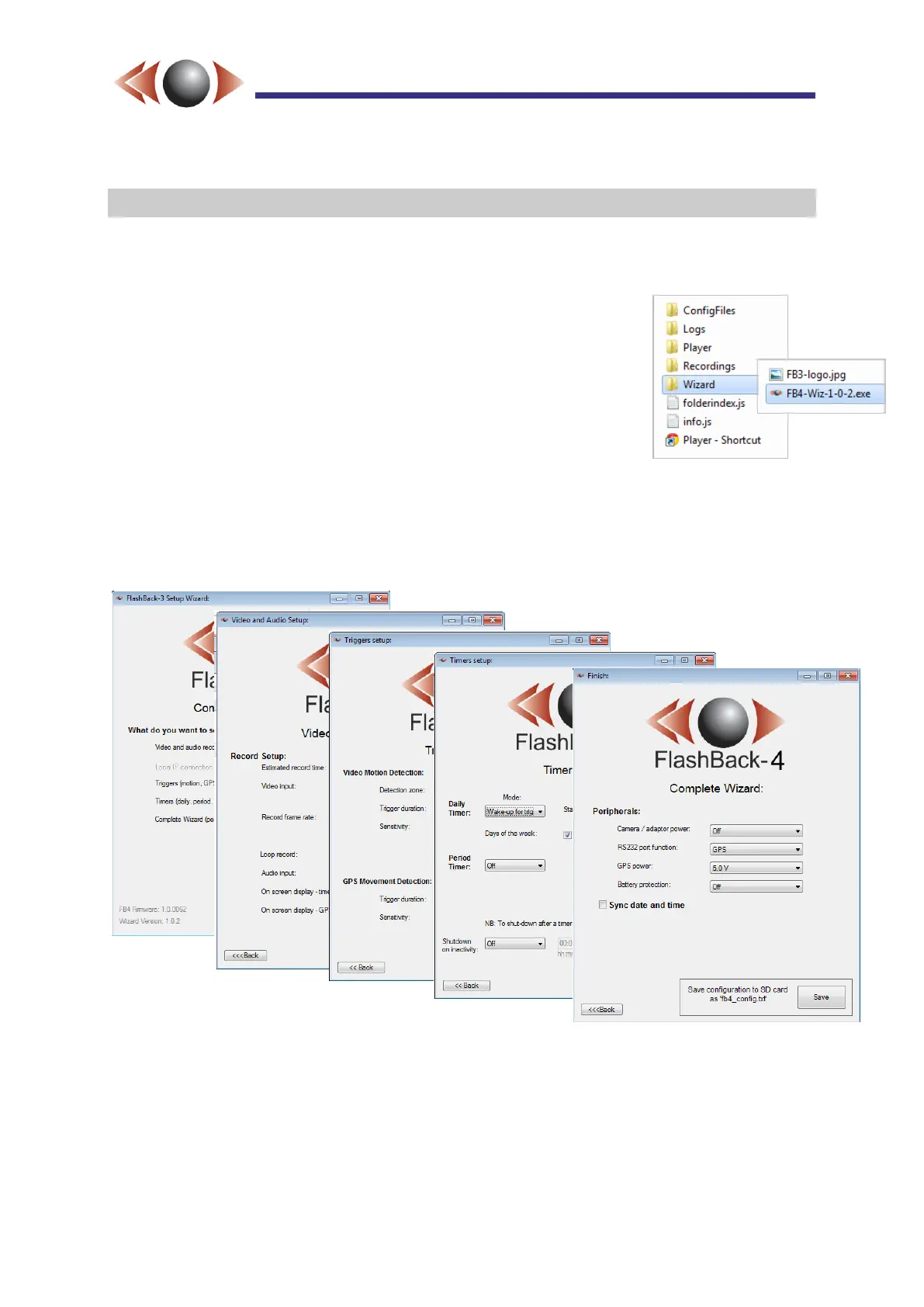
Configuration is via a Wizard application that’s located on the SD card. The procedure is as
follows:
1. Remove the card from your FB-4 and insert into your PC
2. Double click on the Wizard folder, found in the root of the SD
card
3. Double-click the .exe file that starts “FB4-Wiz-”
4. Follow the step-by-step instructions and save a file called
“fb4_config.txt” to the root of the SD card.
5. Transfer the card to your FlashBack-4 (ensure that the unit is
switched on first). The DVR Status LED will flash red/green as
the configuration is loaded. When the DVR Status LED is steady
green, the new configuration is fully installed.
NB► The Wizard changes only a small number parameters. If there’s any doubt about the
state of the unit, a reset to defaults (see page 14, Section 3.8) is recommended
before you load the “settings” file.
Figure 17: FlashBack-4 Configuration Wizard
TIP► Configuration files are stored in the ConfigFiles folder in a series of dated/timed sub-
folders. Configurations from previous operations can be re-loaded without having to
re-run the Wizard, by copying the relevant “fb4_config.txt” file to the root of the SD
card and inserting the SD card into the FlashBack-4.



 To Next Page