Issue: 1.2-17-2 Ovation Systems Ltd Page 9
www.ovation.co.uk
2.6 GPS Receiver Connection
FlashBack-4 can show GPS positional information on-screen in lat / long or MGRS formats.
GPS is also stored as metadata on the SD card which can be used to view the track of the
device with the web-browser player provided on the SD card (see Section 5.3, page 19).
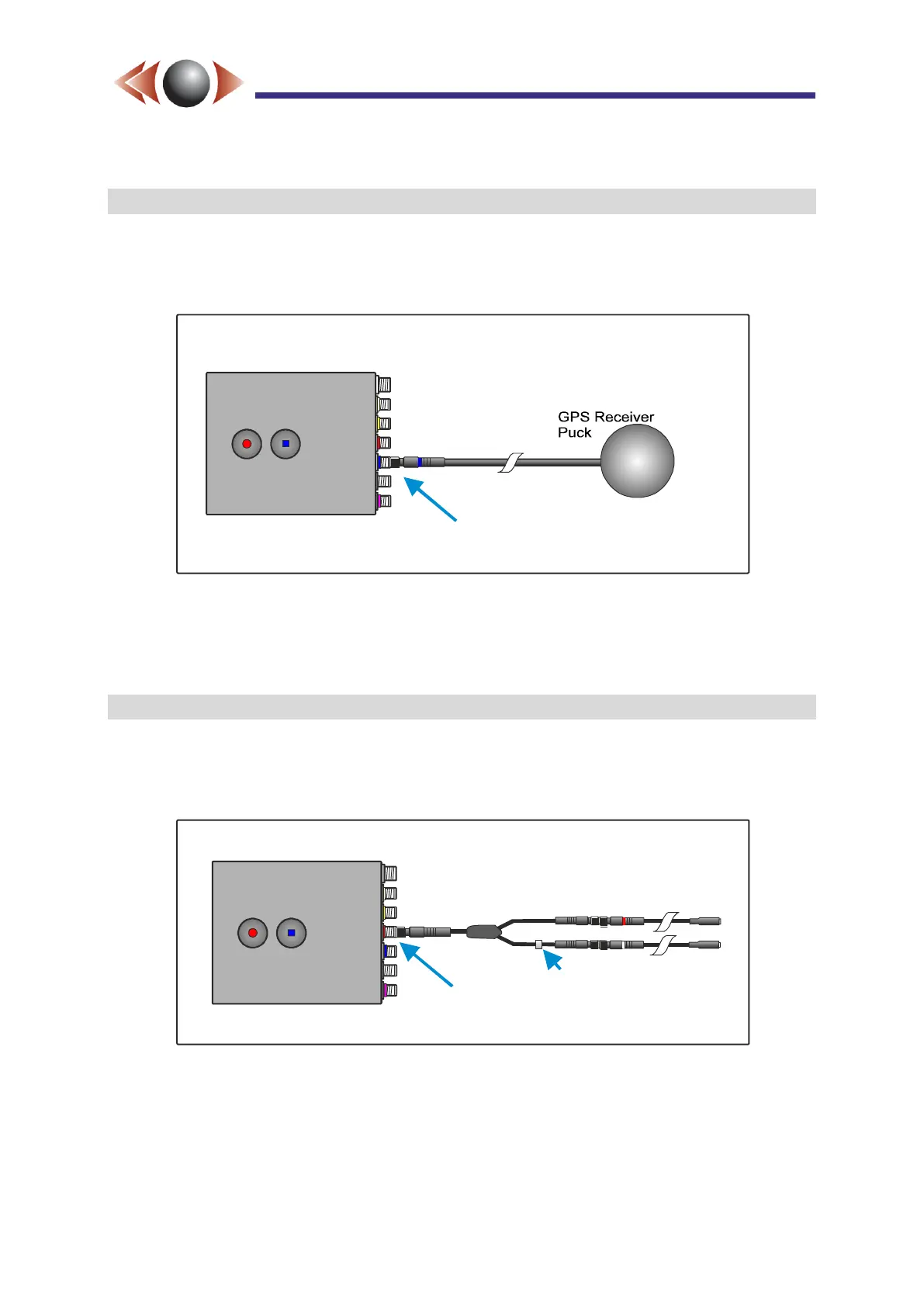
Figure 9: GPS Receiver Installation
Connect the GPS provided to the blue i-Conex input. The GPS power and on-screen display
are enabled via the SD card Wizard and web page interface.
2.7 Microphone Connection
FlashBack-4 contains an internal microphone. External microphones are provided that are
connected to the red i-Conex input. If more than one microphone is required, install the audio
splitter as shown below.
Figure 10: Microphone Installation
Red i-Conex Input
Sleeve
Audio Splitter
Mic Right
Mic Left



 To Next Page