Issue: 1.2-17-2 Ovation Systems Ltd Page 17
www.ovation.co.uk
5 Playing SD Card Recordings
Once a recording has been made, it can be played by removing the SD card and inserting
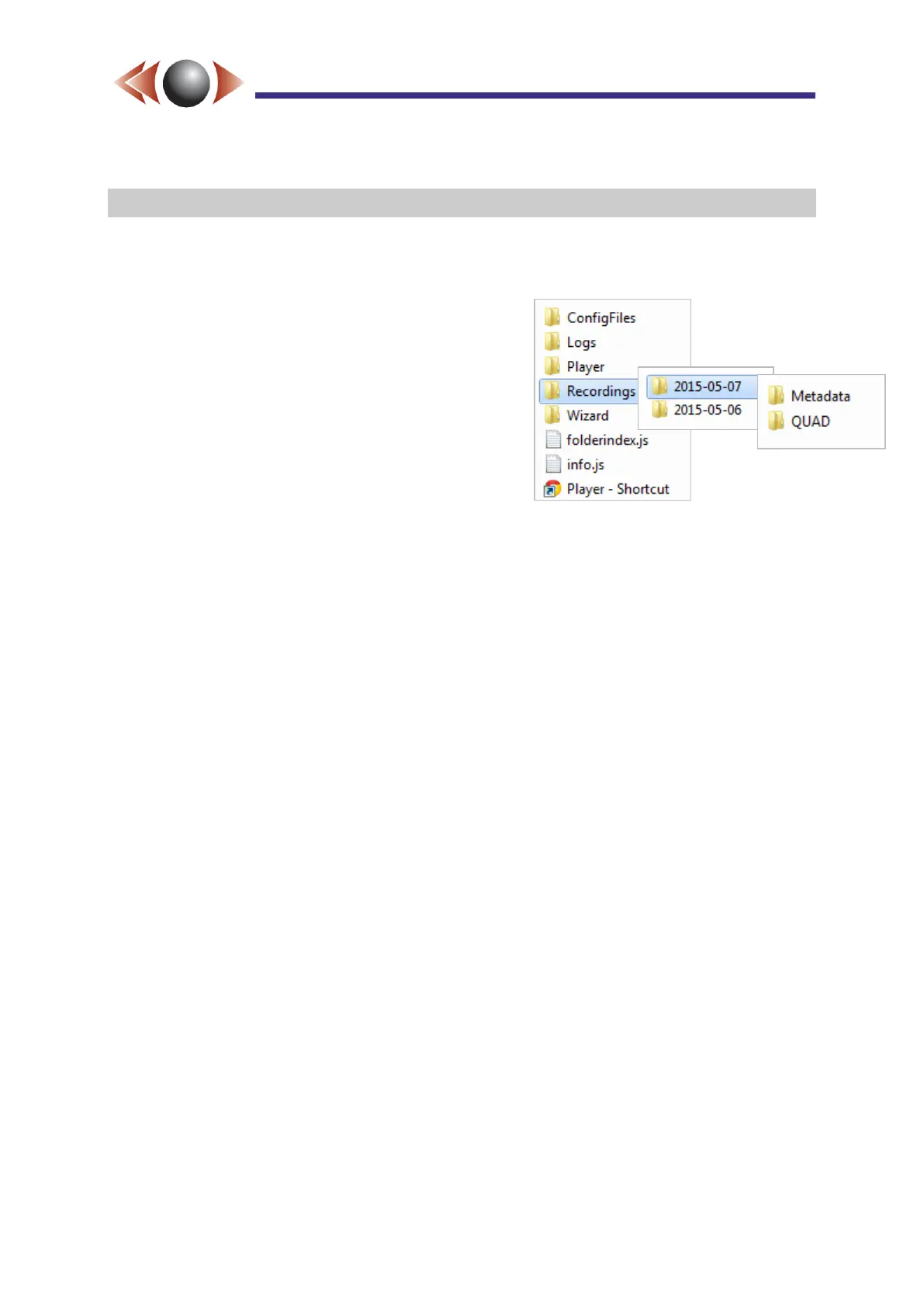
the card into a PC and navigating to the "Recordings" folder .
Recordings are organised into day folders (yyyy-
mm-dd) that correspond with the local time
(including the time-zone) configured on the
FlashBack-4.
Within the day folders, recordings are organised by
source (eg HD, Quad, SD1 etc.). In addition, there
is a metadata folder that contains files that keep
track of GPS position, motion and audio activity,
events (starts / stops/ reboots etc), and an index to
the recordings made on that day.
FlashBack-4 video files are made using H.264 compression in Adobe FLV format which are
playable with VLC (www.videolan.org) etc.
FLV files are used because they can be easily streamed and the last file is still playable in
the event of loss of power while recording.



 To Next Page