Issue: 1.2-17-2 Ovation Systems Ltd Page 23
www.ovation.co.uk
7 Firmware Upgrades
7.1 Support, Latest Updates and Information:
Ovation System’s website includes a Secure User Area (www.ovation2.co.uk) with the latest
software updates, data sheets, user guides etc. for download. To gain access, please email
support@ovation.co.uk with the serial number of one of your units, together with your name
and organisation.
FlashBack-4 firmware will be upgraded from time to time to provide new features and/or fix
software issues. When available new updates will be posted to the “FlashBack-4” section of
Ovation's secure user area.
7.2 Firmware Upgrade via the SD card
To install an update, proceed as follows:
1. Obtain the update file as above and copy it to the root of an SD card. Update files are of
the form “fb4_update_vX.Y.ZZZZ.tgz”
2. Ensure the unit is powered.
3. Insert the card into the unit.
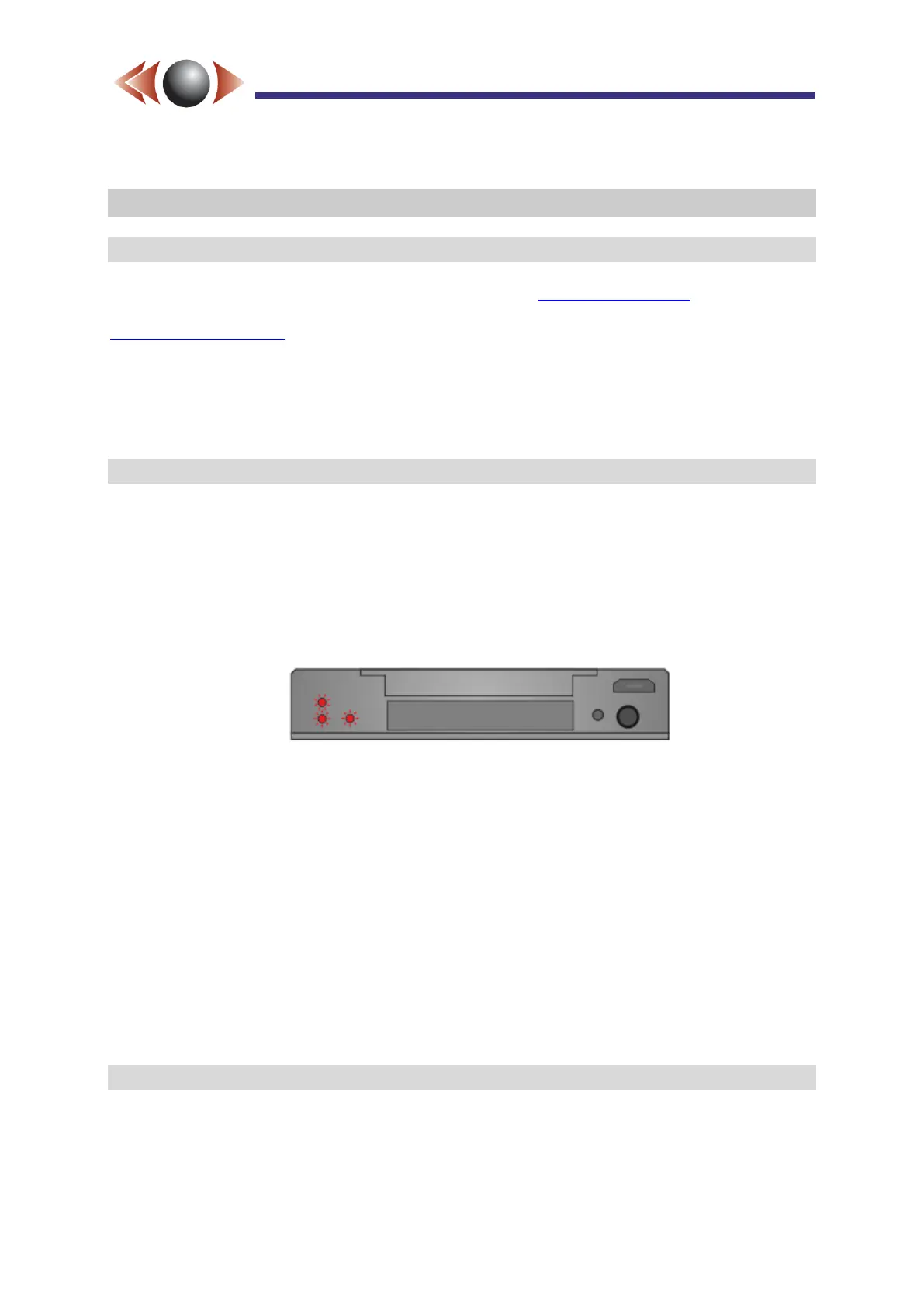
4. The unit will then start flashing the three LEDs in a circular pattern for about 2 minutes.
5. When finished, the systems reboots (all the lights go out) and the normal boot-up
sequence commences.
6. NB► after the reboot is complete, indicated by a static green DVR status LED*, wait a
further 30 seconds before removing the card. This allows time for the Wizard and Player
files to be added.
* if GPS is enabled, but not connected and/or locked, then the DVR status LED shows static
green with a short red flash every 2.5s
The unit is now upgraded. To confirm that this has been done, view the info.js file in the root
of the SD card with a text editor such as Notepad. This file will now contain a line such as
the following, where the version displayed is the same as the upgrade just installed.
"device_firmware_version": "1.0.0062"
7.3 Software Licences
This product includes software licensed under the GNU General Public License (GPL) / GNU
Lesser General Public License (LGPL). You have the right to acquire, modify, and distribute
the source code for this GPL/LGPL software. You can obtain the GPL/LGPL source code
used in this product by contacting your sales representative.



 To Next Page