Tungsten™ T5 Handheld 259
CHAPTER 14 Connecting Wirelessly to Other Devices
3
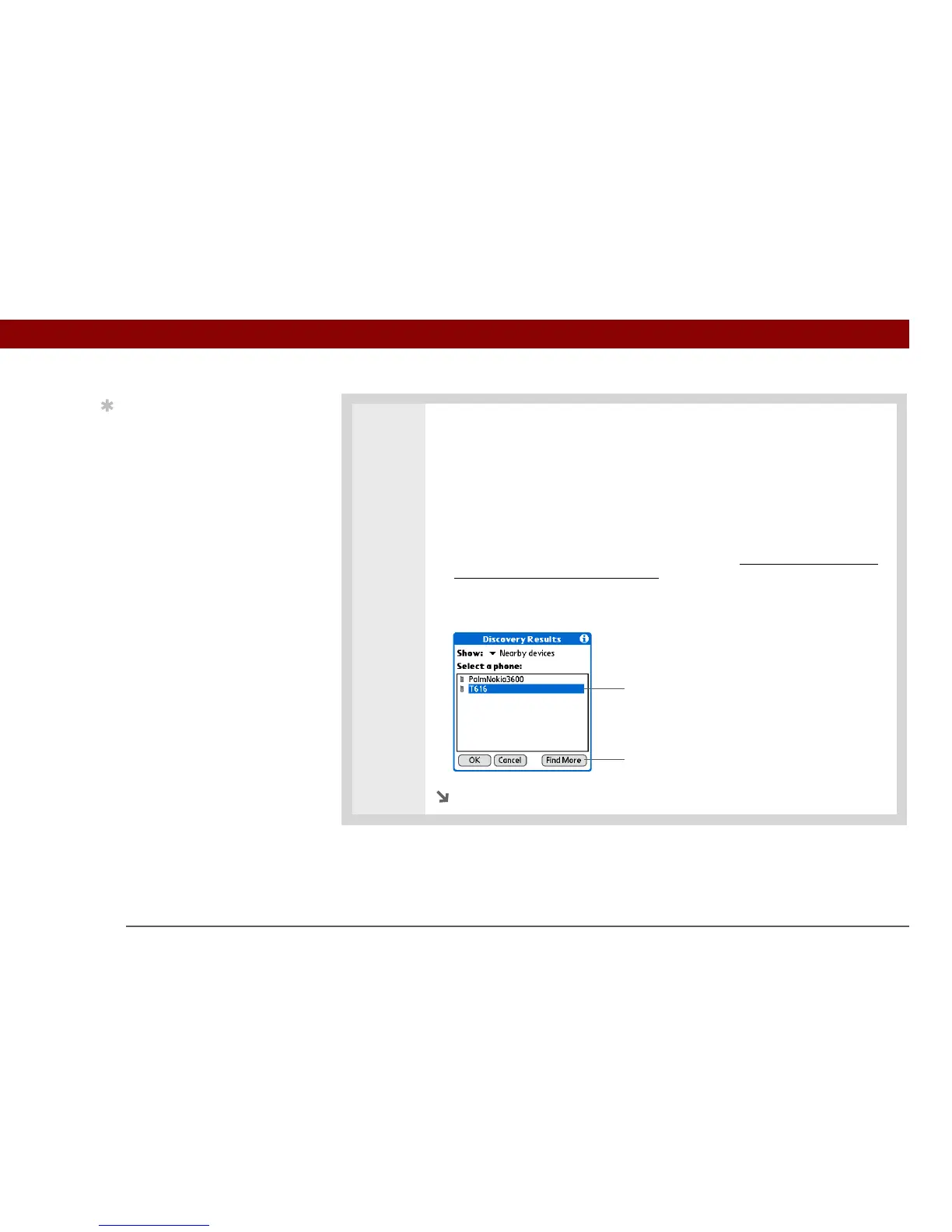
Select the phone you want to connect to:
a. Select the Manufacturer and Model pick lists, select the correct entries for
your phone, and then select Next.
b. The Connection Setup screen displays all Bluetooth phones within range. If
your phone did not show up on the discovery results, select Find More to
search again.
If the phone still does not appear on the list, go to www.palmOne.com/us/
support/downloads/phonelink.html to download the driver for your phone,
and then go to step 4.
c. Select the phone you want, select OK, and then select Next again.
Continued
Tip
If you receive a message
that your phone is not
ready to accept a
connection, check to
make sure that your
phone is prepared to
make a Bluetooth
connection. See the
instructions included with
your phone.
Select phone
Select if your phone
does not appear



 To Next Page