Tungsten™ T5 Handheld 260
CHAPTER 14 Connecting Wirelessly to Other Devices
4
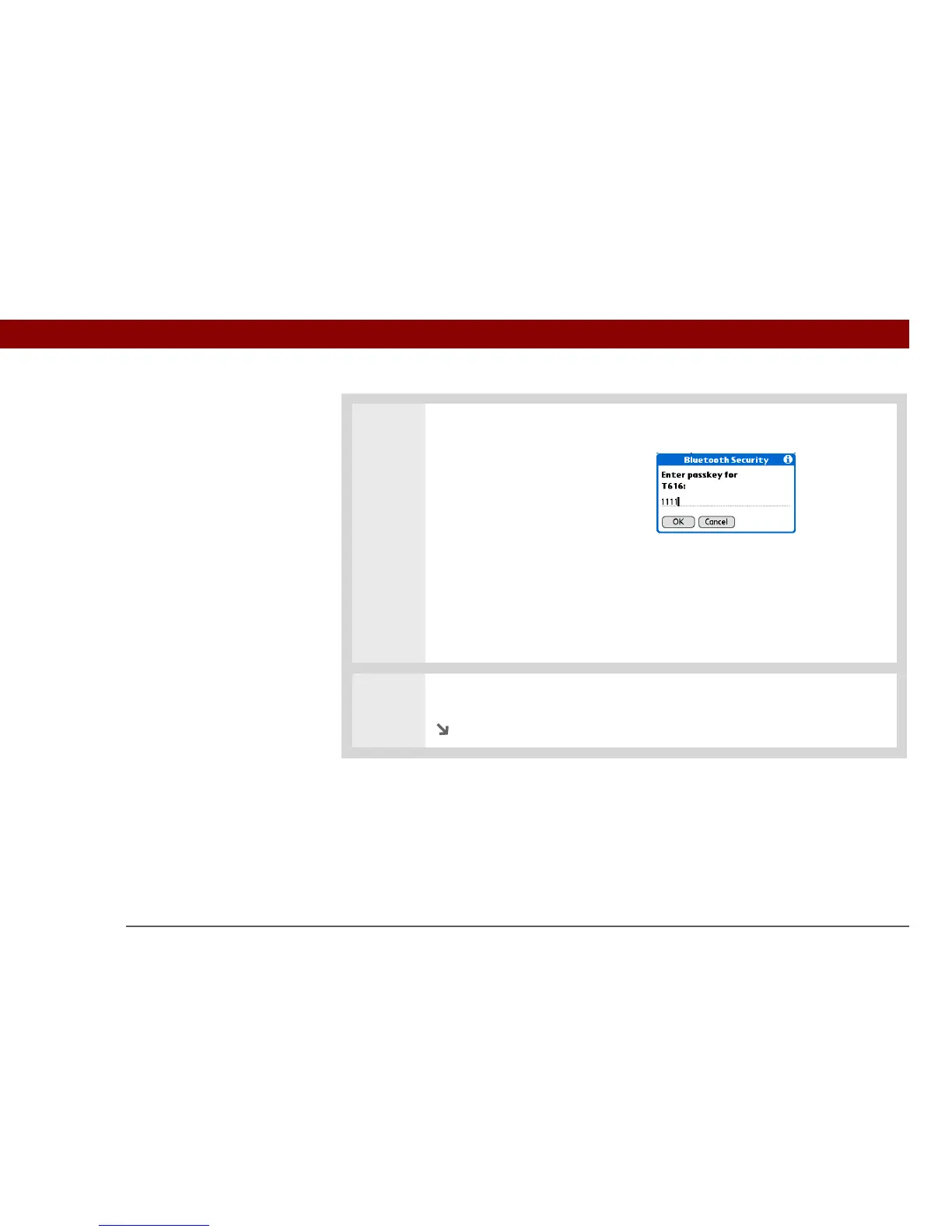
Enter a passkey:
a. Enter a passkey number. This
can be any number you
choose; it does not, for
example, have to be a
password you use to access a
network or an email account.
You must enter
the same passkey on your
handheld and your mobile phone
in order to connect to your
phone.
b. Select OK.
5
Select Done to finish phone connection setup.
Continued
»
Key Term
Passkey Like a
password, the passkey is
a security measure. Your
handheld can only
connect with a device that
has the same passkey.
For example, to connect
to your mobile phone,
you need to enter the
same passkey on your
handheld and on your
phone.
IMPORTANT
[
! ]



 To Next Page