26
13.2.2. Home page
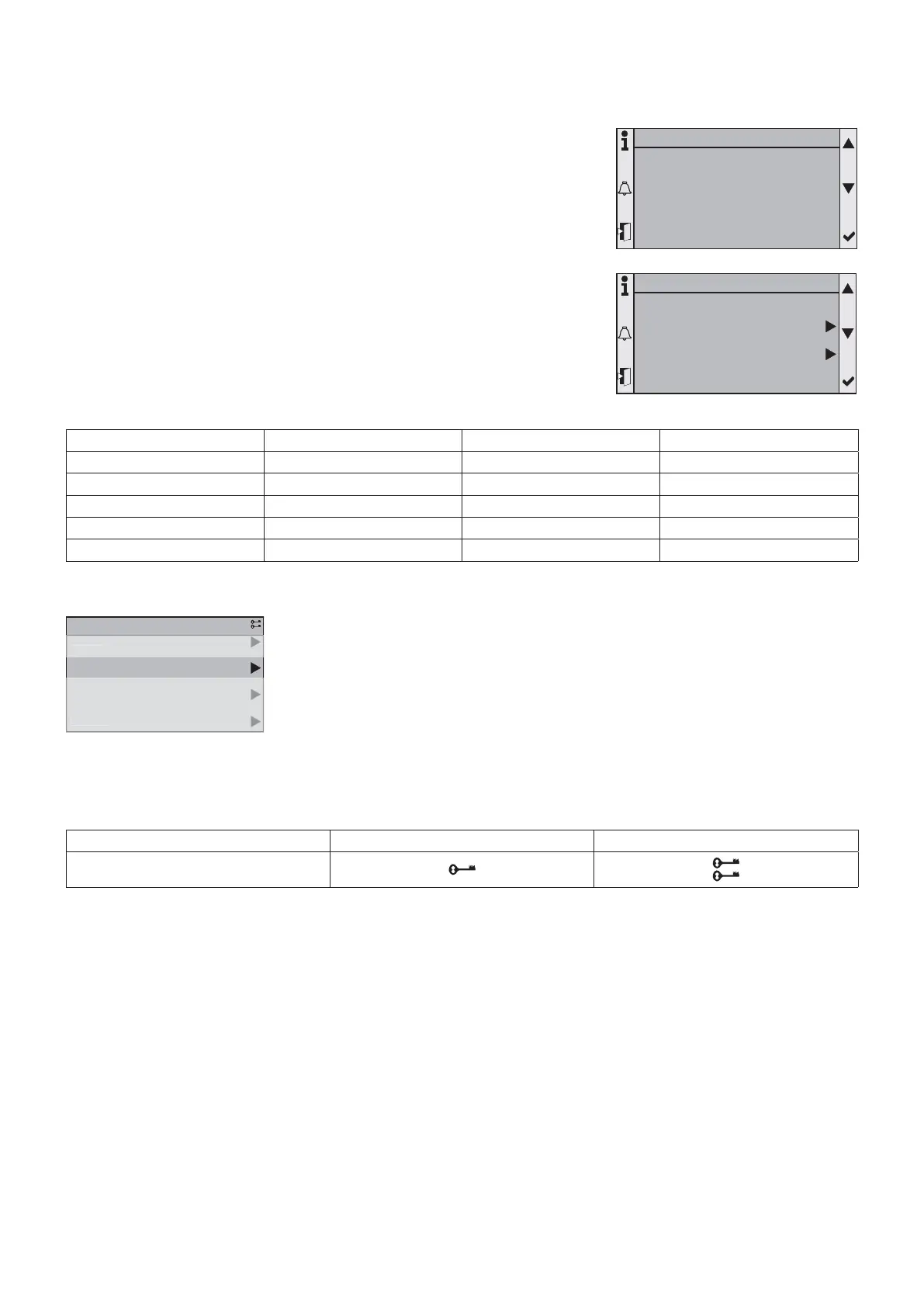
The home page is used to quickly display the state of the machine by displaying
the following information:
• Operating mode
• Water return temperature
• Water fl ow temperature
13.2.3. Main menu
Pressing the “Info” button displays this screen directly.
The authorized menus are displayed according to the access menu selected:
Menu Final user Installer Maintenance
Access
✔✔✔
Status
✔✔✔
Commissioning
✘✔✔
Service
✘✘✔
Alarms
✔✔✔
13.2.4. Menus
The display has several menus. The “Status” menu is freely accessible. The other
“Installation” and “Maintenance” menus can be displayed and accessed according to
the access menu.
To change the access menu, go to the “Access” menu and enter the password
corresponding to the level.
The fi rst line of all the screens integrates the following information:
• Screen title
• Number of the active line/number of lines of the menu
• Access menu
Final user Installer Maintenance
The menu access level key symbols are indicated in the top right hand corner of the control display screen.
Final User level only allows access to the Final User menus. Installer Level can access Installer and Final User Level menus.
Maintenance Level can access all menus.
1/
M
in M
n
ervic
ommissionin
tatu
1/4Main Menu
Commissioning
Status
1/3
45,2°C
42,3°C
Red. H
Leaving water T.
Entering water T.
Current mode
Main overview
1/2Main Menu
Access
Status



 To Next Page