27
13.3. Initial settings
Open the electrical box and check that all circuit breakers are open except for FTC.
Before starting up the ECOi-W for the fi rst time, the “Installation” menu must be confi gured.
13.3.1. Time settings
CAUTION If the date and time are not set, the unit will function in degraded mode or may not even be able to start.
Start by confi guring the date and time.
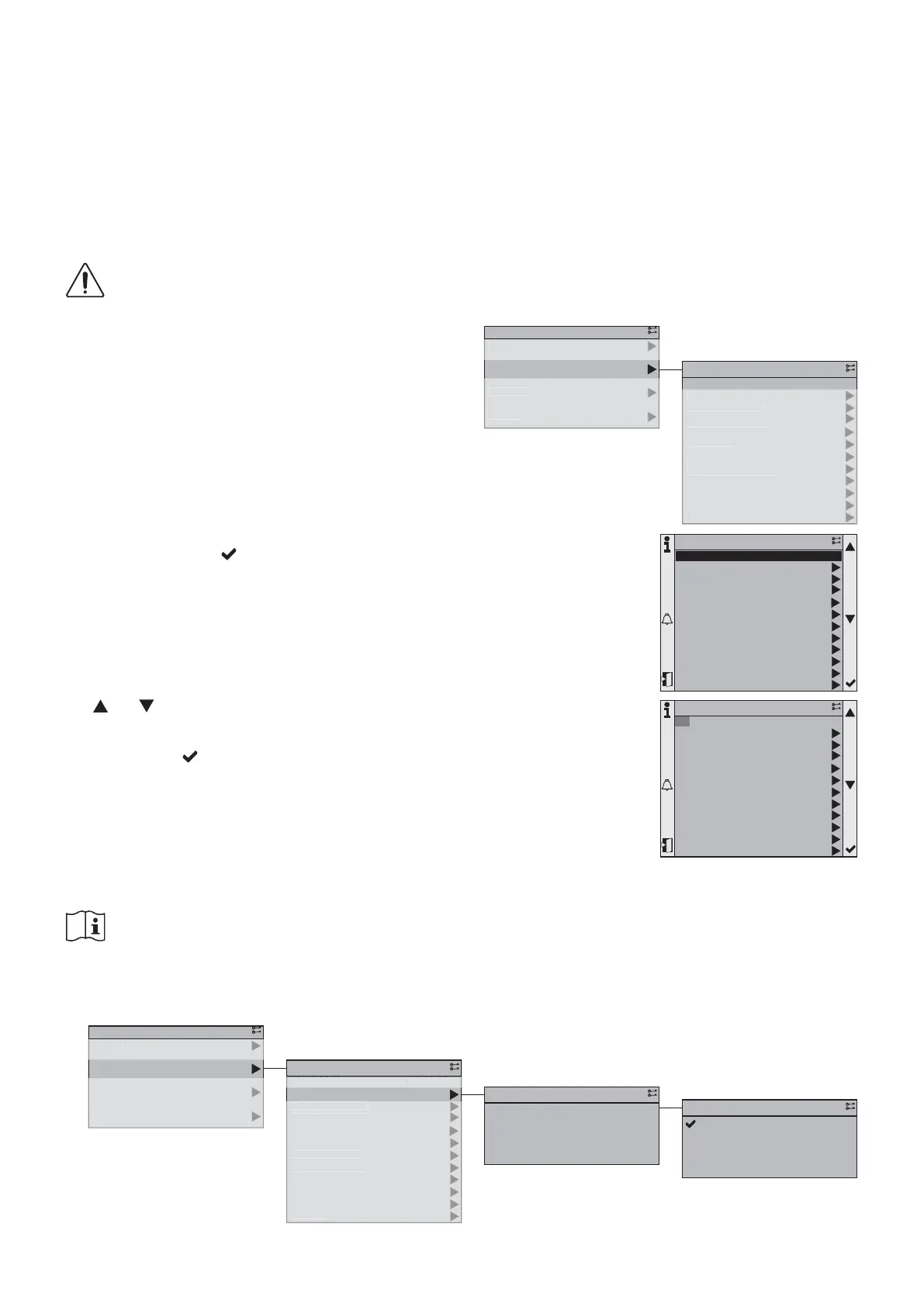
To do so, switch to the “Installer” or “Maintenance” profi le
in the “Commissioning” section. The fi rst line of the menu is
used to set the date and time.
1/12
10:40:05
Versions
Calendar
Limited capacity
Reduced mode
Water Law
Auto change over
Glycol protection
Communications
Language selection
03.02.2016
Cold OAT protection
Small volume protection
Commissioning
1/12
10:40:05
Versions
Calendar
Limited capacity
Reduced mode
Water Law
Auto change over
Glycol protection
Communications
Language selection
03.02.2016
Cold OAT protection
Small volume protection
Commissioning
The date and time line will appear as highlighted.
Press the "Enter" button to activate the change of date.
The
and buttons are used to change the highlighted
setting.
Press once on the button to approve the defi ned value
and move on to the next setting.
1
ervice
ommissionin
tatu
n
n
1/4
Commissioning
Status
Main Menu
1
1
1
:4
:
ers
ons
alenda
m
te
capac
t
R
m
W
t
r L
uto c
ange ove
l
col protectio
ommunication
anguage se
ect
o
.
.
old
AT
rotectio
mall volume
rotectio
ommissionin
1/12
10:40:0503.02.2016
Commissioning
✔
INFORMATION
Power outage lasting longer than 8h will lead to a loss of the time setting. It is important to set the unit
back to the right time after such an event.
13.3.2. Language settings
Select the languages required according to the application.
1
cces
ervice
ommissionin
tatu
M
in M
n
1/4
Commissioning
Status
Main Menu
1
1
:
:
ersion
alenda
imited capacit
e
uce
mo
ater
aw
uto c
an
e ove
l
col protectio
ommunication
an
ua
e selectio
.
.
old
AT
rotectio
mall volume protectio
ommissionin
1/12
10:40:05
Language selection
03.02.2016
Commissioning
1/5
English
Français
English
SMS language
+Modem
Save -> SD
+AlarmSnapshot
HMI Language
Language selection
1/3
Français
Deutsch
English
✔
✔
✔



 To Next Page