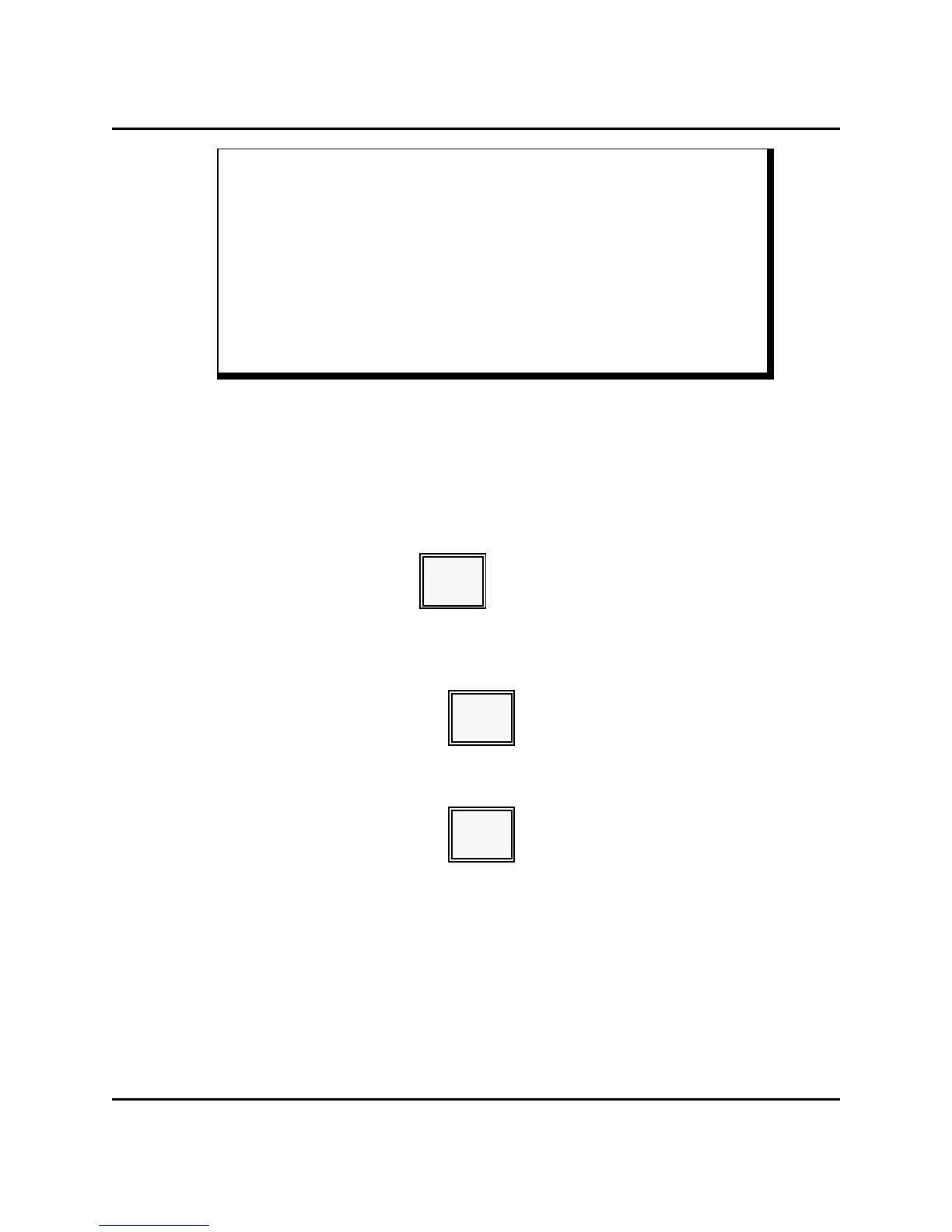
X1 Mode Programs MANAGER OPERATIONS
* DRAWER ASSIGN * 11:15 LVL1 MGR
** X1 PROGRAM **
(CSH#) CSHR (N) CASH
CSHR 1 N= 0 DRAW A
1 B
JIM A
Note: The current drawer assignment (A or B) displays beside the cashier's name. In this
example, Cashier #1 (Jim) is assigned Drawer A.
7. Enter '0' if this cashier is using Drawer A. Enter '1' if this cashier is using Drawer
B.
8. Press CASH.
[ 0 or 1 ]
CASH
9. When you are ready to leave this program, press CASH. You can select another X1
Mode program, if necessary.
CASH
10. Press CASH when you are ready to return to MGR Mode.
CASH
Panasonic 5000 Version 4.0 Operating Instructions - Rev. 2.0 4-37





 To Next Page