SECTION 400 (Version 3.0)
DBS
Issue 1 January 1990
Program Outline
Chapter 1 Program Outline
I - 1 Order of Program Setting
Setthe program according to the following procedure.
Step:1
Be sure you understand
functions and working of the program asdescribed in this manual and the
operating instruction.
Step:2
Prepare
the program setting data table to comply with the users requirements.
Step:3
Confirm the makeup of the system to be installed
and prepare
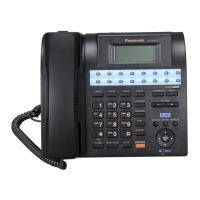
LCD
telephone for program setting.
1
Step:4
Reset the system to the initial status
and set
the
programming data.
Step:5
Call back-be program number
on
the LCD of the telephone and confirm
the contents
to
be set
1
Step:6
Correct the setting and confirm the change, then complete the program setting.
1-2 Structure and Working of Program
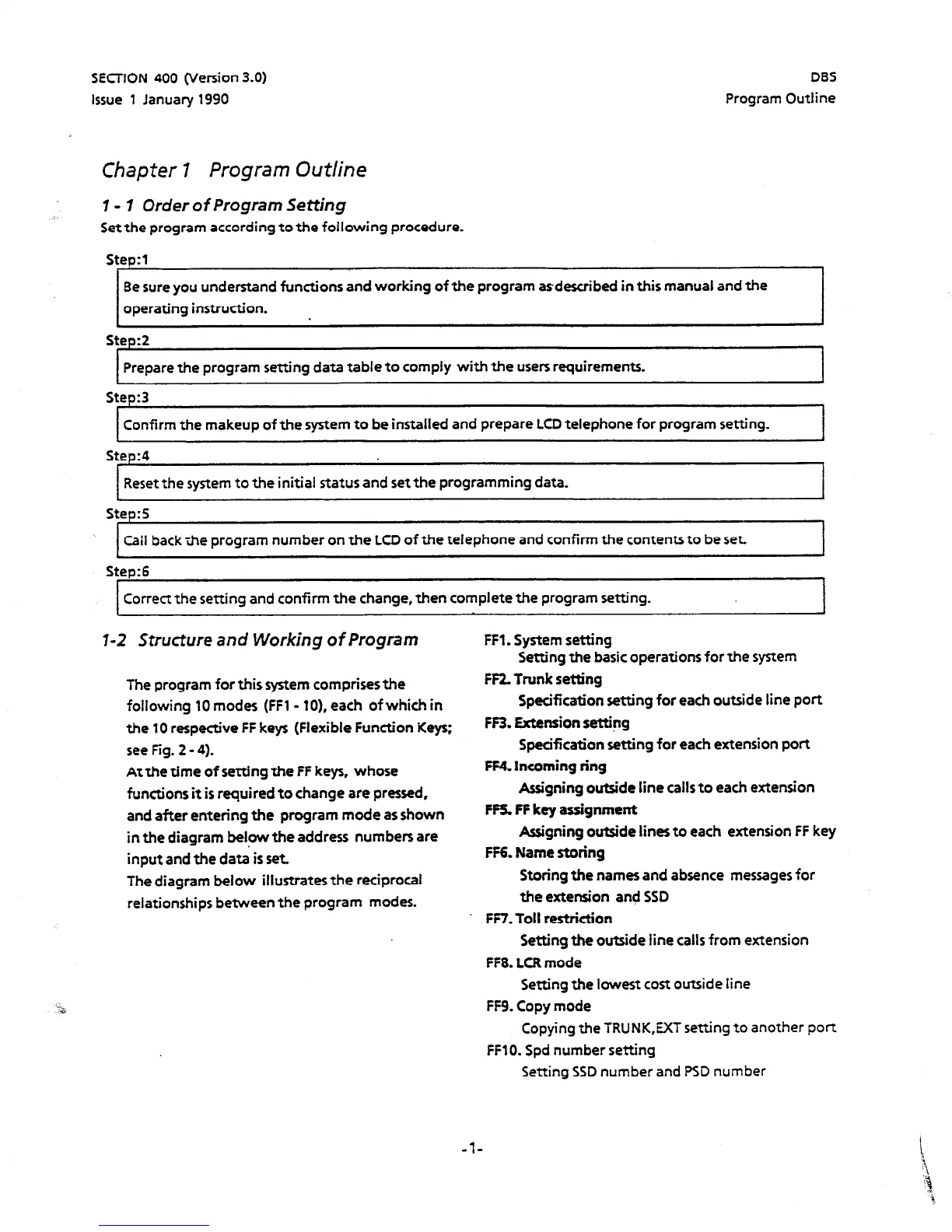
The program for this system comprises the
following 10 modes (FFl - IO),
each of which in
the 10 respective
FF
keys (Flexible Function Keys:
see Fig. 2 - 4).
At the time of setting the
FF keys, whose
functions it is required to change are pressed,
and after entering the program mode as shown
in the diagram below the address numbers are
input
and the da& is set
The diagram below illustrates the reciprocal
relationships
between
the program modes.
FFl. System setting
Setting the basic operations for the
system
FF2. Trunk setting
Specification setting for each outside line port
FF3. Extension setting
Specification setting
for
each
extension port
FF4. Incoming ring
Assigning outside line calls to each extension
FF5. FF key assignment
&signing outside lines to each extension FF key
FF6. Name storing
Storing the names and absence messages
for
the extension
and SSD
FF7. Toll restriction
Setting the outside line
calls
from extension
FF8. LCR mode
Setting the lowest cost outside line
FF% Copy mode
Copying the TRUNK,EXT setting to another port
FFlO. Spd number setting
Setting SSD number and PSD number
-l-





 To Next Page