DBS
Programming Method
2 - 5. Programming
Method
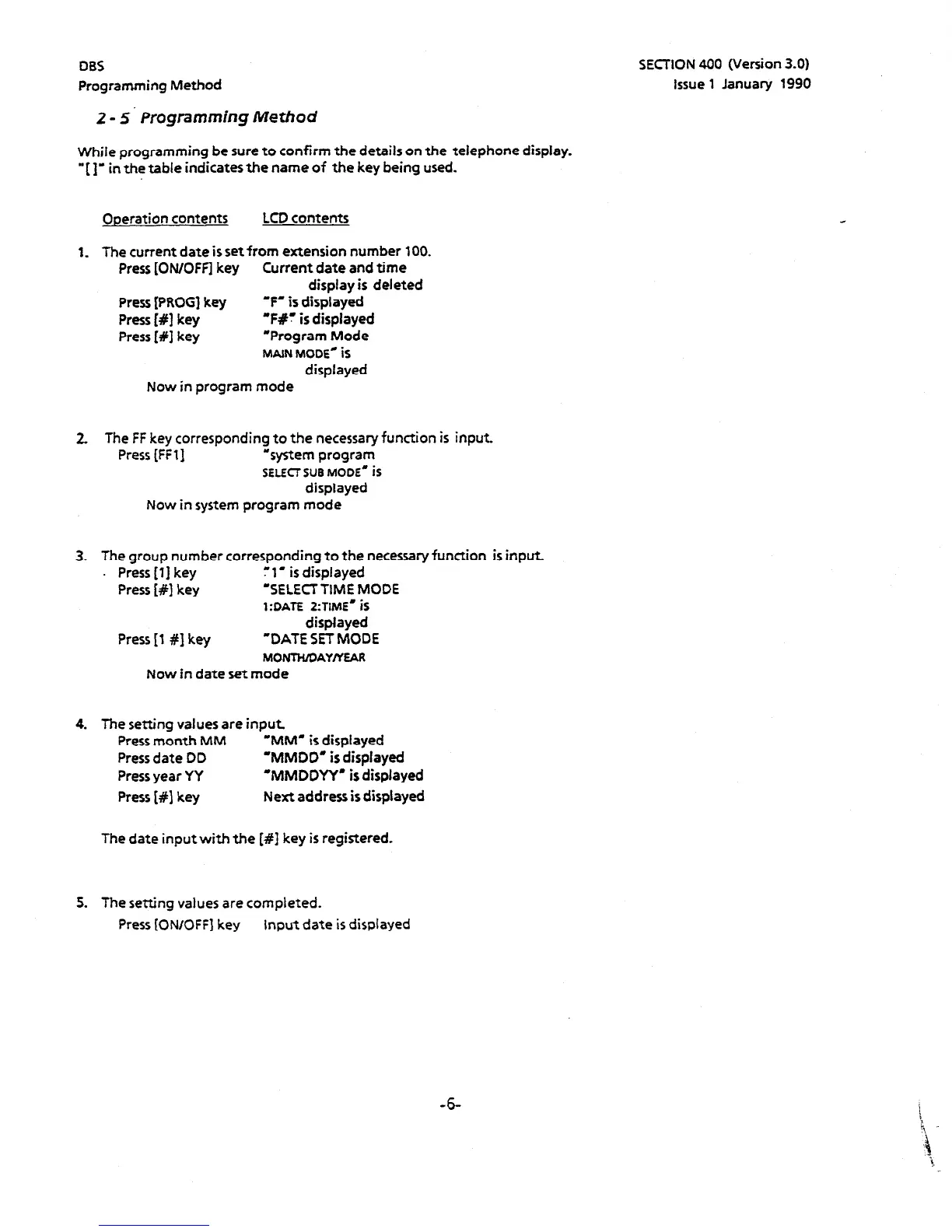
While programming be sure to confirm the details on the telephone display.
* ( 1’ in the table indicates the name of the key being used.
Ooeration contents LCD contents
1. The current date is set from extension number 100.
Press [ON/OFF] key Current date and time
display is deleted
Press [PROCI key
‘F’ is displayed
Press [#I key
‘Ffr is displayed
Press [#I key “Program Mode
MAIN MODE- iS
displayed
Now in program mode
2. The FF key corresponding to the necessary function is input.
Press [FFll “system program
SELECT
SUB MODE’ iS
displayed
Now in system program mode
3. The group number corresponding to the necessary function is input
. Press [l] key
: 1. is displayed
Press [#I key ‘SELECTTIME MODE
1:OATE 2:TIME’ iS
displayed
Press [I #1 key
“DATE SET MODE
MONTHIDAYIYEAR
Now in date set mode
4. The setting values are input
Press month MM ‘MM’ is displayed
Press date DD
‘MMDD’ is displayed
Press year YY
‘MMDDYY’ is displayed
Press [#I key Next address is displayed
The date input with the [#I key is registered.
5. The setting values are completed.
Press [ON/OFF] key input date is displayed
SECTION 400 (Version 3.0)
Issue 1 January 1990
-6




 To Next Page