22
SWITCH SETTING <continued>
Note: Items marked will not function when OUTPUT BIT item is set to “4:2:2 10bit”.
Value (Factory default setting underlined)
Set the display period of
ZEBRA.
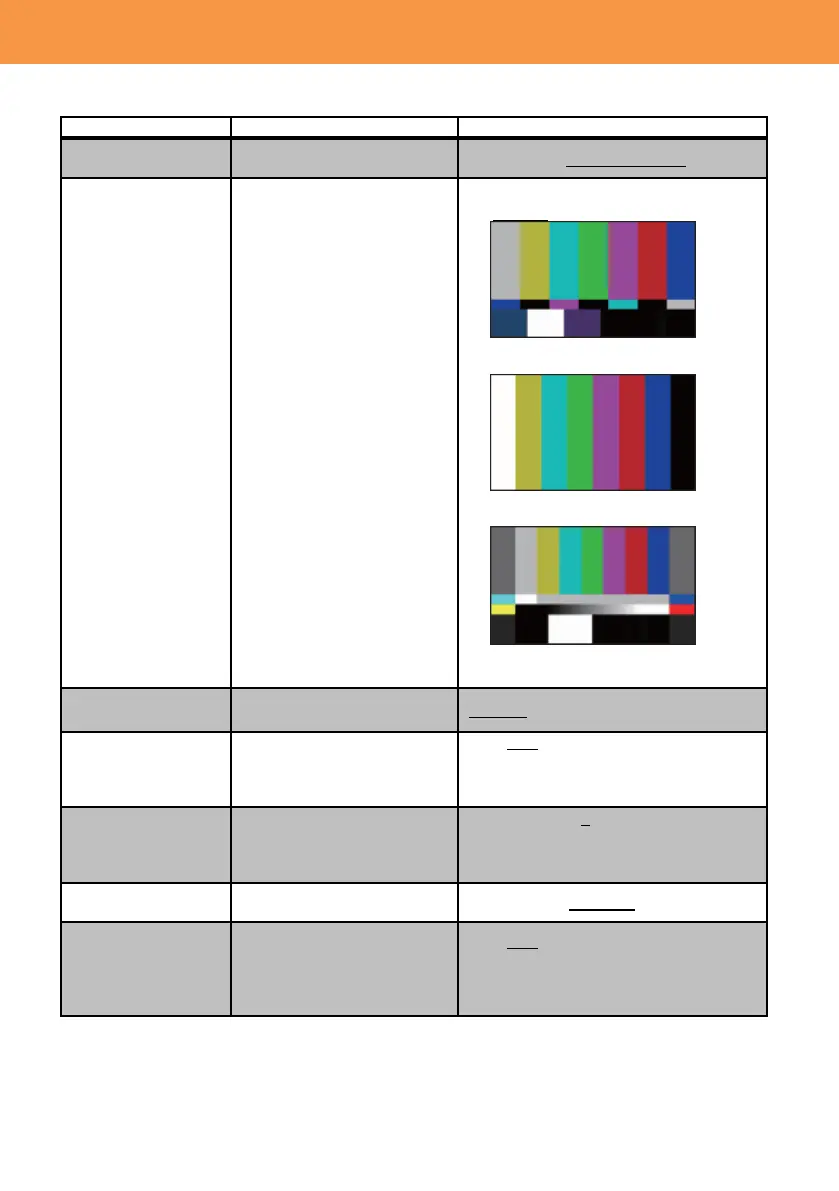
Set the type of color bars.
Use one of the REC buttons
on the carrying handle.
Increase servo zoom speed.
ON / OFF
Note: When this feature is turned ON,
motor operation sound becomes louder,
and could be audible and recorded.
Use one of the zoom levers
on the carrying handle.
OFF / 1 / 2 / 3 / 4 / 5 / 6 / 7
* Zoom speed becomes faster as the
number increases.
Set magnification ratio of the
digital zoom.
Activate electronic image
zoom feature, which can
extend zoom ratio up to x20
while maintaining a certain
image quality.
ON / OFF
* Enabled when resolution setting is
1920x1080 or lower.













 To Next Page