31
4-1. Monitoring 4K & UHD image
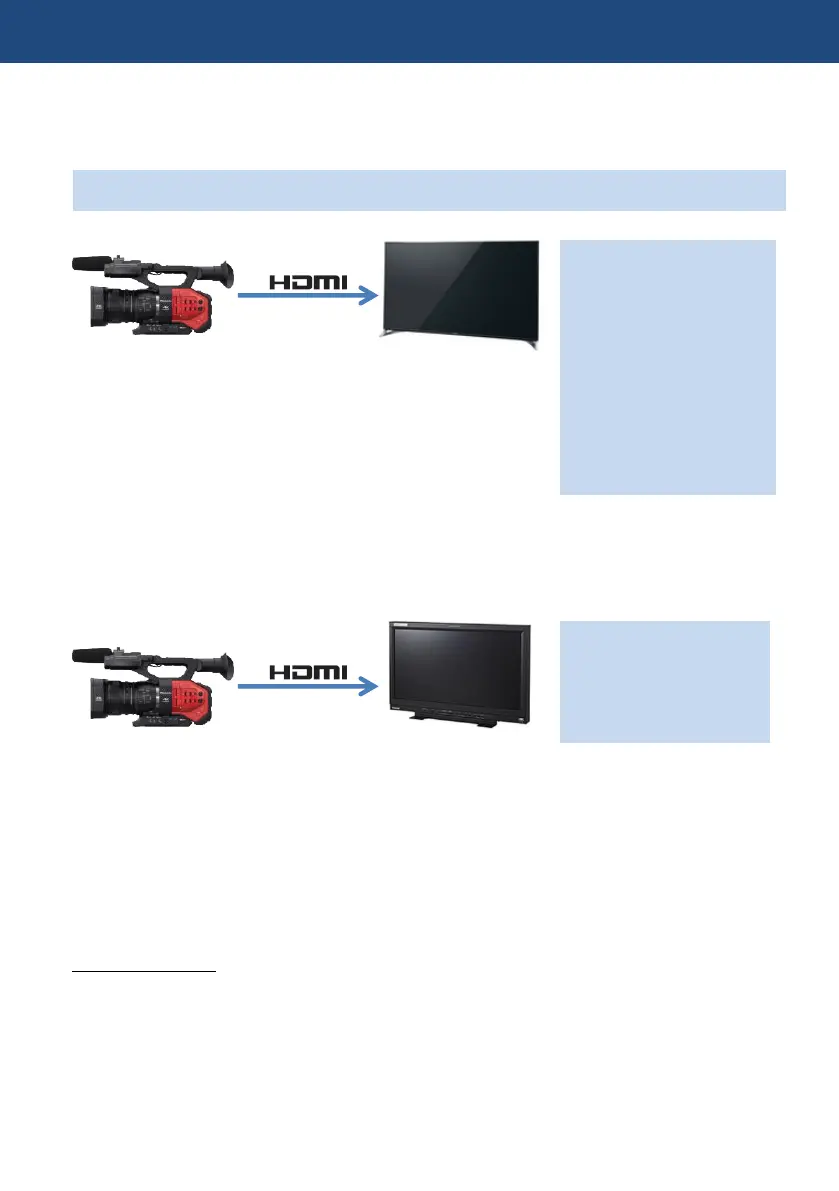
The AG-DVX200 is equipped with a HDMI 2.0 output port. It allows the camera to output stunning
UHD/59.94p or UHD/50.00p images in playback mode and camera through mode.
Note: Output image is down-converted to 1080p from UHD/59.94p and 50p once recording starts.
When monitor TV and/or receiver devices are not HDMI 2.0 compliant, acceptable frame rate in the
devices will usually be limited up to 29.97p at UHD. See user’s guide of your device for
performance specifications.
When viewing UHD/59.94p and 50.00p images with a device that does not support HDMI 2.0, but
equipped with Four SDI input for UHD (like the Panasonic BT-4LH310), use HDMI2.0 to HD-SDI
converter such as AJA HA5-4K.
Setting HDMI output
1. MENU > OUTPUT SETUP > OUTPUT SEL: HDMI (selectable SDI or HDMI)
2. MENU > OUTPUT SETUP > RESOLUTION: SYSTEM (output signal resolution follows the
system setting)
* See 7-2. Output signal for more details.
4. Understanding advanced features
4K monitor TV
HDMI 2.0 ready
Acceptable video formats*
4K/24.00p
UHD/59.94p *
UHD/50.00p *
UHD/29.97p
UHD/25.00p
UHD/23.98p
*In playback or camera
through mode only.
(i.e. not recording mode).
Acceptable video formats
4K/24.00p
UHD/29.97p
UHD/25.00p
UHD/23.98p
4K monitor TV
(BT-4LH310 etc.)
Supports HDMI 1.4













 To Next Page