27
DISPLAY SETTING
Note: Items marked will not function when OUTPUT BIT item is set to “4:2:2 10bit”.
Value (Factory default setting underlined)
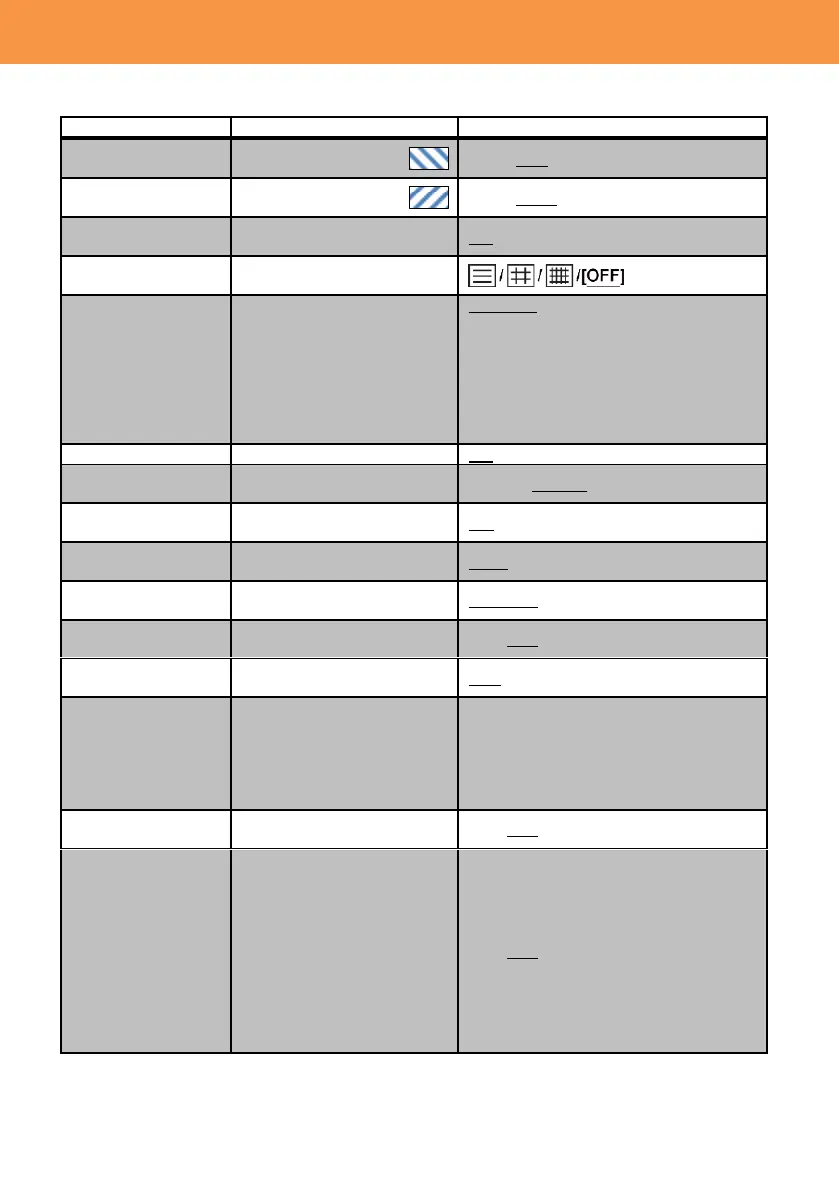
Set the zebra pattern
(right downward).
Set the zebra pattern
(right upward).
Display the spot meter
marker.
Select and show the guide
line pattern.
Select and show the safety
zone marker.
16:9 90% / 4:3 / 14:9 / 1.85:1 / 17:9 / 2:1
/ 2.35:1 / 2.39:1 / OFF
*The following items can be selected
when SA 480i or 576i mode is selected
and “SIDE CROP” is selected for the
ASPECT CONV menu item.
4:3 90% / 4:3 / OFF
Set the counting method of
record counter.
Set the unit of shutter speed
to be displayed.
Set the unit of GAIN to be
displayed.
Set the unit of zoom and
focus to be displayed.
NUMBER, mm/feet, mm/m, OFF
Show the EVF characters on
an external video monitor.
Set the display format of
date and time.
OFF / TIME / DATE / DATE&TIME
Set the display format of
calendar.
Y/M/D, M/D/Y, D/M/Y
Default setting on each model
AG-DVX200PJ, PB : M/D/Y
AG-DVX200EJ, EN, ED : D/M/Y
AG-DVX200PX: YM/D
Show a level gauge to check
the pitch and roll levels.
Display distribution of
brightness of the image for a
quick check of exposure.
The histogram chart consists
of “brightness” on the
horizontal axis, and
“frequency of appearance”
on the vertical axis. This
chart’s position can be
moved by touching the
built-in LCD screen.













 To Next Page