EYFR03 User Manual 90 of 110 v1.6.0
Chapter 7: EtherNet/IPTM 20 January 2020
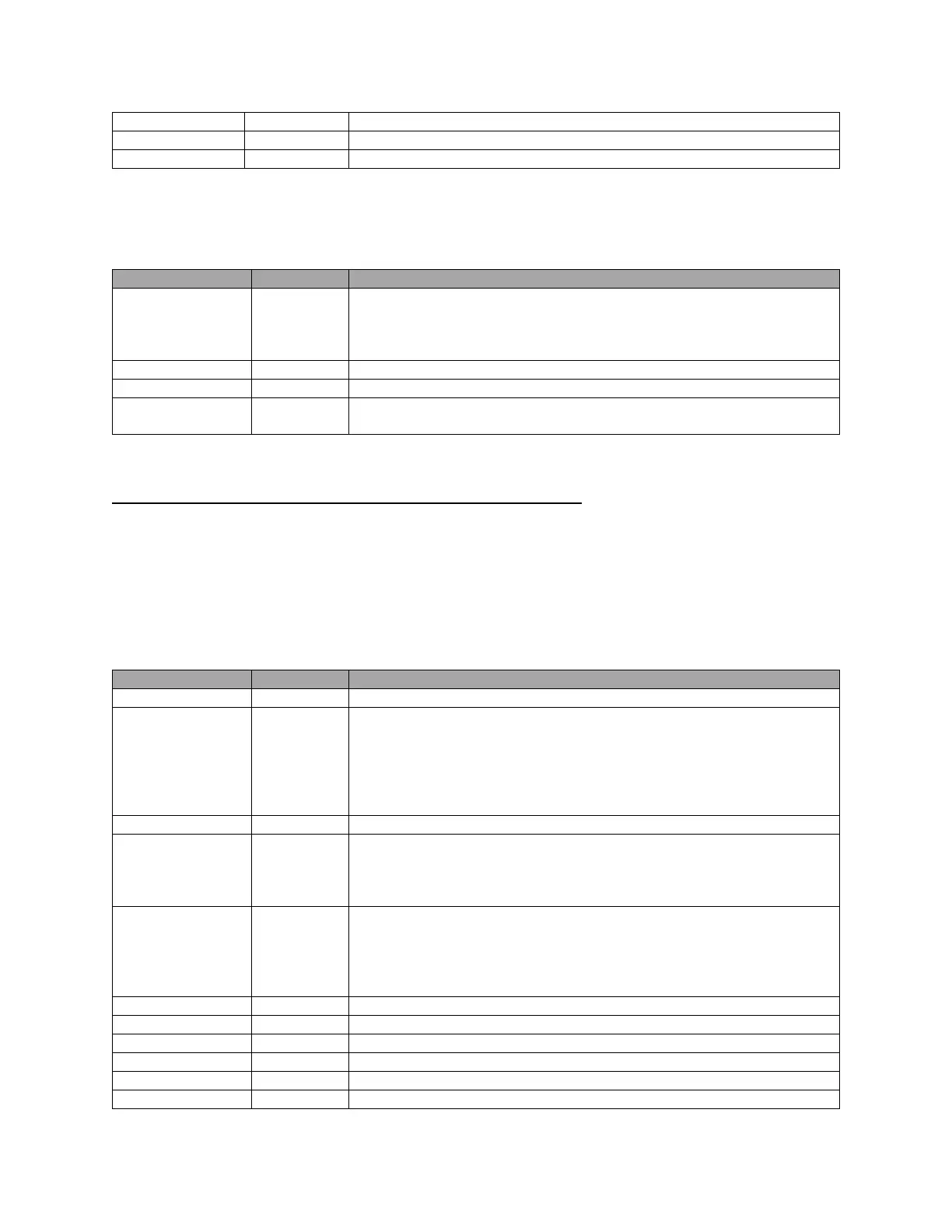
ASCII digits representing the value. Not used by the EYFR03.
Character representing the units of the torque. Not used by the EYFR03 .
Total size: 40 bytes
151
This connection point corresponds to the mask 1 of the EIP network card for the EYFR01.
Selects a parameter for the EYFR03 to run. May be any value in the ranges
0-7, ‘0’-‘7’, ‘A’-‘H’ (see above for details). Values outside these ranges
will cause the current parameter to be stopped and leave no parameter
running.
When this value changes, the batch will be reset.
When true, suspends the EYFR03.
The number of tightenings to run per batch for the selected parameter.
Ignored if 0.
Total size: 4 bytes
Input Connection Points for Backwards Compatibility
The connection points in this group correspond to the default masks provided in the
EtherNet/IP
TM
network card for the EYFR01 and are provided to make the EYFR03 easier to
drop into existing installations. These connection points are not recommended for new
installations.
100
This connection point corresponds to the default mask of the EIP network card for the EYFR01.
Type of the tool for the current parameter. One of:
“AIR” – Pneumatic air tools
“BAT” – Battery operated tool
“CLK” – Click wrench
“DIG” – Digital torque wrench
“ “ – No parameter running
Status of the last tightening. One of:
‘O’ – Good tightening
‘N’ – Bad tightening or no tightening performed since the last parameter
change
Type of the last tightening. One of:
‘B’ – Good tightening that finished a batch
‘C’ – Good tightening that did not finish a batch
‘R’ – Bad tightening
‘N’ – No tightening performed since the last parameter change
The count of the last tightening.
The batch size of the last tightening
Number of tightenings that have occurred.
Number of batches completed in the parameter.
ASCII digits of time of last tightening in HHMMSS format.
ASCII digits of date of last tightening in MMDDYY format.





 To Next Page