EasyManua.ls Logo

Panasonic NV-RX11A - Page 3

Panasonic NV-RX11A
60 pages
Print Icon
To Next Page IconTo Next Page
To Previous Page IconTo Previous Page
Loading...
*
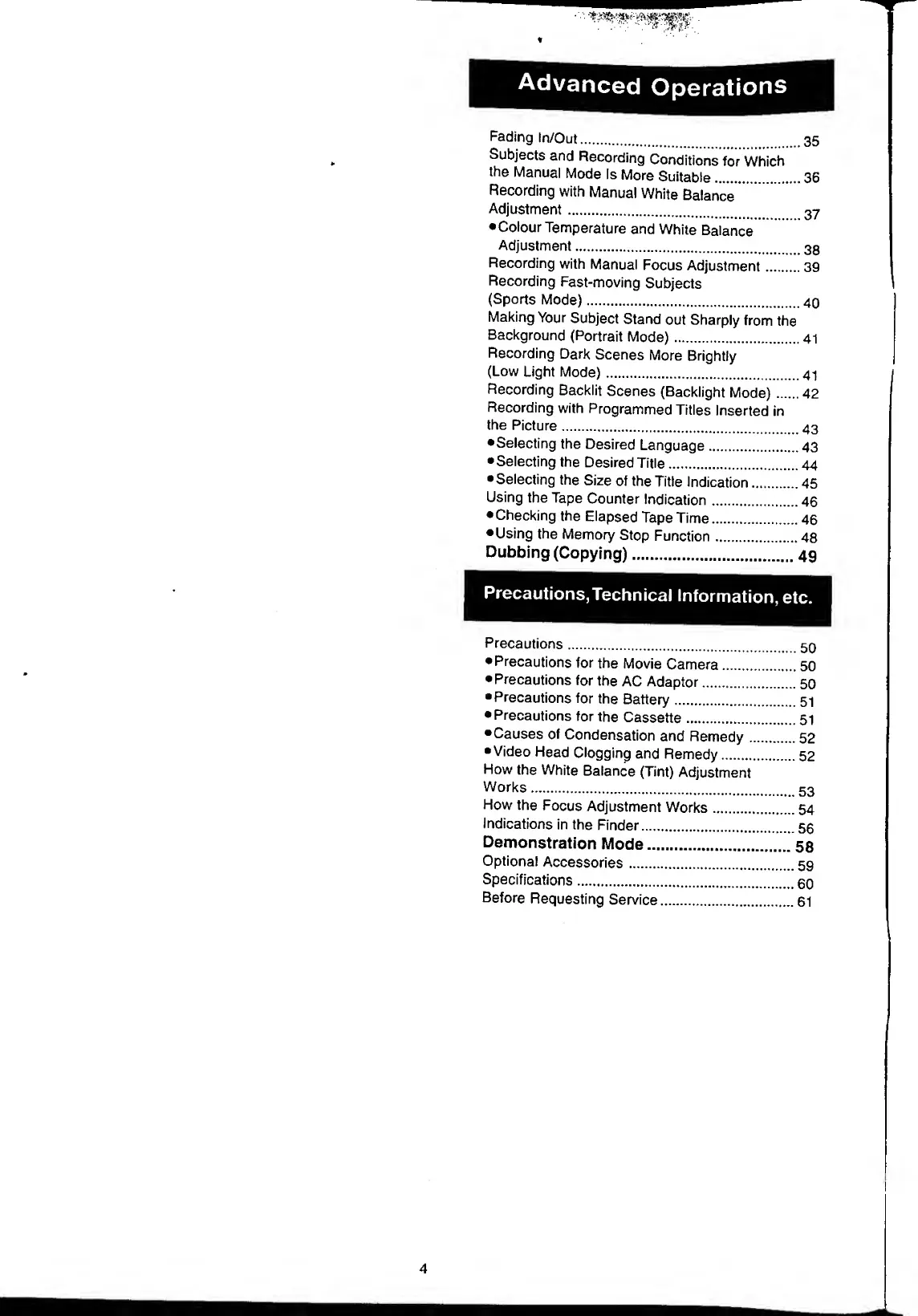
Advanced
Operations
Fading
In/Out.
.35
Subjects
and
Recording
Conditions
for
Which
the
Manual
Mode
Is
More
Suitable.36
Recording
with
Manual
White
Balance
Adjustment.
Colour
Temperature
and
White
Balance
Adjustment.
Recording
with
Manual
Focus
Adjustment.39
Recording
Fast-moving
Subjects
(Sports
Mode).40
Making
Your
Subject
Stand
out
Sharply
from
the
Background
(Portrait
Mode).41
Recording
Dark
Scenes
More
Brightly
(Low
Light
Mode).41
Recording
Backlit
Scenes
(Backlight
Mode).42
Recording
with
Programmed
Titles
Inserted
in
the
Picture..
Selecting
the
Desired
Language.43
Selecting
the
Desired
Title.44
Selecting
the
Size
of
the
Title
Indication.45
Using
the
Tape
Counter
Indication.46
Checking
the
Elapsed
Tape
Time.46
Using
the
Memory
Stop
Function.48
Dubbing
(Copying).
4
9
Precautions,Technical
Information,
etc.
Precautions.50
Precautions
for
the
Movie
Camera.50
Precautions
for
the
AC
Adaptor.50
•Precautions
for
the
Battery.51
Precautions
for
the
Cassette.51
Causes
of
Condensation
and
Remedy.52
Video
Head
Clogging
and
Remedy.52
How
the
White
Balance
(Tint)
Adjustment
Works.
53
How
the
Focus
Adjustment
Works.54
Indications
in
the
Finder.56
Demonstration
Mode.
5
8
Optional
Accessories.59
Specifications.50
Before
Requesting
Service.61
4

Table of Contents

Related product manuals