EasyManua.ls Logo

Panasonic NV-RX11A - Demonstration Mode

Panasonic NV-RX11A
60 pages
Print Icon
To Next Page IconTo Next Page
To Previous Page IconTo Previous Page
Loading...
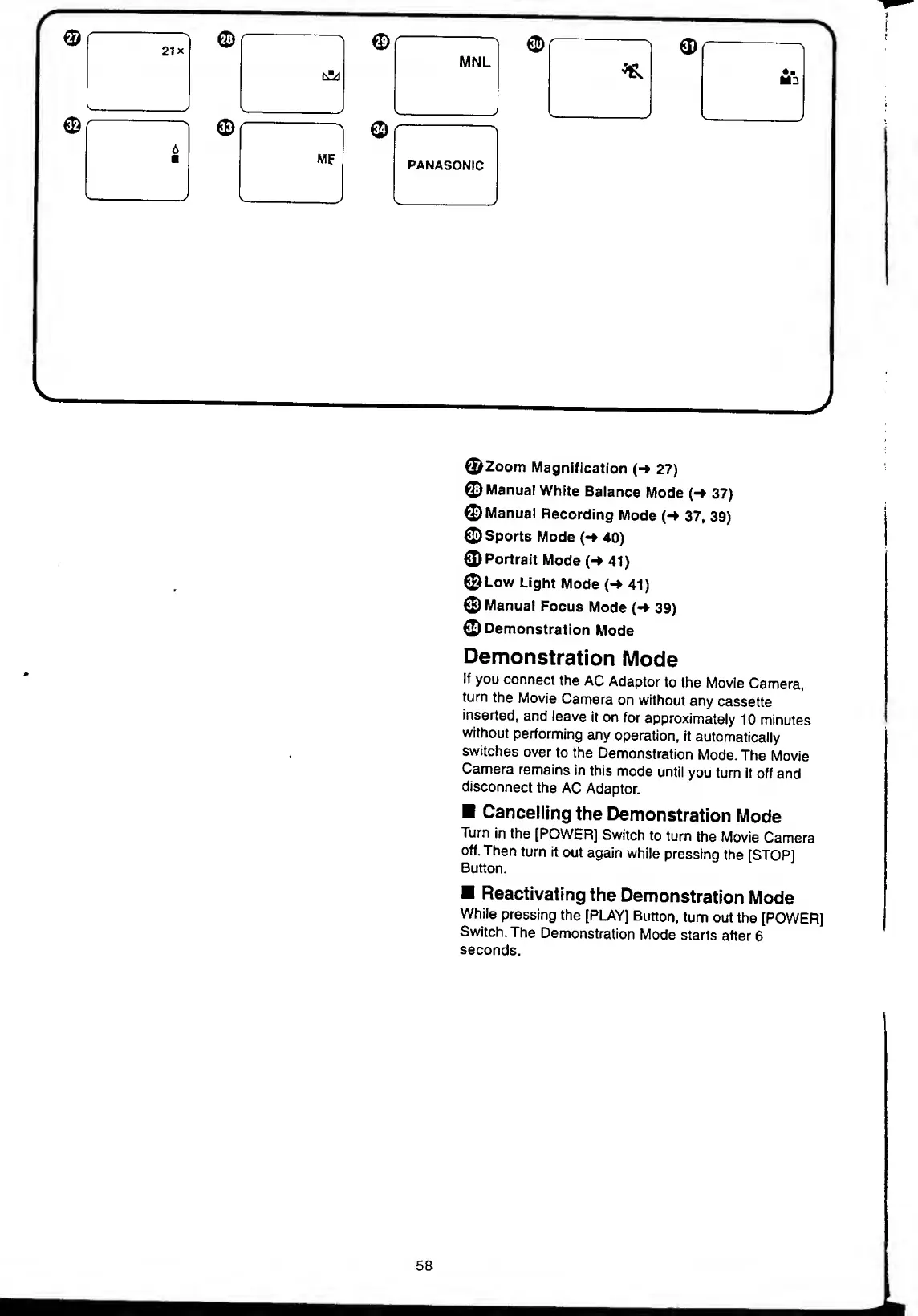
©Zoom
Magnification
(-»
27)
©Manual
White
Balance
Mode
(-*
37)
©Manual
Recording
Mode
{-*
37,
39)
©Sports
Mode
(•
40)
©
Portrait
Mode
(-
41)
©Low
Light
Mode
(->
41)
©Manual
Focus
Mode
(-»
39)
©Demonstration
Mode
Demonstration
Mode
If
you
connect
the
AC
Adaptor
to
the
Movie
Camera,
turn
the
Movie
Camera
on
without
any
cassette
inserted,
and
leave
it
on
for
approximately
10
minutes
without
performing
any
operation,
it
automatically
switches
over
to
the
Demonstration
Mode.
The
Movie
Camera
remains
in
this
mode
until
you
turn
it
off
and
disconnect
the
AC
Adaptor.
Cancelling
the
Demonstration
Mode
Turn
in
the
[POWER]
Switch
to
turn
the
Movie
Camera
off.
Then
turn
it
out
again
while
pressing
the
[STOP]
Button.
Reactivating
the
Demonstration
Mode
While
pressing
the
[PLAY]
Button,
turn
out
the
[POWER]
Switch.
The
Demonstration
Mode
starts
after
6
seconds.
58

Table of Contents