EasyManua.ls Logo

Panasonic PV-A206 - Page 37

Panasonic PV-A206
40 pages
Print Icon
To Next Page IconTo Next Page
To Previous Page IconTo Previous Page
Loading...
Index
of
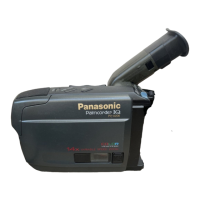
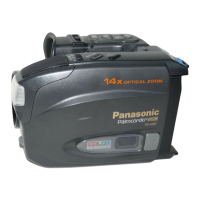
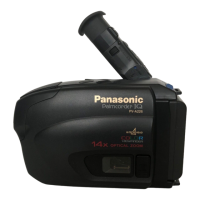
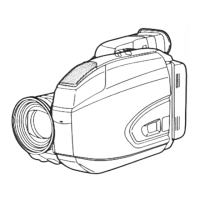
Controls
Top
View
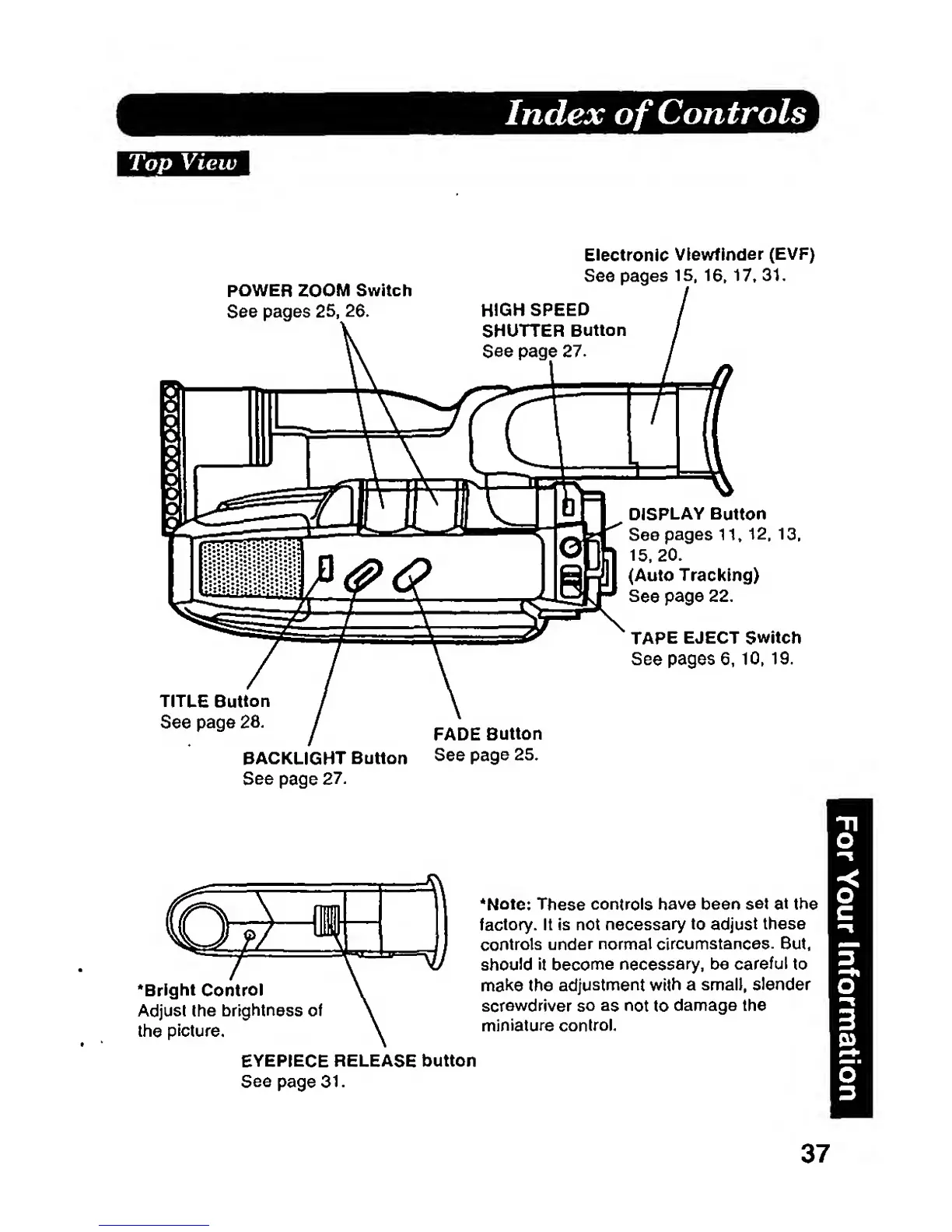
POWER ZOOM
Switch
See
pages 25,
26.
Electronic
Viewfinder
(EVP)
See pages 15,
16,
17.
31.
TITLE Button
See page
28.
BACKLIGHT
Button
See
page
27.
FADE
Button
See
page
25.
DISPLAY
Button
See
pages
11»
12,
13,
15.
20.
(Auto Tracldng)
See
page 22.
TAPE
EJECT Switch
See
pages
6,
10,
19.
'Bright
Control
Adjust the brightness
of
the
picture.
*Note:
These
controls
have been
set
at
the
factory.
It Is not
necessary
to
adjust
these
controls
under normal
circumstances. But.
should
it
become
necessary,
be
careful
to
make the
adjustment
with
a small,
slender
screwdriver
so
as
not
to
damage
the
miniature
control.
EYEPIECE
RELEASE button
Seepage 31.
37