EasyManua.ls Logo

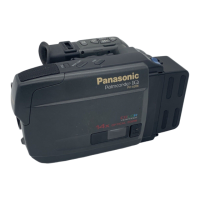
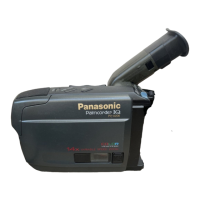
Panasonic PV-A206 - Supplying Power; Charge the Battery Pack; Use the Battery Pack

Panasonic PV-A206
40 pages
Print Icon
To Next Page IconTo Next Page
To Previous Page IconTo Previous Page
Loading...
Supplying
Power
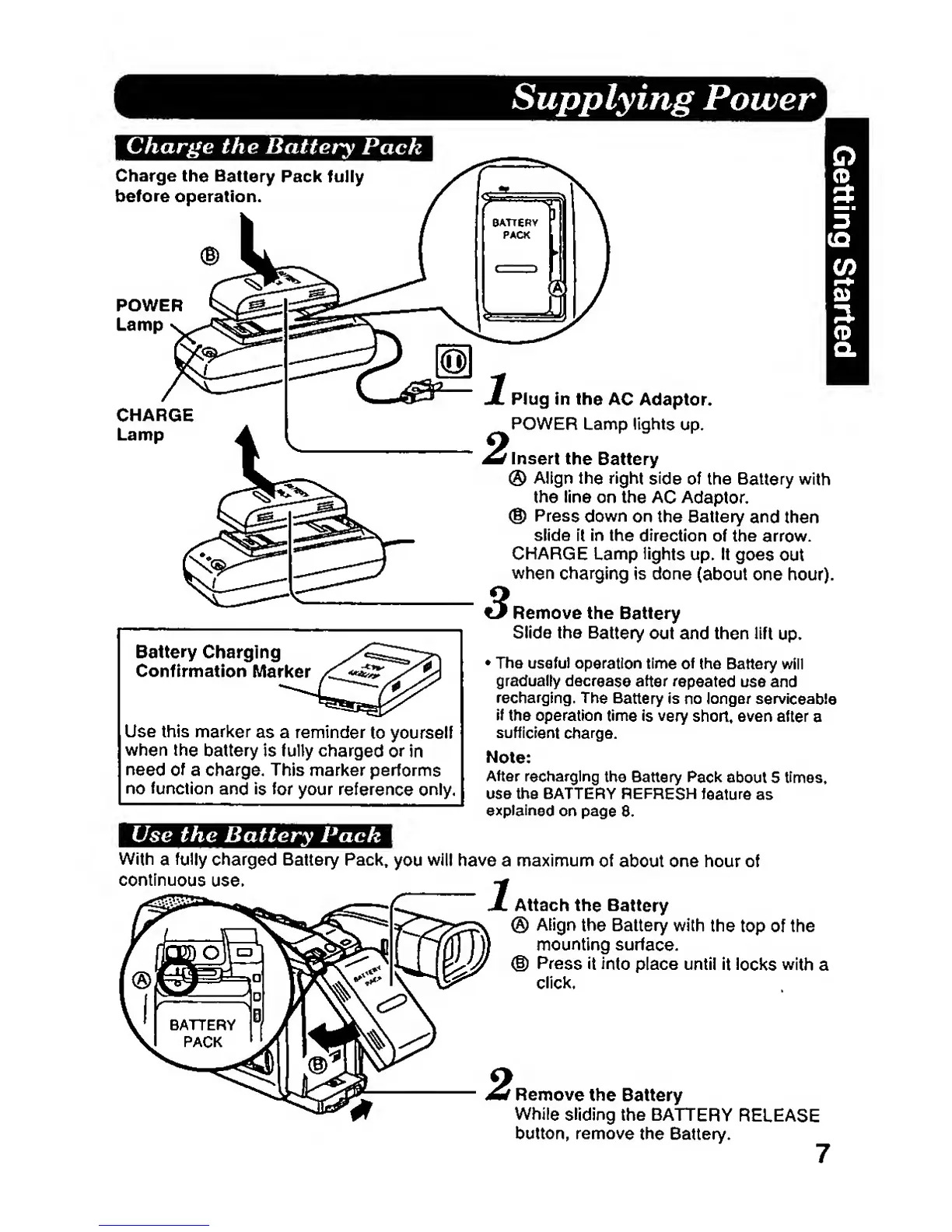
Charge the
Battery
Pacfe^^^J^^^^^^^^^^^^^^^^^I
Charge
the
Battery
Pack fully
before operation.
POWER
Lamp
CHARGE
Lamp
Battery
Charging
Confirmation
Mari<er
Use this
marker
as
a reminder
to yourself
when
the
battery is
fully charged or
in
need
of
a charge. This marl<er performs
no
function
and
is
for
your
reference only.
Plug in
the
AC Adaptor.
POWER Lamp
lights
up.
Insert
the
Battery
®
Align
the
right
side
of the
Battery with
the line on
the AC
Adaptor.
®
Press
down
on the Battery
and
then
slide
it
in
the
direction of the
arrow.
CHARGE
Lamp
lights
up. It
goes
out
when
charging
is
done
(about one hour).
^Remove the
Battery
Slide the
Battery
out and then lift
up.
The
useful
operation time of
the
Battery will
gradually
decrease
after
repeated
use and
recharging.
The
Battery
is no longer
serviceable
if
the operation
time is
very
short, even after
a
sufficient
charge.
Note:
After recharging
the
Battery
Pack
about S
times,
use the BATTERY
REFRESH
feature
as
explained
on
page
8.
Use the
Battery
Pack
With
a
fully
charged
Battery Pack,
you
will
have a maximum
of
about one hour of
continuous
use.
Attach
the
Battery
®
Align
the
Battery with
the
top of the
mounting
surface.
(§)
Press it
Into
place until
it
iocks
with
a
click.
Remove
the Battery
While
sliding
the
BATTERY
RELEASE
button, remove
the
Battery.

Related product manuals