38
English
Configuration and basic operation of OSD screen
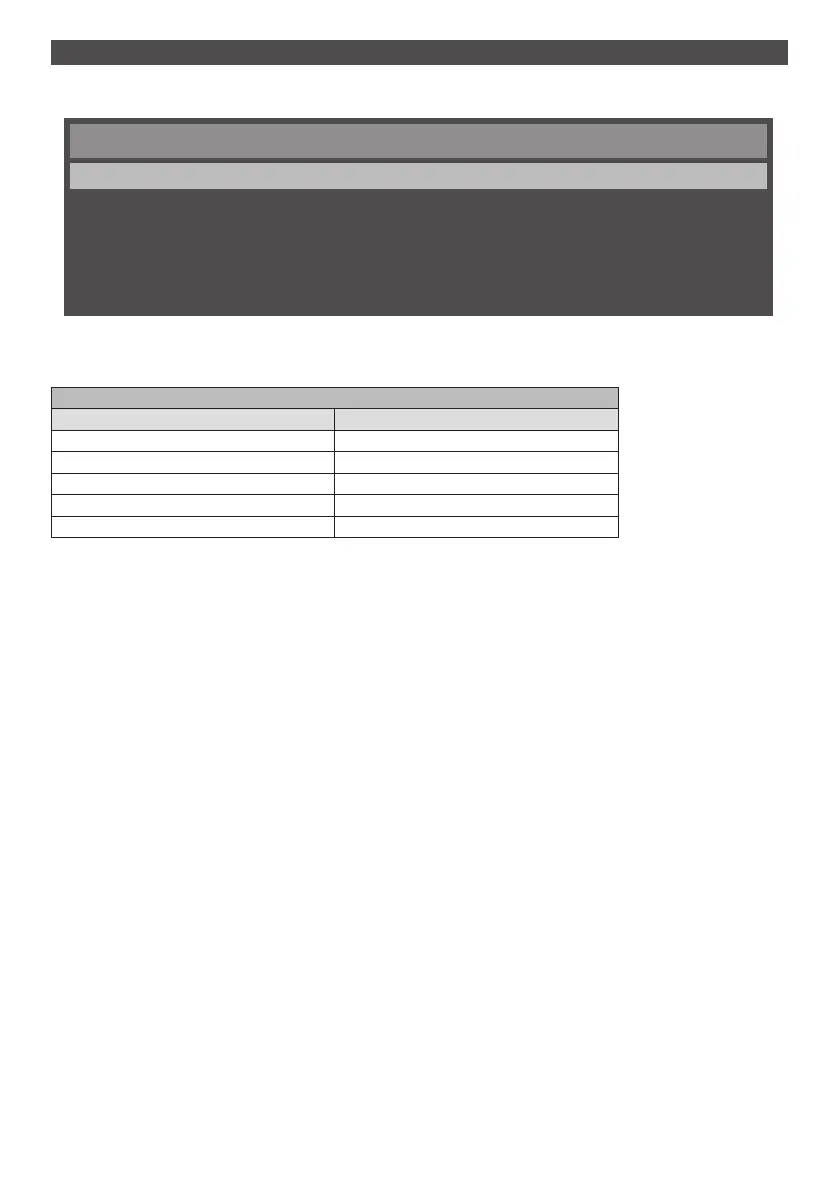
In this device, the OSD (on-screen display) function has been used so that the settings can be easily adjusted.
With the OSD function, you can operate the menu displayed on the screen and adjust brightness and other settings.
Main Menu
Picture
Sound
Setup
Initial Setting
System Information
This table shows the functions of default settings of OSD of the Main Menu screen. Detailed items are explained from
next page onwards.
Main Menu screen
Menu items Detailed information
[Picture] See page 41
[Sound] See page 43
[Setup] See page 44
[Initial Setting] See page 45
[System Information] See page 47






 To Next Page