45
English
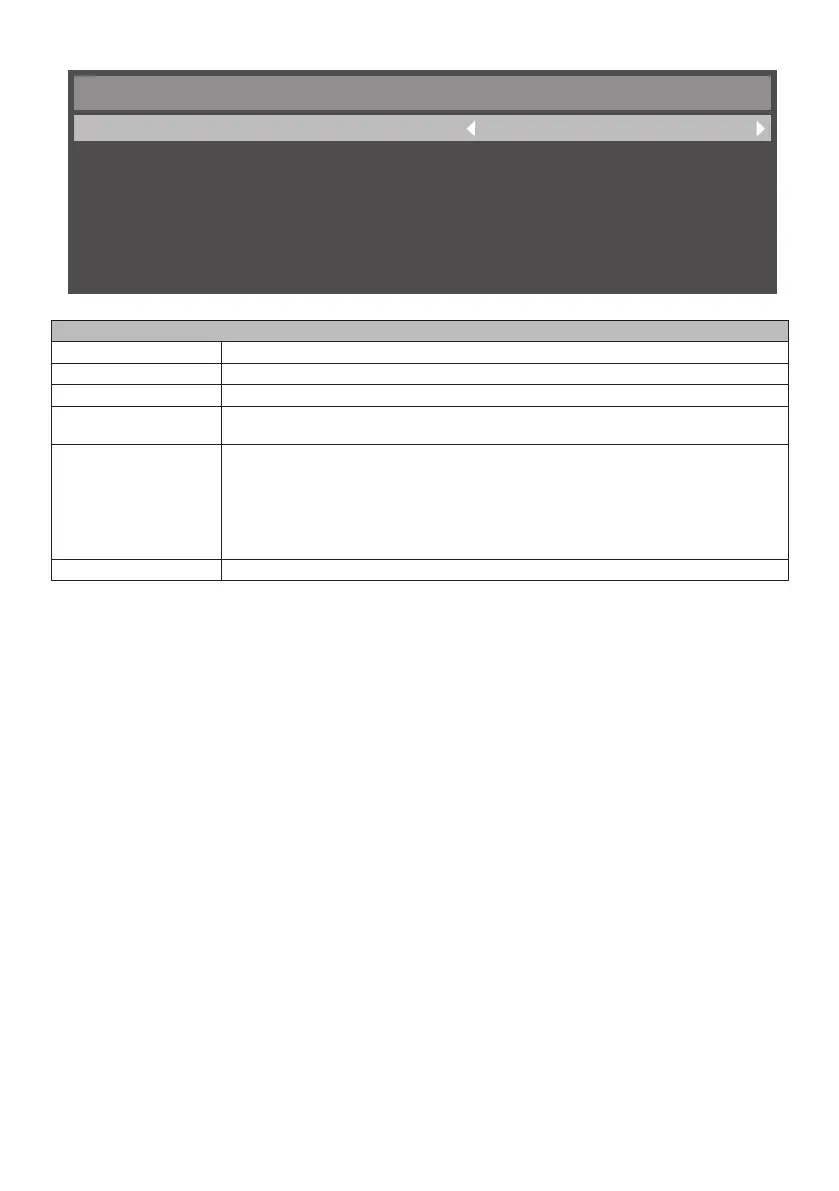
■ Menu screen of initial settings
Initial Setting
OSD Rotation
Menu Language
Clock
Logo Display
Remote Operation
Keypad Operation
Landscape
English
2017/1/5 05:04
Enable
Enable
Enable
Menu screen of initial settings
[OSD Rotation] Selects either [Portrait] or [Landscape] as the direction of OSD.
[Menu Language] Select the language of OSD menu.
[Clock] Changes time and date.
[Logo Display] Selects whether to display the logo of Panasonic or not when the power supply is
turned on.
[Remote Operation] Enables / disables the operation of the remote control.
Note: When the remote control operation is disabled, you can enable the operation of
remote control by pressing the buttons of the remote control in the [MENU] / left /
right / up / down sequence.
If [Keypad Operation] was set to [Disable], it will also be set to [Enable] in this
case.
[Keypad Operation] Enables / disables the control button operation of the unit.








 To Next Page