10
Quick & Easy
Keys Functions
<>
Performs the functions shown at the bottom line of the display.
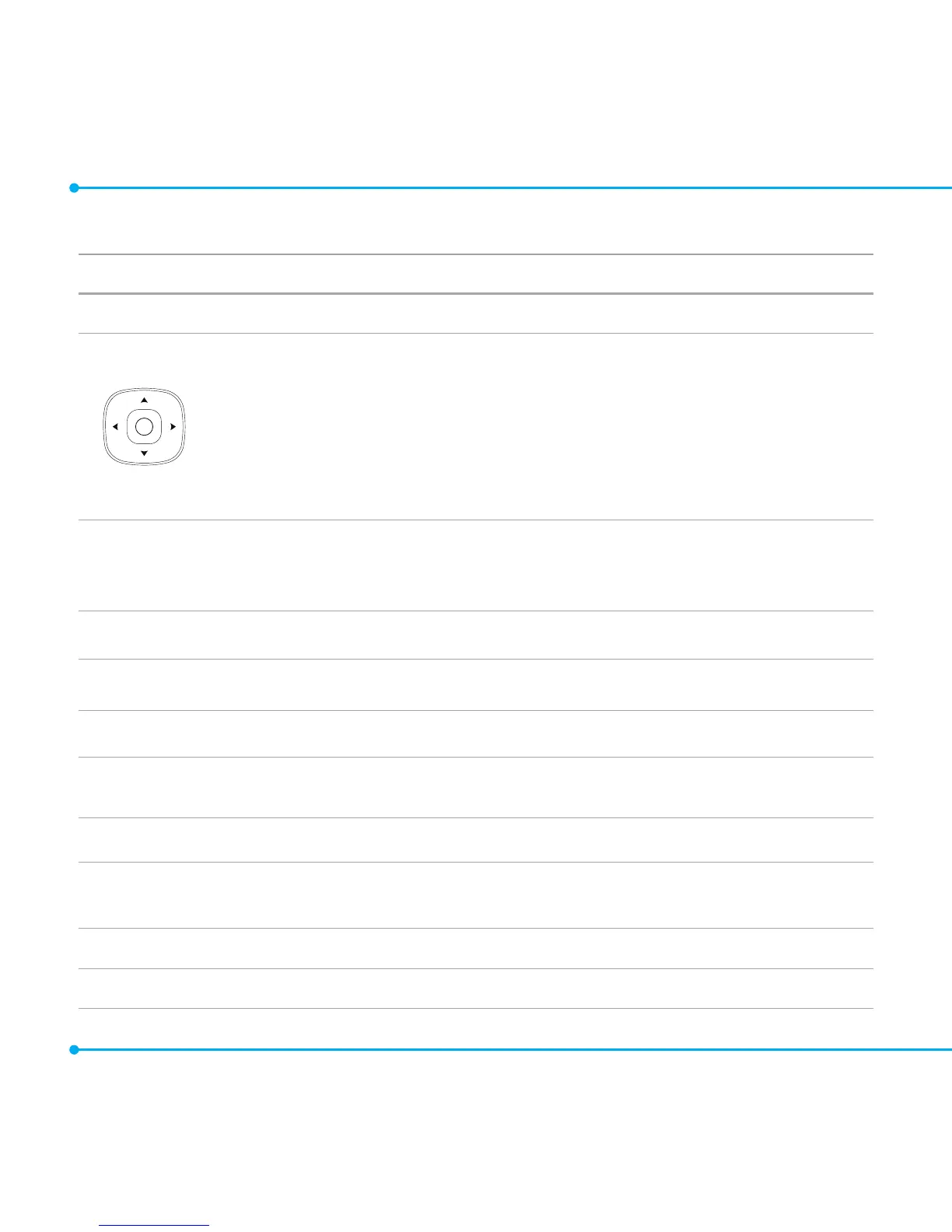
Scrolls through the menu options in Menu mode. In standby mode,
Left:AccessMobile Email menu
Right:AccessYPmobile menu
Up:AccessNew Message menu
Down:AccessContacts menu
WorksinWordsearchmodeifpressedinthePredictivetextinputmode.
O
Selects a menu function or store user-input information, such as names. Also
uses this key for confirmation.
Launchesthe Web directly if pressed in standby mode.
N
Turns on the speaker mode.
C
Deletescharactersfromthedisplay,orreturntopreviousmenu.
S
Sends or receives a call. Shows the recent call list in standby mode.
E
Completes the current call. Turns on/off the phone if pressed and held.
Cancels user input and return to main screen while in Menu mode.
1
Quickly connects to the voice mail server if pressed and held in standby mode.
0~9
Entersnumbers,lettersorspecialcharacters.Goestothedialscreenifpressed
in standby mode.
B
Entersorexitsfromvibratemodeifpressedandheld.
q
Entersaninternationaldialingprexifpressedinstandbymode.



 To Next Page