80
Using the converter
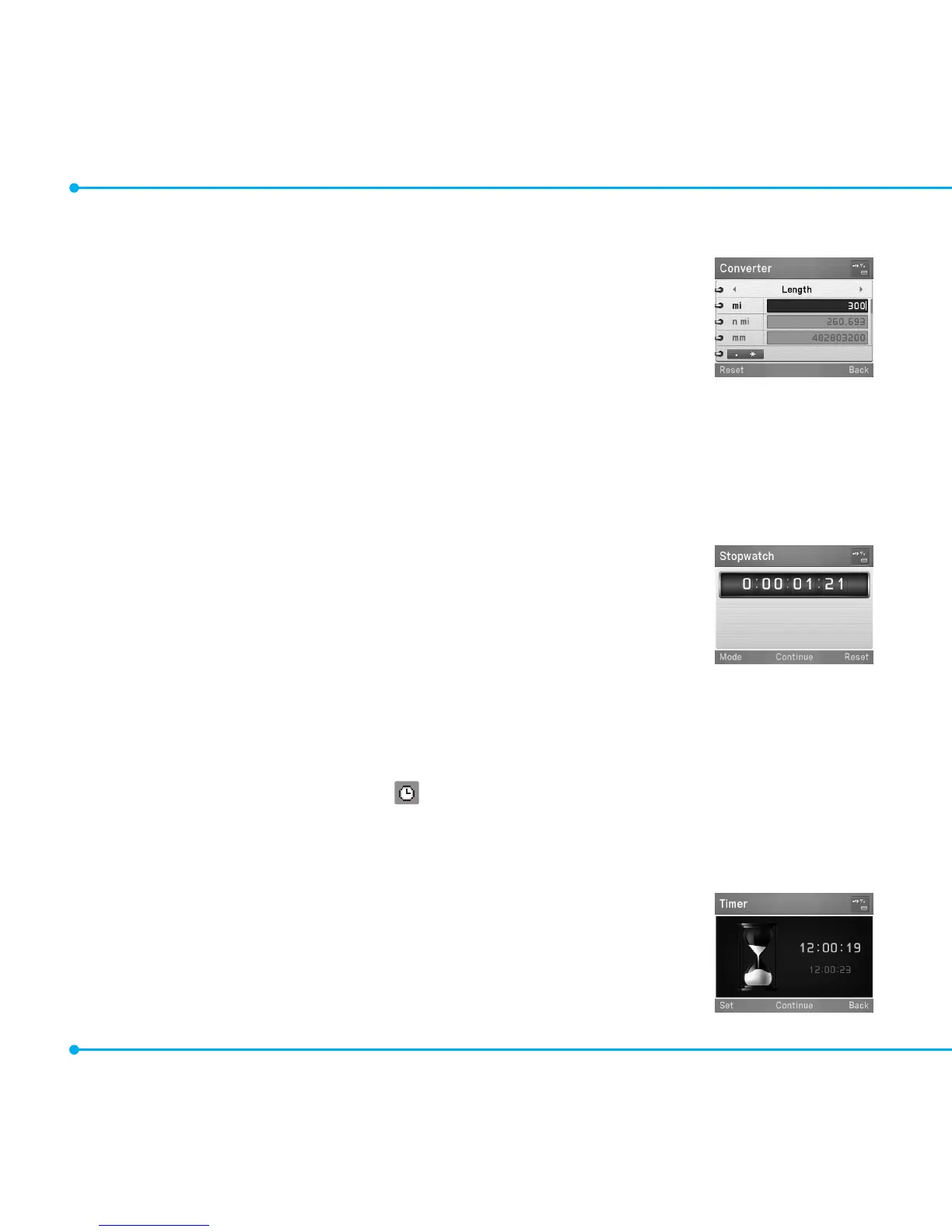
1. Select Menu > Tools > Converter.
2. Select a category.
3.Selectacurrentunitandentergure.Other unit fields are updated
automatically.
4.Toreset,selectReset.
note:Press*to use the decimal point.
Stopwatch and timer
Using the Stopwatch
1. Select Menu > Tools > Stopwatch.
2. Select Start to start.
3.SelectStop to stop.
4.SelectContinue to restart.
5.SelectReset to clear.
6.Tosplitthestopwatch,selectMode > Split Time Mode.
7. To change to lap time, select Mode > Lap Time Mode.
note: In Basic Mode, when you exitthestopwatchmenuorthestopwatchbecomesidle,thestopwatchwill
continue running and will be indicated by the icon. You can access the stopwatch by re-entering the
stopwatch menu.
Using the timer
1. Select Menu > Tools > Timer.
2. Select Set to input the time.
3.Setthehour,minuteandsecondbypressingU/D/L/R .
4.PressOor select Save.



 To Next Page