05
06
07
08
01
02
03
04
71
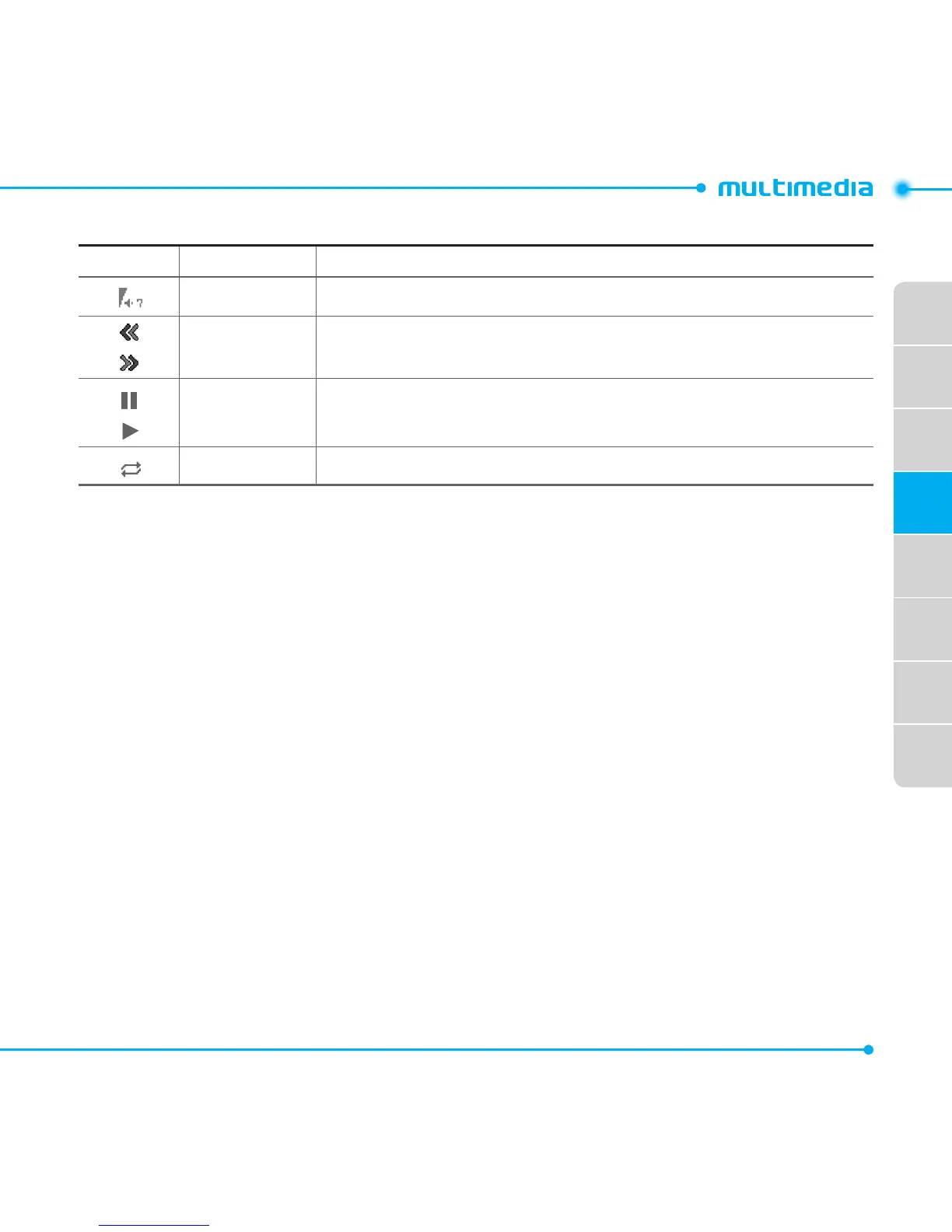
Icons for player
Icon Name Description
Volume
Previous
Next
LongPress:Rewind,FastForward
Pause
Play
RepeatOn
Playing video clips
1. Select Menu > Tools or Menu > My Stuff > Tools.
2. Select Media Player.
3.SelectVideo.
4.Selectale,andthenselectPlay.
Playing audio files
1. Select Menu > Tools or Menu > My Stuff > Tools.
2. Select Media Player.
3.SelectAudio.
4.Selectafolderandale,andthenselectPlay.
For the audio player control see page 70.
Setting Mobile Video
1. Select Menu > Tools or Menu > My Stuff > Tools.
2. Select Media Player > MV Settings.
3.SelectaproleorselectOptions > Create.



 To Next Page