76
Alarm
Setting an alarm
1. Select Menu > Tools > Alarm Clock.
2. Select Create New or select Options > Create New to set a new alarm.
3.SettheAlarm Name, Time, Frequency, Alarm Sound, Alert Type, Volume, Snooze, and
Power Alarm.
4.SelectSave.
Viewing the saved alarms
1. Select Menu > Tools > Alarm Clock.
Editing existing alarms
1. Select Menu > Tools > Alarm Clock.
2. Select an alarm > Edit.
3.Todeleteanalarm,selectanalarm>Options > Delete > Yes.
Calendar
Calendar helps you manage your appointment including your time for
calls or special days. You can set a reminder on any given date with this
function.
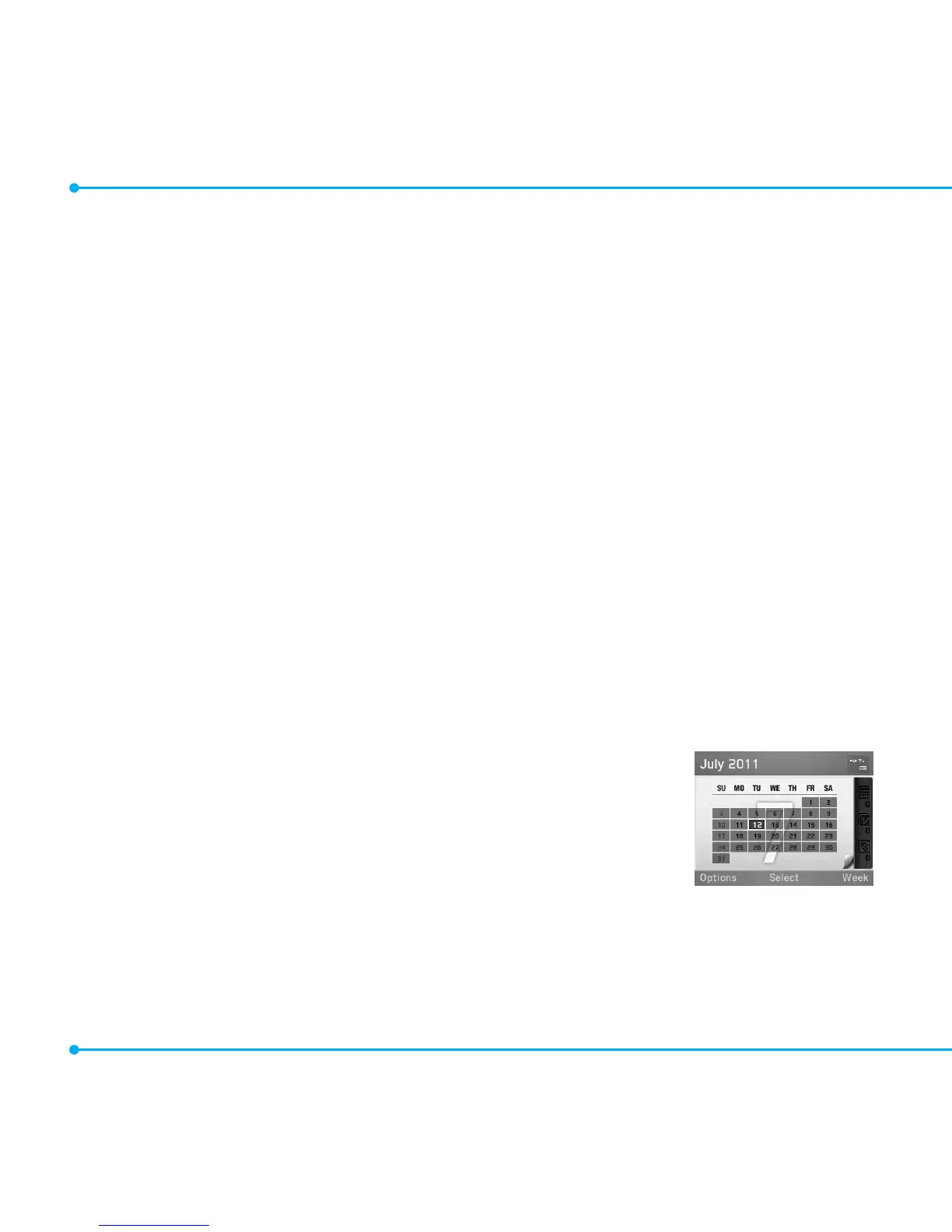
Viewing calendar
1. Select Menu > Tools > Calendar.
note: Monthly view is displayed as default.



 To Next Page