78
Recording voice memos
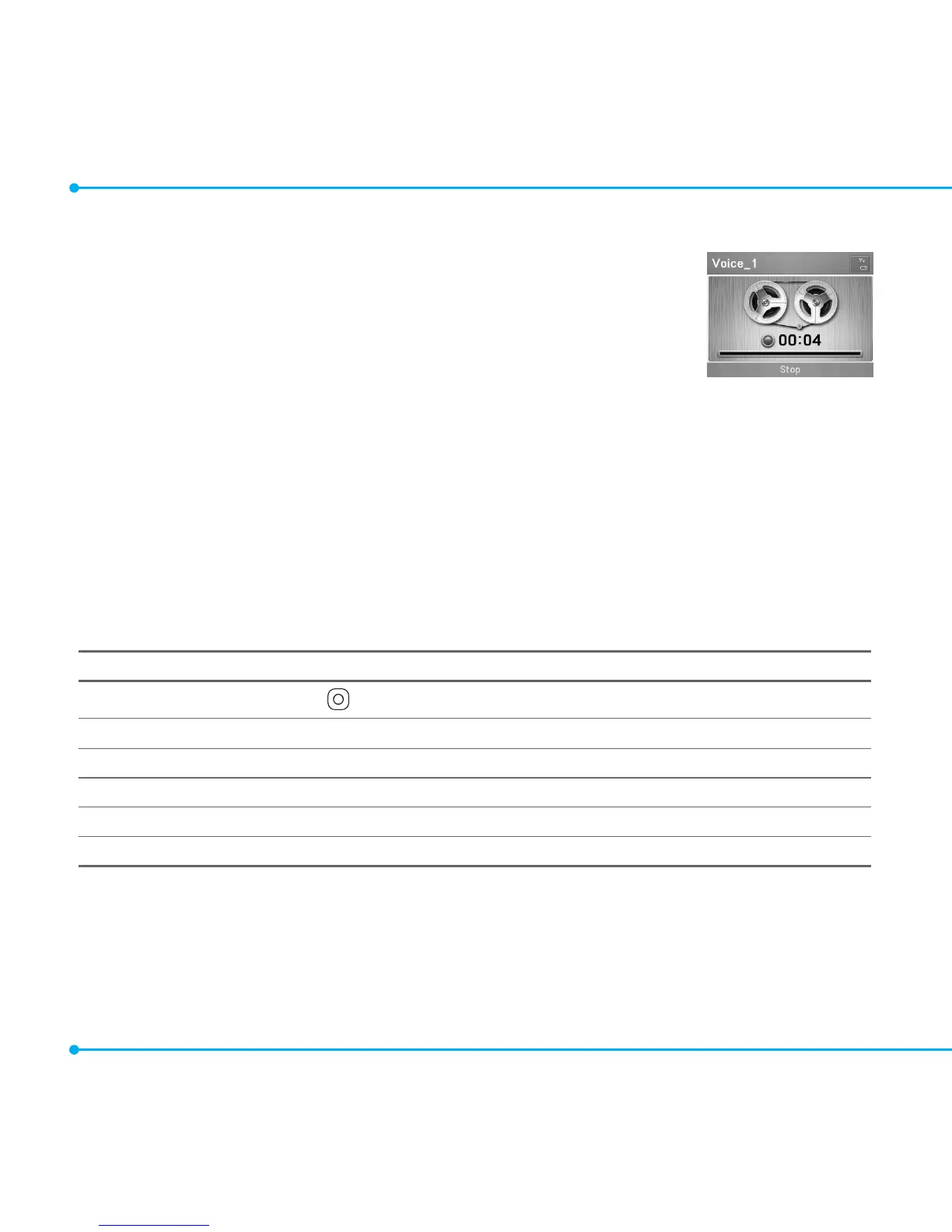
1. Select Menu > Tools > Voice Memo.
2. Select New Record to add a voice memo.
3.SelectRecord.
4.SelectStop to stop recording. It will be automatically saved to My Voice.
5.Tolistentoarecordedle,selectarecordedle,andthenselectPlay.
6.Tosetyourrecordedvoicememoasaringtone,selectarecordedleandthenselect
Options > Set as Ring Tone.
note: To access My Voice, select Menu > My Stuff > Audio > My Voice.
Listening to recorded sounds
1. Select Menu > My Stuff > Audio > My Voice.
2. Select a sound, and then select Play.
Using sound controls
To Press
Play & Pause
Control volume
Side key up or down or U/D
Stop Options > Stop
Mute Options > Mute
Repeat Options > Repeat on /off
Properties Options > Properties



 To Next Page