84
Bluetooth
Bluetooth technology enables free wireless connections between electronic devices within a
maximumrangeof33feet(10meters).Bluetoothconnections can be used to send images,
text,businesscards,calendarevents and notes, or to connect to computers using Bluetooth
technology.
Yourmobilephonesupports:
• ConnecttoPCtoaccessinternet.
• ConnecttoHands-Free.
• Connecttoelectronicdevices.
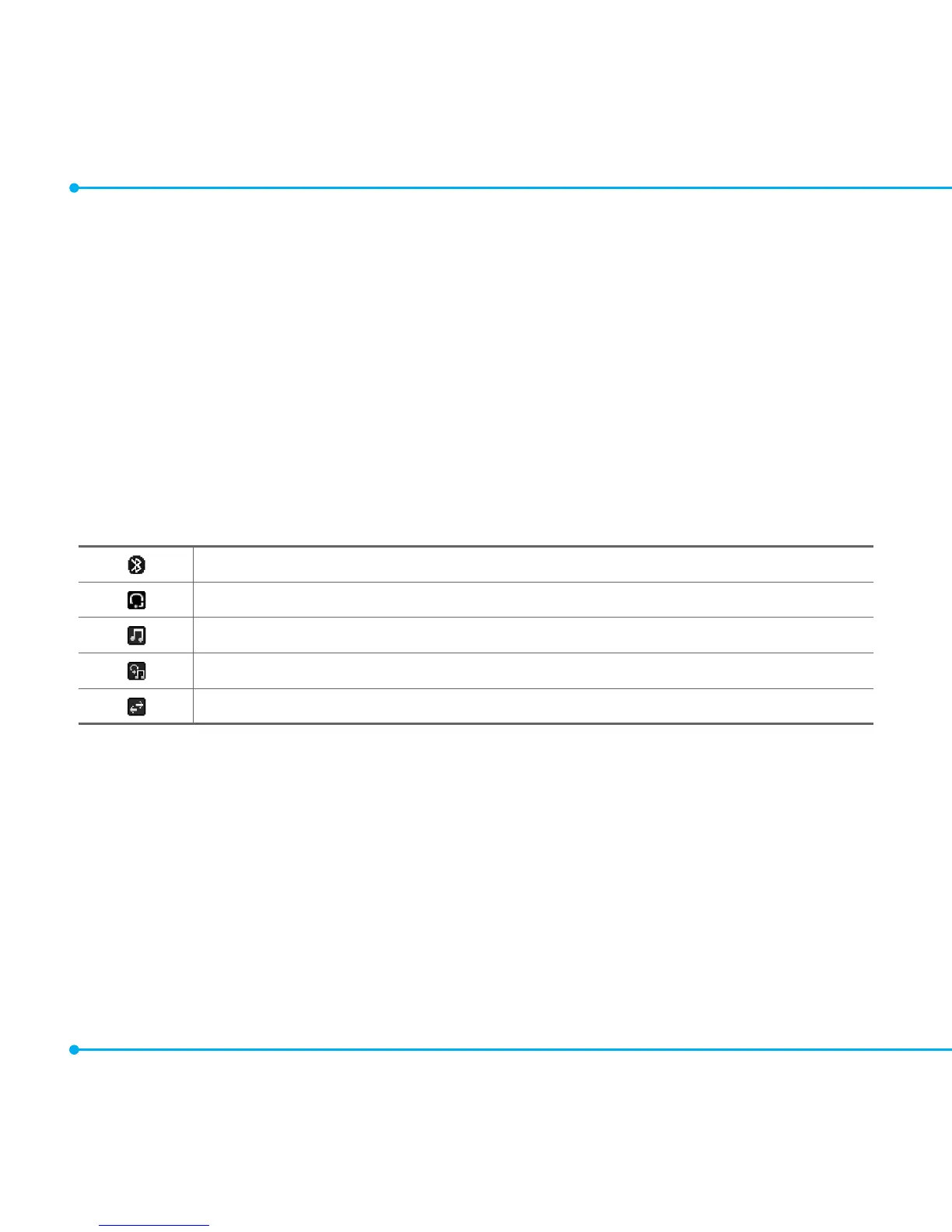
Icons for Bluetooth
Bluetooth is active.
Bluetooth hands-free headset is connected.
BluetoothA2DPheadsetisconnected.
Bluetoothhands-free+A2DPheadsetisconnected.
DatatransferviaBluetooth.
Activating Bluetooth
1. Select Menu > Settings > Connectivity > Bluetooth > Activation.
2. Select On or Off.
Adding a device
1. Select Menu > Settings > Connectivity > Bluetooth > My Devices.
2. Select Search for Devices.
3.Theavailabledeviceswillbedisplayed.



 To Next Page