05
06
07
08
01
02
03
04
67
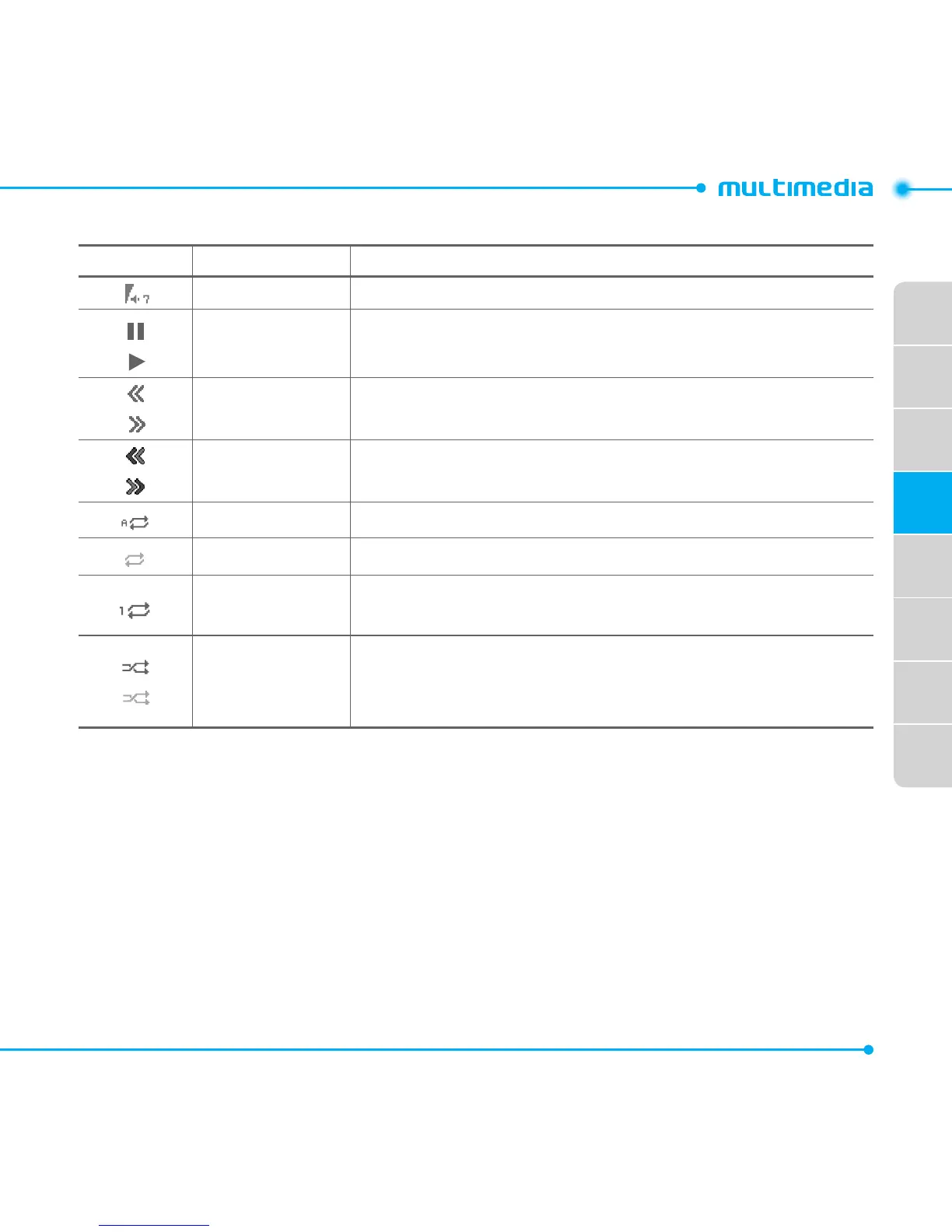
Icons for player
Icon Name Description
Volume
Pause
Play
Rewind
Fast Forward
LongPress:Rewind,FastForward
Previous Track
NextTrack
ShortPress:Previous,Next
Repeat All Tracks
Repeat Off
Repeat Single
Track
ShufeOn
ShufeOff
ON:Acurrentlistofsongsisplayedrandomly.
OFF:Acurrentlistofsongsareplayedinorder.
Making playlists
1. Select Menu > AT&T Music > Music Player.
2. Select Playlists > New Playlist.
3.InputPlaylistName>Save.
4.SelectAll Music, Albums, Artists or Genres.
5.Selectthemusicleusing U/D then select Select to add to playlist.
6.SelectDone.



 To Next Page